Marketplace Example
Halloween Printable 12 Game Bundle
132 ITEM REVIEWS
766 favorites shown
Observed price: $7.00
Printable games / Halloween party activities
View Etsy listing →
WITHOUT STARTING EVERY ASSET FROM A BLANK PAGE
Introducing a focused creation system built for people who want to produce Halloween contest and event printables without wrestling with scattered prompts, mismatched designs, inconsistent copy, or an endless blank-canvas workflow.
Built for creators, teachers, party hosts, community organizers, freelancers, and digital-product sellers who want more than a one-off Halloween poster.
A guided production system that helps you plan the event, choose the assets, define the visual direction, build a coordinated prompt set, and move from a simple Halloween concept to a polished collection of ready-to-create printable pieces.
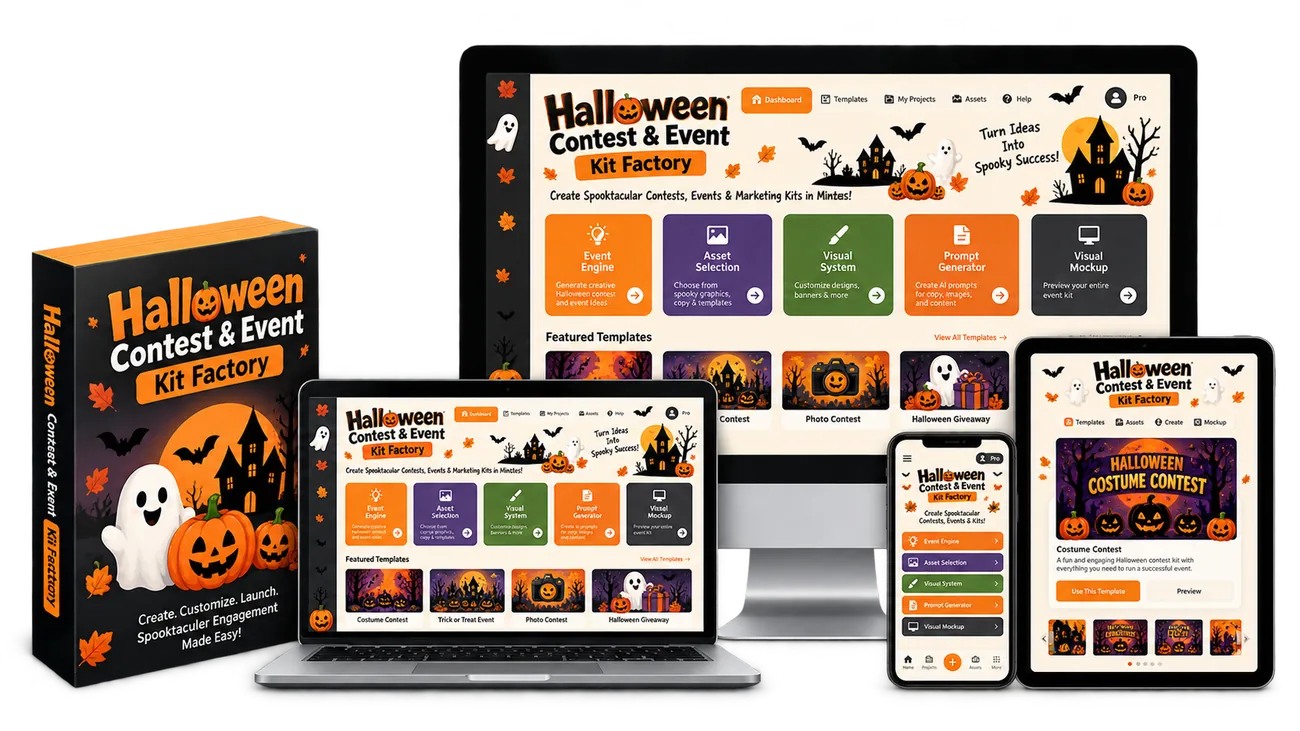
Every year, the Halloween calendar creates the same challenge for hosts, organizers, schools, clubs, cafes, offices, communities, families and digital-product buyers: the event date is fixed, the theme matters, and the printable pieces have to be ready before the celebration begins.
That is exactly what makes event kits so different from generic design products. A Halloween event organizer rarely needs one isolated sign. They may need a welcome sign, a contest entry form, voting slips, scorecards, category cards, winner certificates, food-table signs, a schedule, a flyer, an invitation and matching social graphics - all connected to the same visual story.
When those pieces look as if they came from ten different places, the event feels improvised. When they share the same palette, typography, illustrations, borders, wording and mood, the entire event suddenly feels planned, intentional and premium.
The opportunity is not simply to make another Halloween printable. The opportunity is to create coordinated systems of printables that solve a complete event problem.
Take a look at what is already happening in the Halloween printable market on Etsy.
These are not hypothetical products and they are not revenue projections. They are live third-party marketplace examples showing that buyers are actively purchasing, reviewing and saving Halloween party, game, invitation and contest-related digital products.
Etsy explicitly states on its review pages that the reviews shown are from verified buyers. That makes the visible review count a useful piece of demand evidence - even though Etsy does not publish the total number of units sold for each individual listing.
Take a close look at the item ratings and review counts. The examples below span Halloween games, party activities, invitations and a direct costume-contest voting product - the same broader event ecosystem that Halloween Contest & Event Kit Factory is designed to help you create for.
The numbers are especially useful because they are visible on the marketplace itself. We are not guessing that people might want Halloween printables. We can see verified-buyer activity on products serving real Halloween parties, classrooms, team events and costume contests.
Across just these four examples, the public listing pages show 211 item reviews and 1,084 favorites. Favorites are not purchases, and reviews are not a complete sales counter. But together they are clear public signals that shoppers are engaging with Halloween printable products across party games, event invitations and contest materials.
The strongest example in this small snapshot - a 12-game Halloween printable bundle - shows a 5.0 item average from 132 reviews. Etsy also displays a 100% buyer-recommendation figure for that listing. A separate Halloween bingo listing shows a 4.8 item average from 50 reviews. That is repeated buyer feedback around digital products created for Halloween activities and events.
The buyer comments reinforce the same point. One reviewer of the 12-game bundle wrote, “Great bundle. My team enjoyed the games.” Another Halloween party-game listing was described by a buyer as a “Big hit at school party.” Those are exactly the kinds of real-world use cases an event-kit creator should be paying attention to: teams, classrooms, families, parties and organized group activities.
And the activity is not limited to game sheets. An editable Halloween party invitation shows a 5.0 average from 25 item reviews and 247 favorites, while a dedicated Halloween costume-contest sign and voting-card listing shows a 5.0 average from 4 item reviews. In other words, buyers are interacting with multiple pieces of the same event ecosystem - invitations, entertainment, participation and voting.
The marketplace does not need to show us a giant single listing with thousands of reviews for the opportunity to be interesting. What matters is the pattern. Different Halloween products, from different sellers, serving different event needs are attracting verified-buyer reviews and favorites.
That tells us something useful: Halloween buyers are not looking for just one type of printable. Some want a quick game for a classroom. Some want a complete bundle for a party. Some need an invitation. Some need a costume-contest ballot. Others need scorecards, signs, certificates, judging sheets, food-table labels or winner announcements.
That is precisely where a product like Halloween Contest & Event Kit Factory becomes strategically different from a single-template offer. Instead of helping you make one isolated printable, it is built around the idea of creating coordinated collections for the whole event experience.
They tell us that people are willing to pay for digital Halloween event materials when those materials make a celebration easier to organize, easier to run, more attractive or simply more fun.
They also show that buyers respond to different product formats. A focused activity can sell. A larger bundle can sell. An editable event invitation can sell. A narrow contest-specific voting product can sell. That variety is important because it means there is room to approach the same seasonal occasion from many different product angles.
But there is one claim we should NOT make: we should not pretend that one review automatically equals 50, 100 or any other fixed number of sales. Etsy does not publicly disclose unit sales for an individual listing, so there is no reliable public multiplier that turns 132 reviews into an exact sales number.
That does not weaken the proof. It makes the proof more credible. We can stick to what is visible: verified-buyer reviews, strong average ratings, favorites, real buyer comments and multiple sellers actively offering products in the category.
Most marketplace listings solve one narrow need: one game, one invitation, one ballot, one scorecard or one certificate.
Halloween Contest & Event Kit Factory is designed around the bigger opportunity - helping you create coordinated collections where the welcome sign, invitation, contest rules, entry form, scorecard, ballot, winner certificate, food signs and promotional pieces all belong to the same event and the same visual identity.
So instead of asking, “Can I create one Halloween printable?” you can start asking a much more valuable product question: “How many complete Halloween event experiences can I build from a repeatable system?”
That is the shift from creating random seasonal pages to creating themed event products.
At first, the process looks easy. Choose a Halloween event. Make a few signs. Add a score sheet. Create a certificate. Package everything together. Done.
But once you actually try to build a complete kit, the hidden workload appears. Every page needs copy. Every page needs hierarchy. Every page needs consistent styling. Every page needs the correct purpose and information. If you are using AI, every output needs a prompt that is specific enough to preserve the same design language.
That is why a project that should feel like a repeatable product system often turns into dozens of tiny creative decisions.
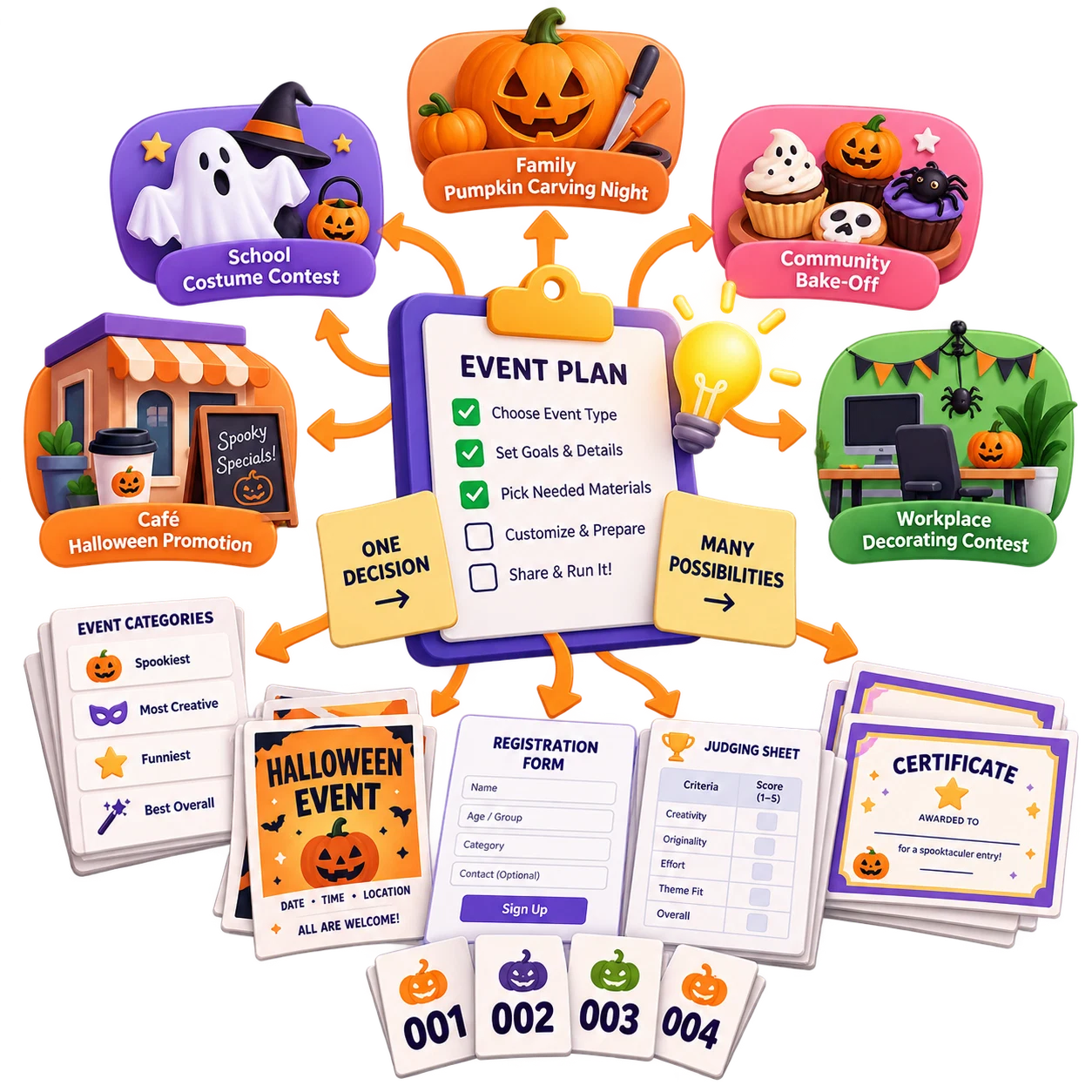
You begin by deciding the event format, audience, location and use case. Is it a school costume contest? A cafe Halloween promotion? A family pumpkin carving night? A community bake-off? A workplace decorating contest? Each of those scenarios needs a different asset mix, a different tone and a different level of formality.
Then you create a list of printables. This can be surprisingly difficult because event assets are connected. If you add judging, you probably need criteria. If you add winners, you may need certificates. If you add registration, you may need entry forms and participant numbers. One decision creates three more.
Next comes the visual system. You need colors, typography, decorative motifs, borders, icons, illustration style, layout rhythm and a title treatment that can be repeated across multiple sizes and functions.
It is not enough for each page to look good by itself. The entire kit has to look coordinated when shown together in a product mockup or spread across a real event table.
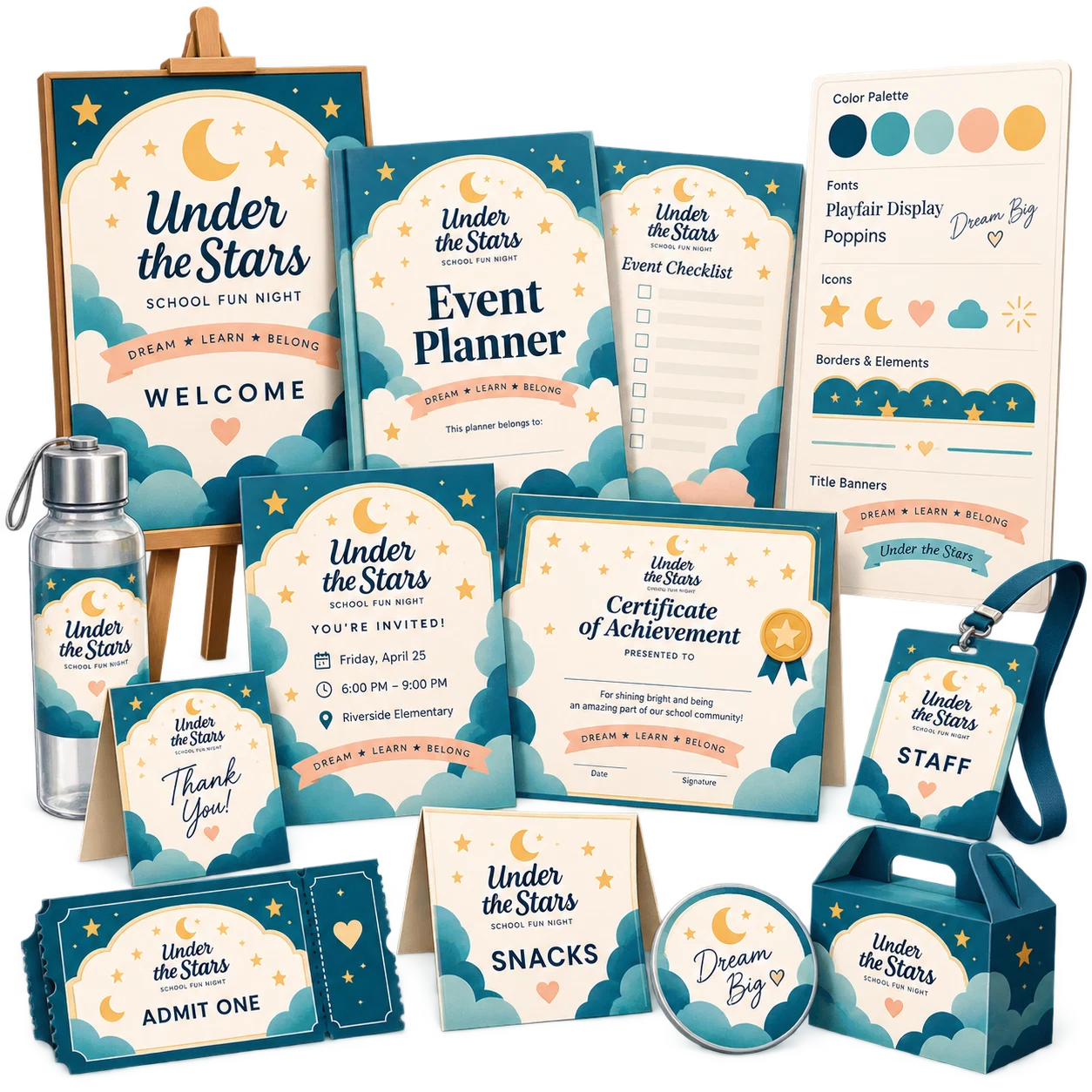
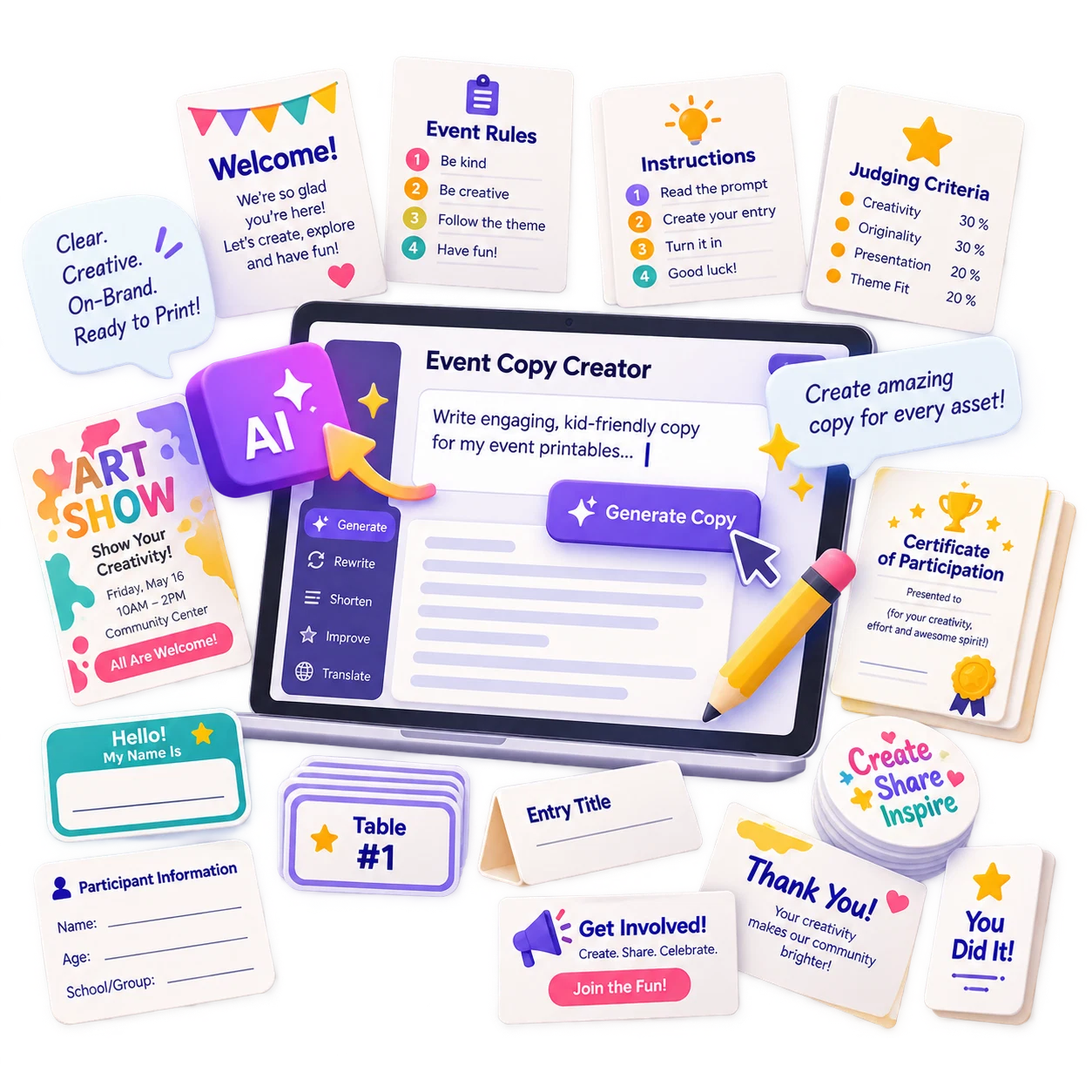
Now you need the words. Rules. Instructions. Category labels. Judging criteria. Welcome messaging. Certificate text. Flyer copy. Short descriptions. Calls to action. Participant fields. Each asset requires copy that is clear, concise and appropriate for the audience.
Weak copy makes even a beautiful design feel unfinished. Overly long copy makes the page hard to use. The wording must match the function.
The first page may be exciting. The tenth page is where consistency starts to break. The twentieth page is where creators begin reusing whatever is fastest. The result can be a kit that technically contains many files but does not feel like a professionally art-directed product.
And if you want to create another Halloween event kit with a different theme, audience or contest type, the entire process starts again.
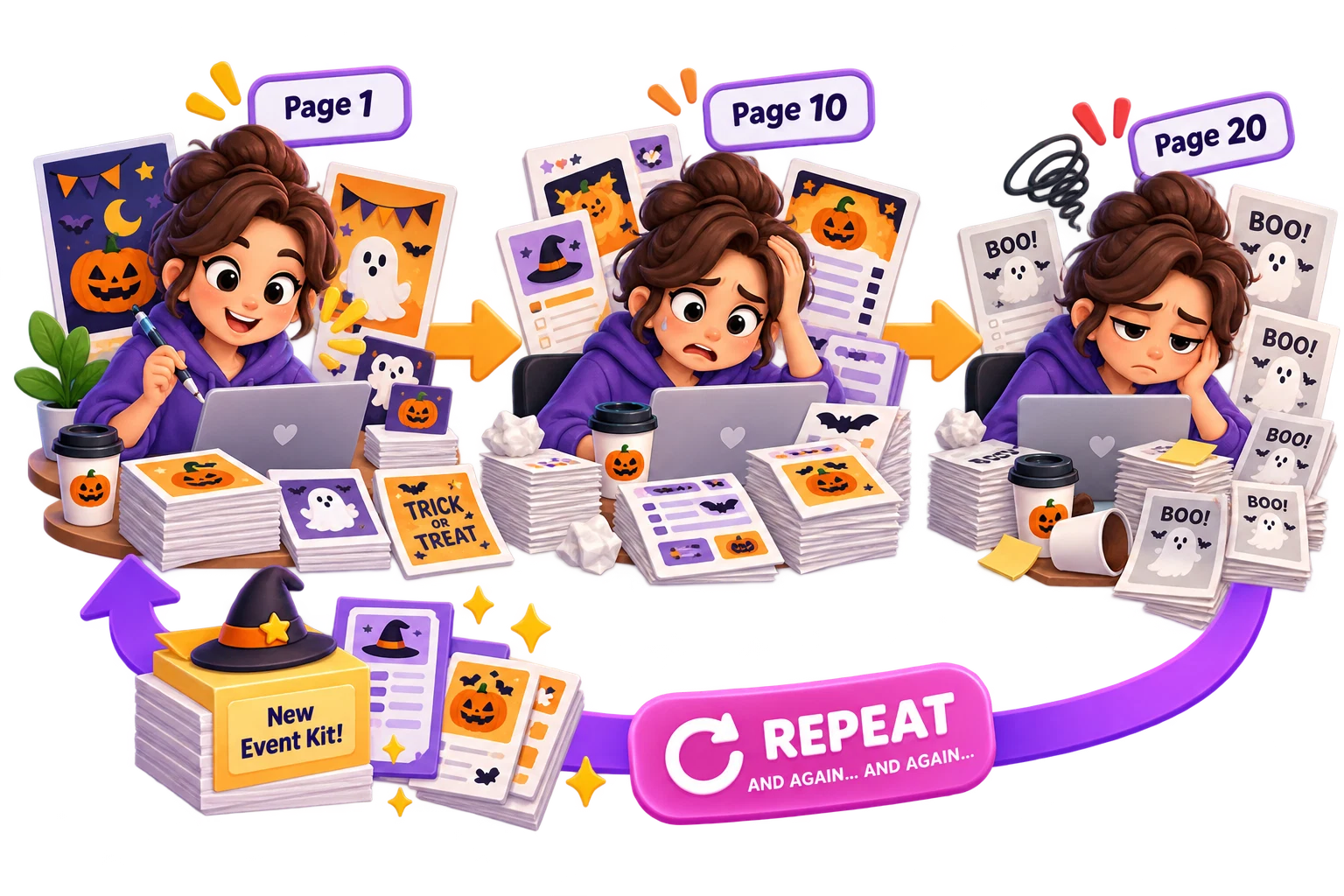
Creating one Halloween printable is not the same as building a repeatable workflow for coordinated kits. Once you try to create multiple event products consistently, the hidden friction becomes much easier to see.
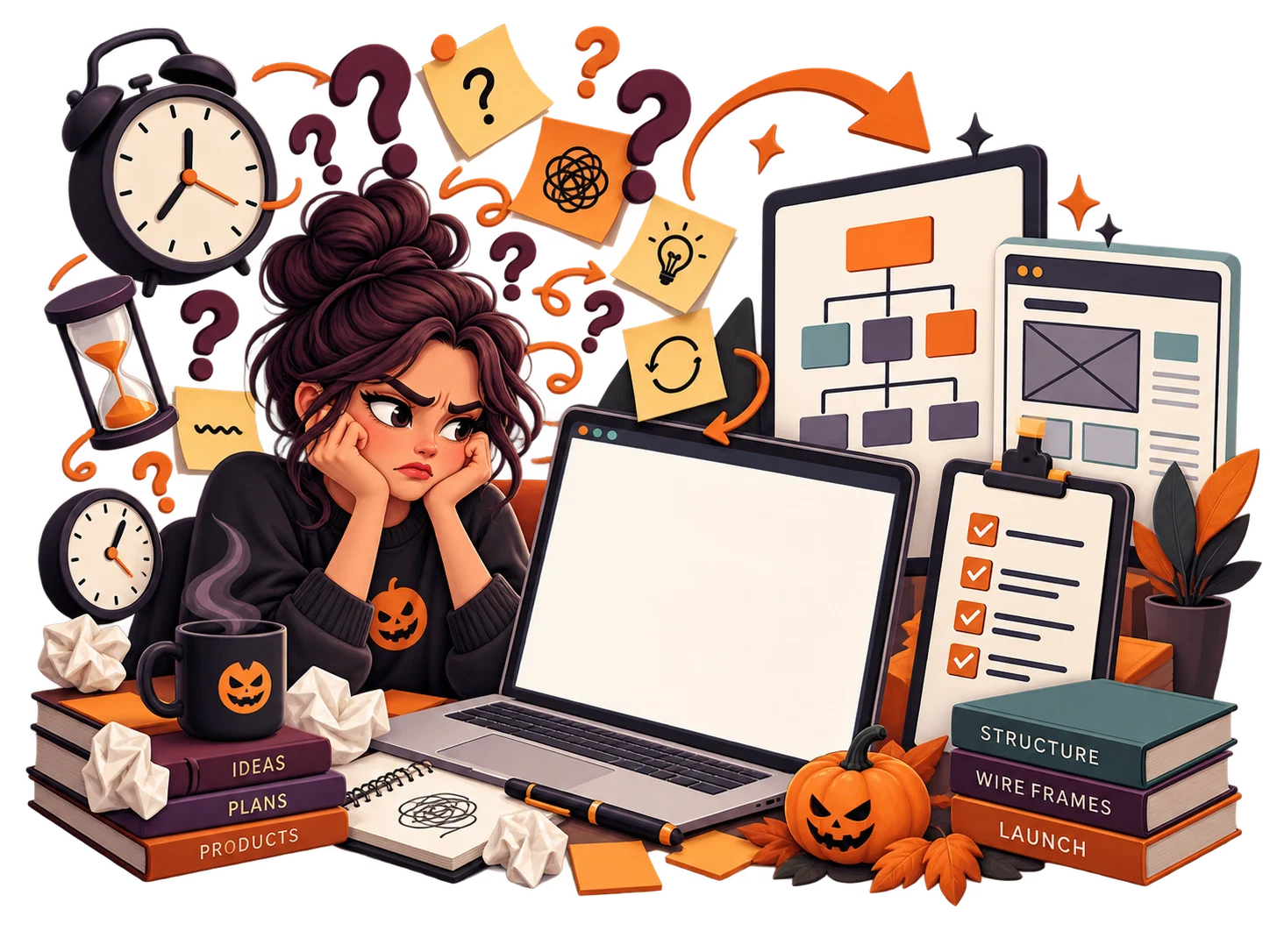
When every project begins with “What should I make?” you spend valuable time making the same planning decisions repeatedly. Even experienced designers can lose momentum when the product scope is not defined before production begins.
You need a system that starts with product architecture - not decoration.
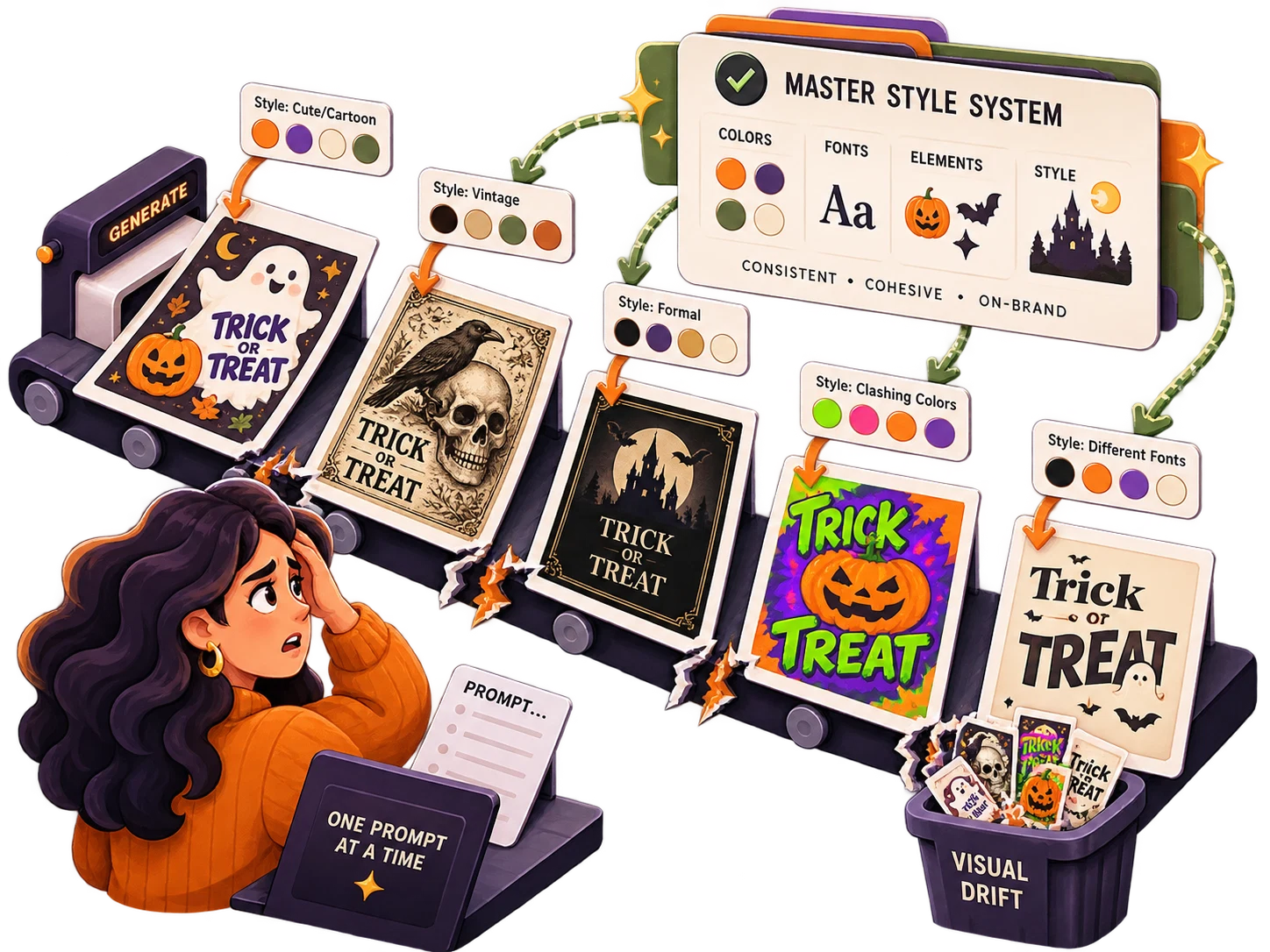
AI can accelerate creation, but random prompting can also create random results. One page becomes cute and cartoon-like. The next becomes vintage. The next suddenly uses different typography. The next introduces colors you never asked for.
Without a master visual system and repeatable asset instructions, a “kit” can quickly become a folder of unrelated images.
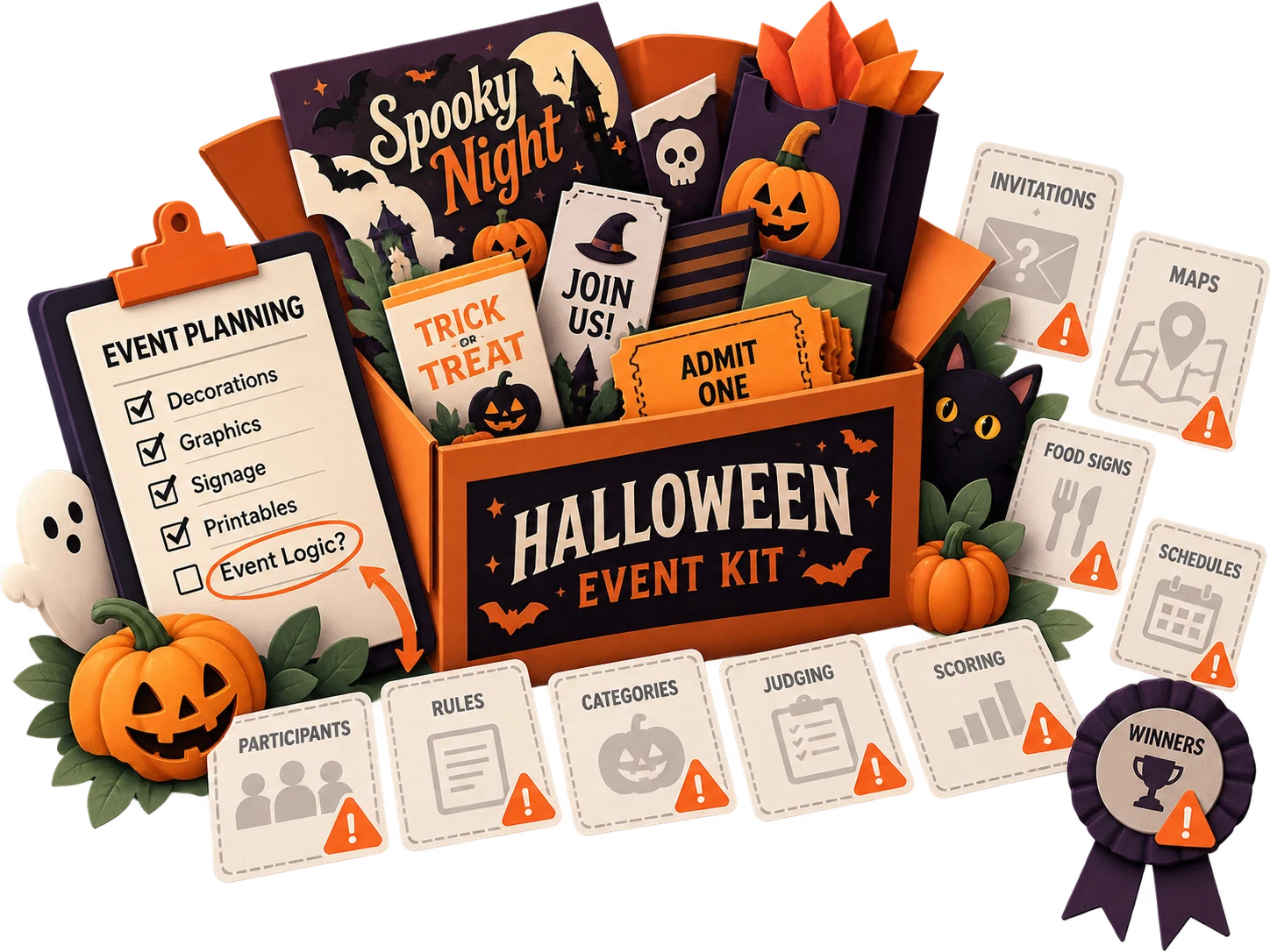
A contest is more than a theme. It has participants, rules, categories, judging, scoring and winners. A party may need invitations, directions, food signs and schedules. A festival may require maps, activity signs and vendor information.
If you forget the functional pieces, the product may look attractive but still feel incomplete to the person actually using it.
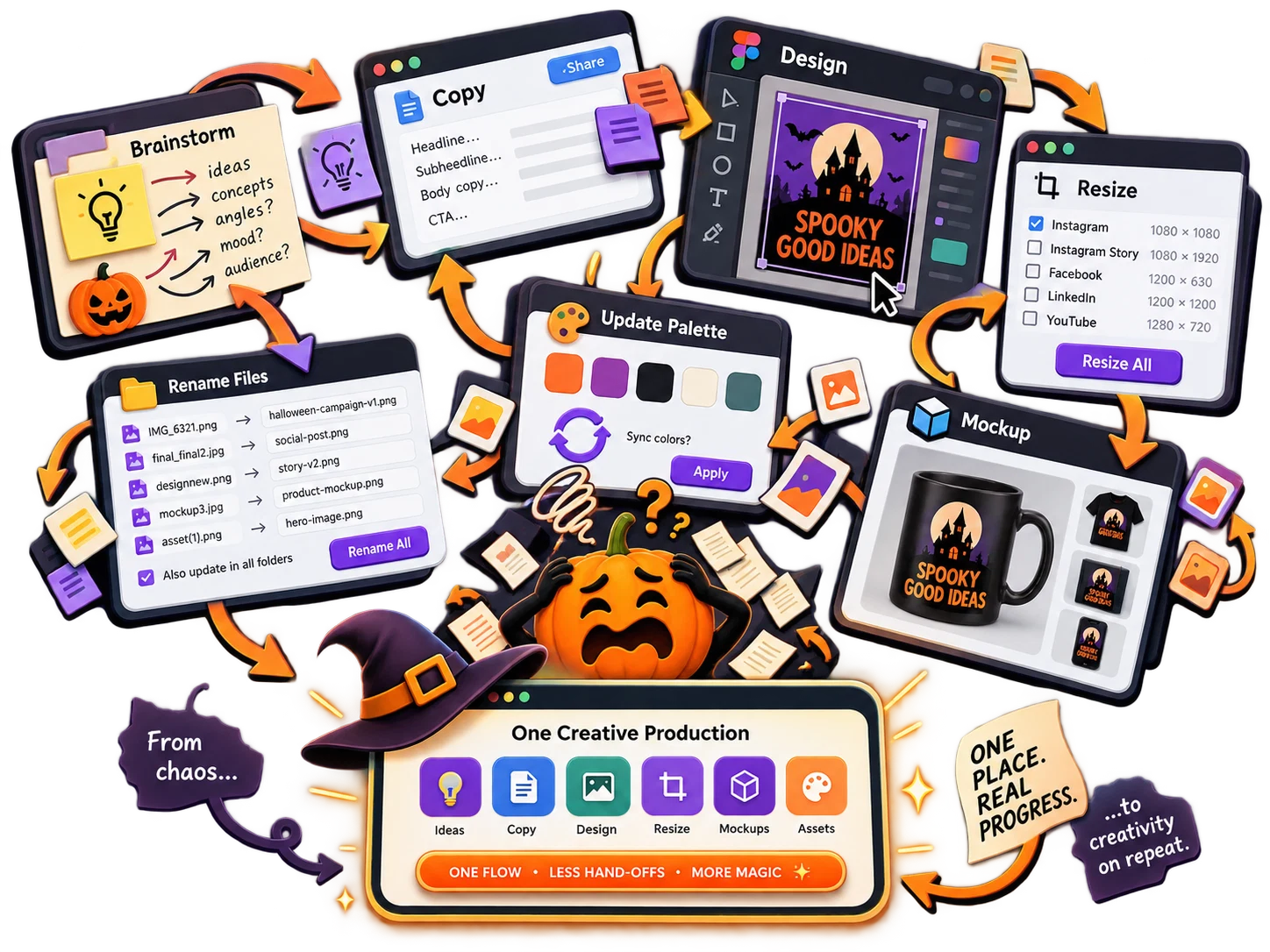
Brainstorm in one place. Write copy in another. Design in another. Resize elsewhere. Build mockups somewhere else. Rename files. Reopen the design because the palette changed. Repeat.
The problem is not that these tools are bad. The problem is that there is no production framework connecting them.
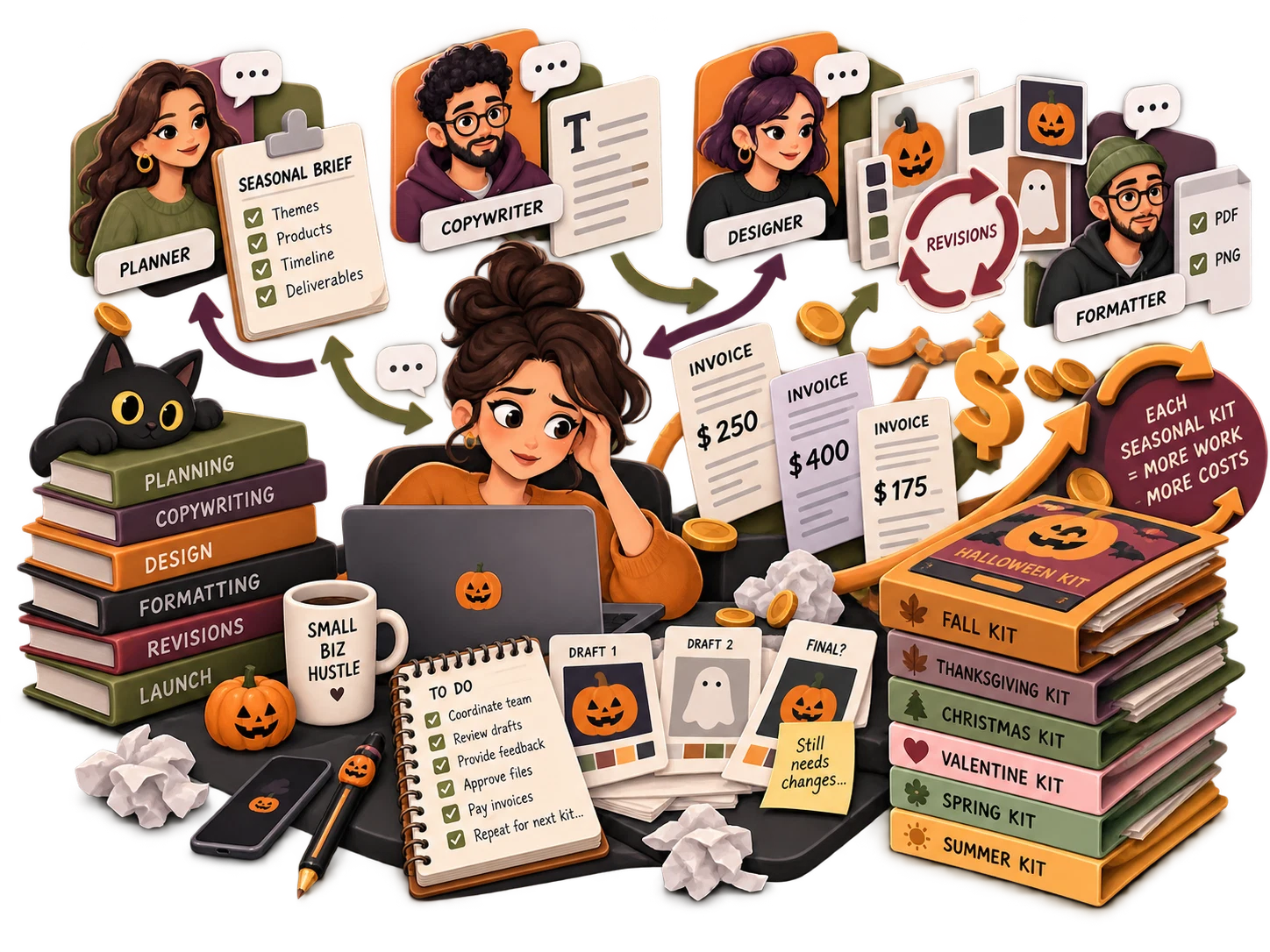
You can outsource planning, copywriting, design and formatting. But a multi-asset kit means more briefs, more revisions and more opportunities for inconsistency. Even when a freelancer does excellent work, you still need to communicate the visual system and the event logic clearly.
For a small digital-product business, doing that for multiple seasonal kits can turn a simple product idea into a costly production pipeline.
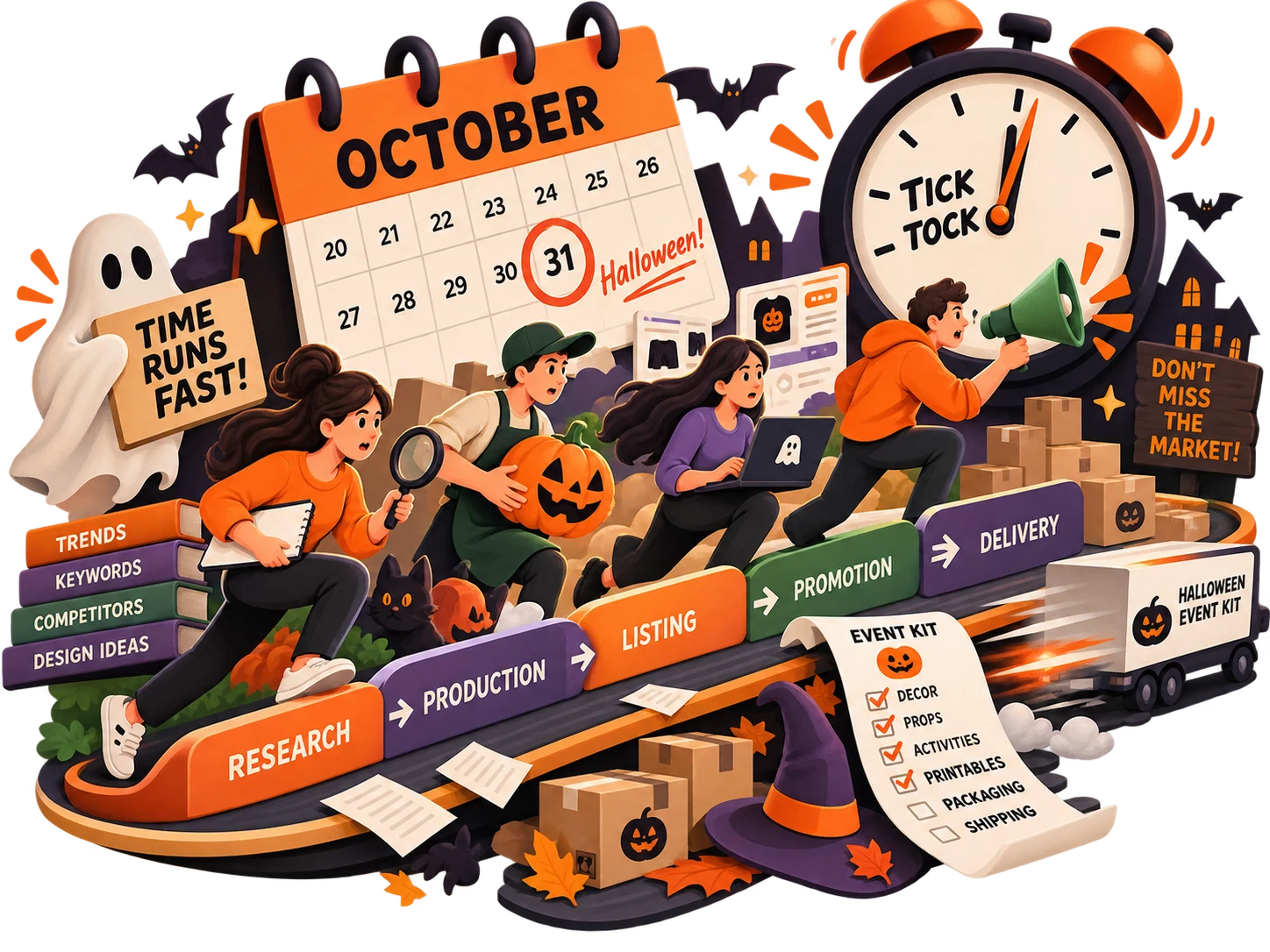
Halloween is seasonal. Buyers and event planners are working toward a date. That creates a compressed window for research, production, listing, promotion and delivery.
A slow workflow does not just cost time. It can cost the opportunity to have the product ready while people are actively preparing their events.
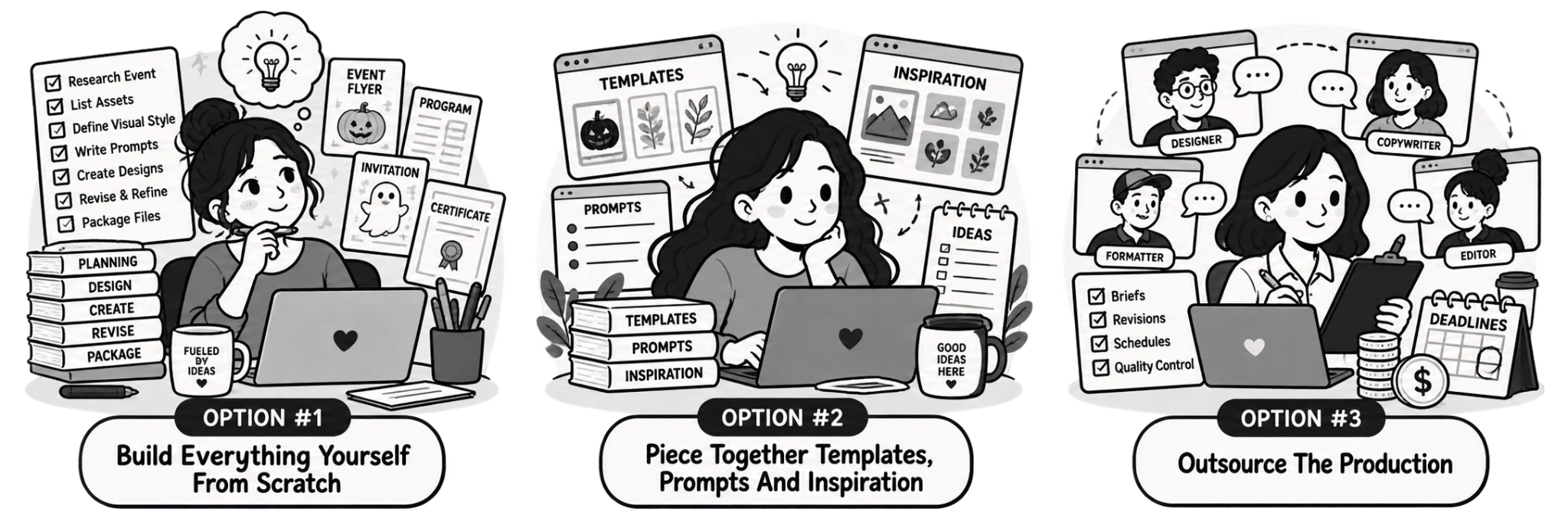
Instead of starting with a blank page, what if you could begin with the structure of a real event product?
Instead of asking AI to “make a Halloween sign,” what if every prompt inherited the same audience, event context, palette, typography direction, decorative language and visual style?
Instead of forgetting important pieces, what if you could choose from a deliberate asset menu and build the product around what the organizer actually needs?
Instead of treating mockups as an afterthought, what if the system also helped you define how the finished product should be presented?
That is the idea behind Halloween Contest & Event Kit Factory.
A focused production system for creating coordinated Halloween contest and event printable collections.
Halloween Contest & Event Kit Factory is a guided product-planning and prompt-generation system designed specifically around Halloween contests, parties, competitions, festivals and themed events.
Instead of giving you a blank prompt box and asking you to figure out the rest, it walks you through the decisions that shape the finished kit: the event category, event engine, audience, use context, asset selection, visual style, color system, typography direction, decorative language and mockup requirements.
The result is a structured production brief and a set of coordinated prompts you can use to create the assets for your chosen kit. That means you spend less time reinventing the workflow and more time producing a finished collection.
This is not just a folder of Halloween clipart. It is not just a list of generic prompts. And it is not another bundle where every page has already been decided for you.
It is a system for turning your own event idea into a deliberate, repeatable product plan.
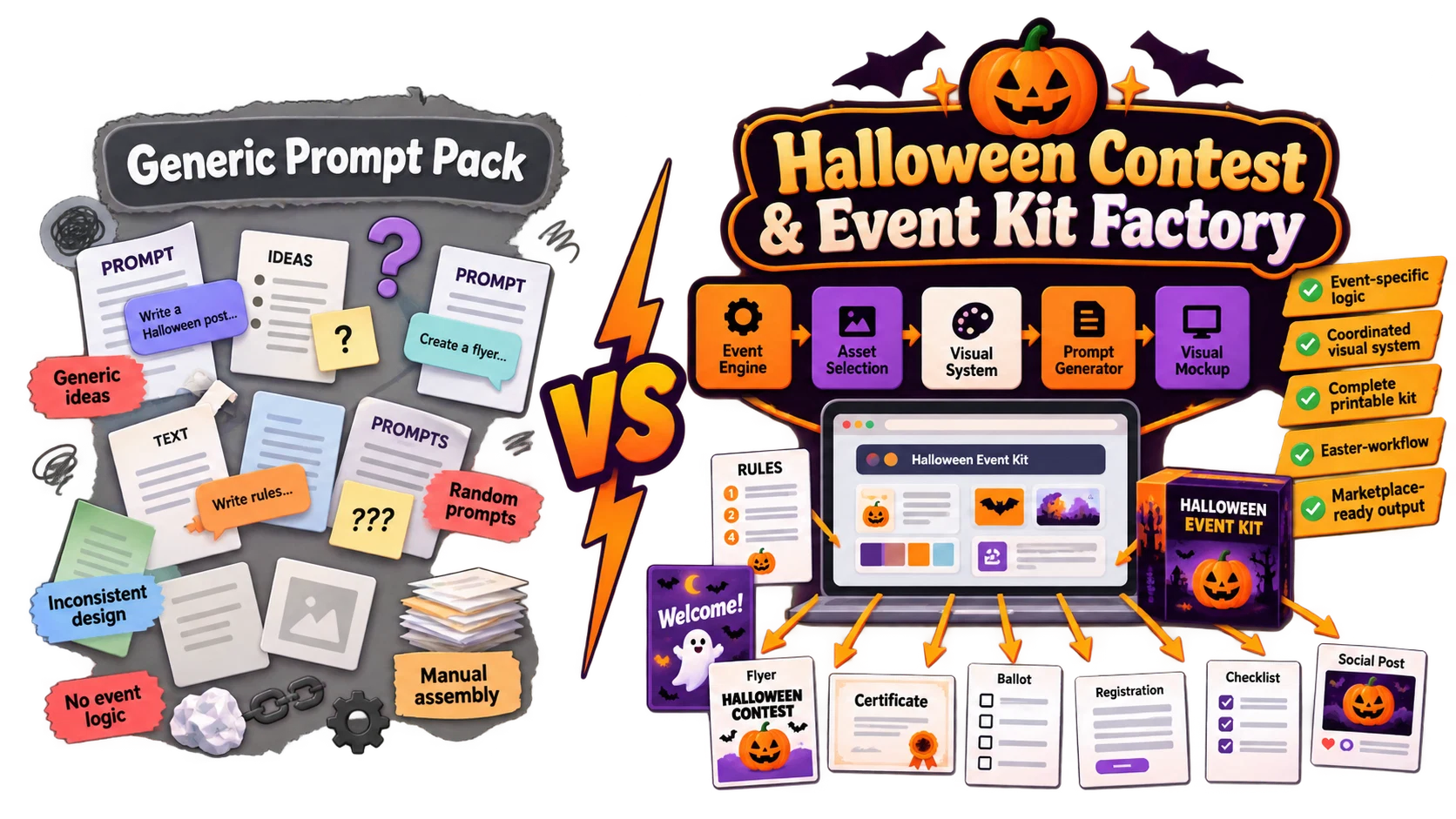
A generic prompt pack gives you sentences. A product system gives you decisions.
The difference matters. If the input is “cute Halloween flyer,” the output may be attractive but isolated. If the input includes the exact event, audience, venue, purpose, palette, typography, decorative language, functional content and relationship to the rest of the kit, the output has a much better chance of fitting into a coordinated collection.
Halloween Contest & Event Kit Factory is built around the idea that consistency starts before design. It starts with a structured brief.
Each stage answers one production question, so the user does not have to solve the whole product at once.
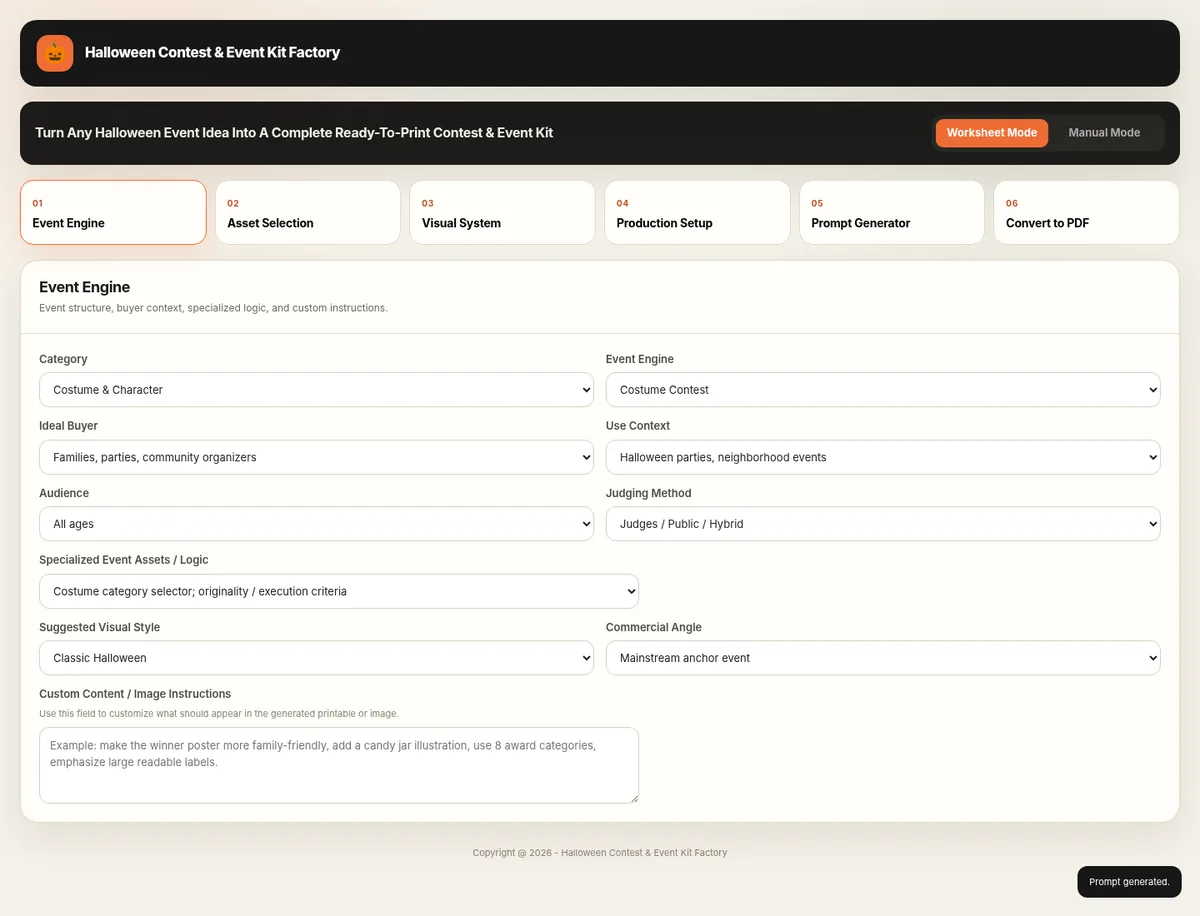
Choose category, event type, buyer context, audience, judging method, special event logic, recommended style, and commercial angle. The screen keeps the planning layer visible before you start generating artwork.
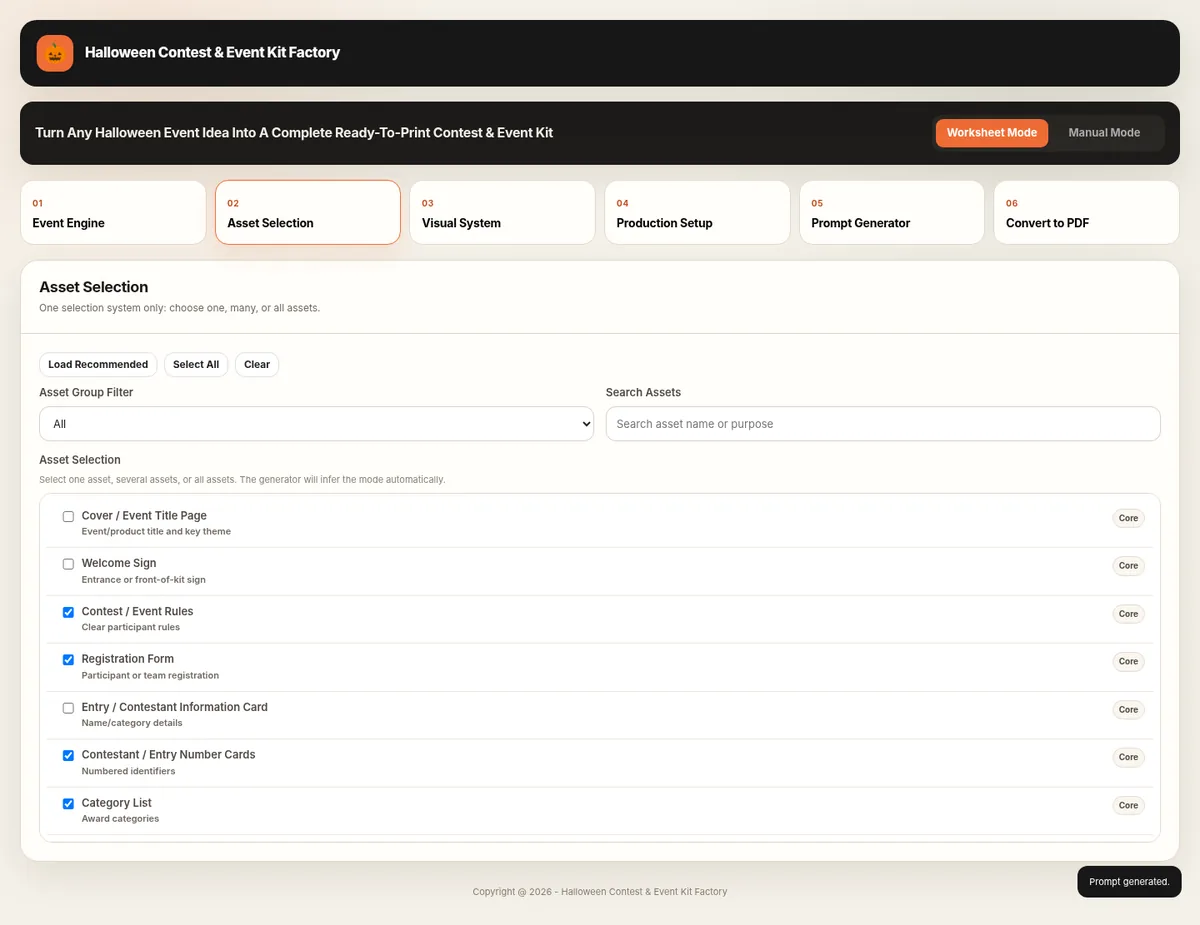
Load recommended printables, select only the pages you need, or build a complete kit from the asset library. This is where the event idea becomes a practical page-by-page product plan.
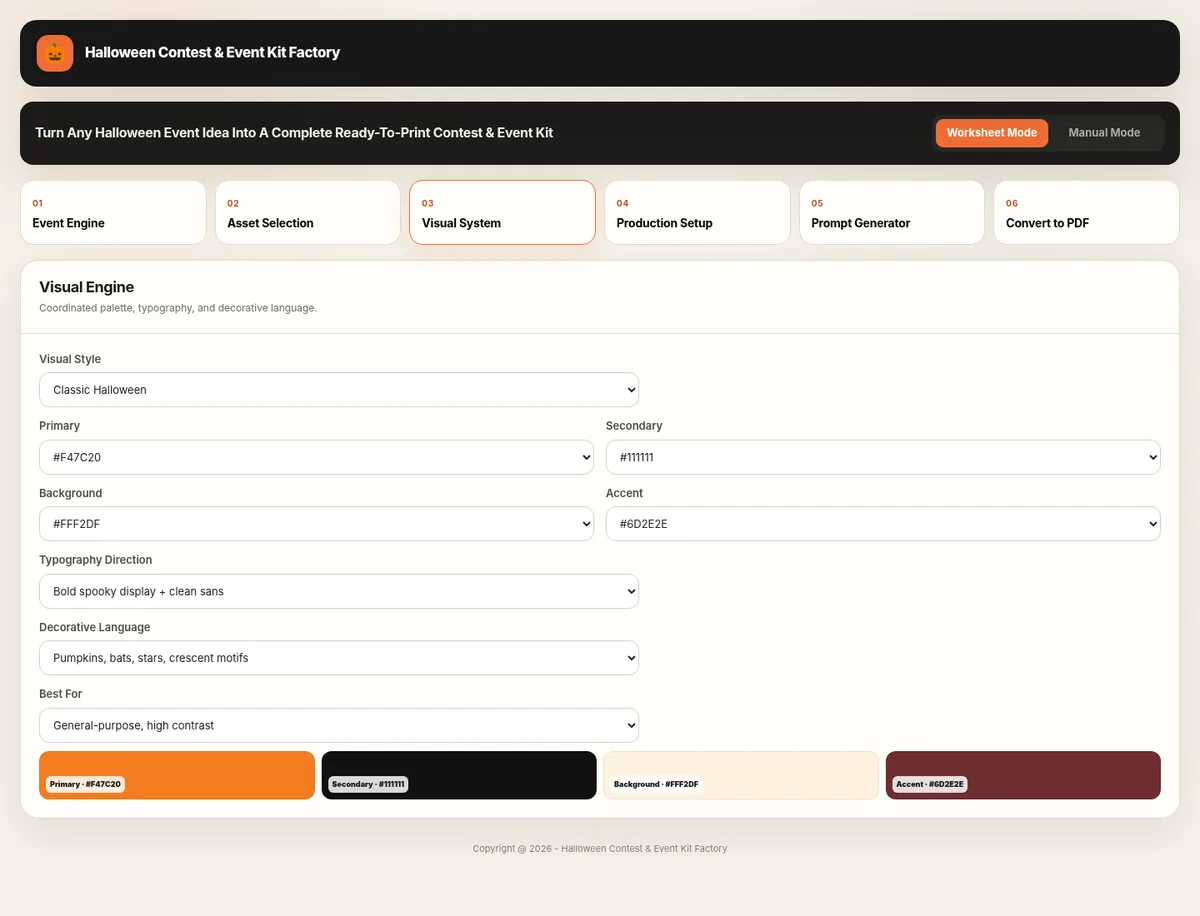
Choose a coordinated visual style and control the primary, secondary, background, and accent colors together with typography and decorative language so the kit reads as one product.
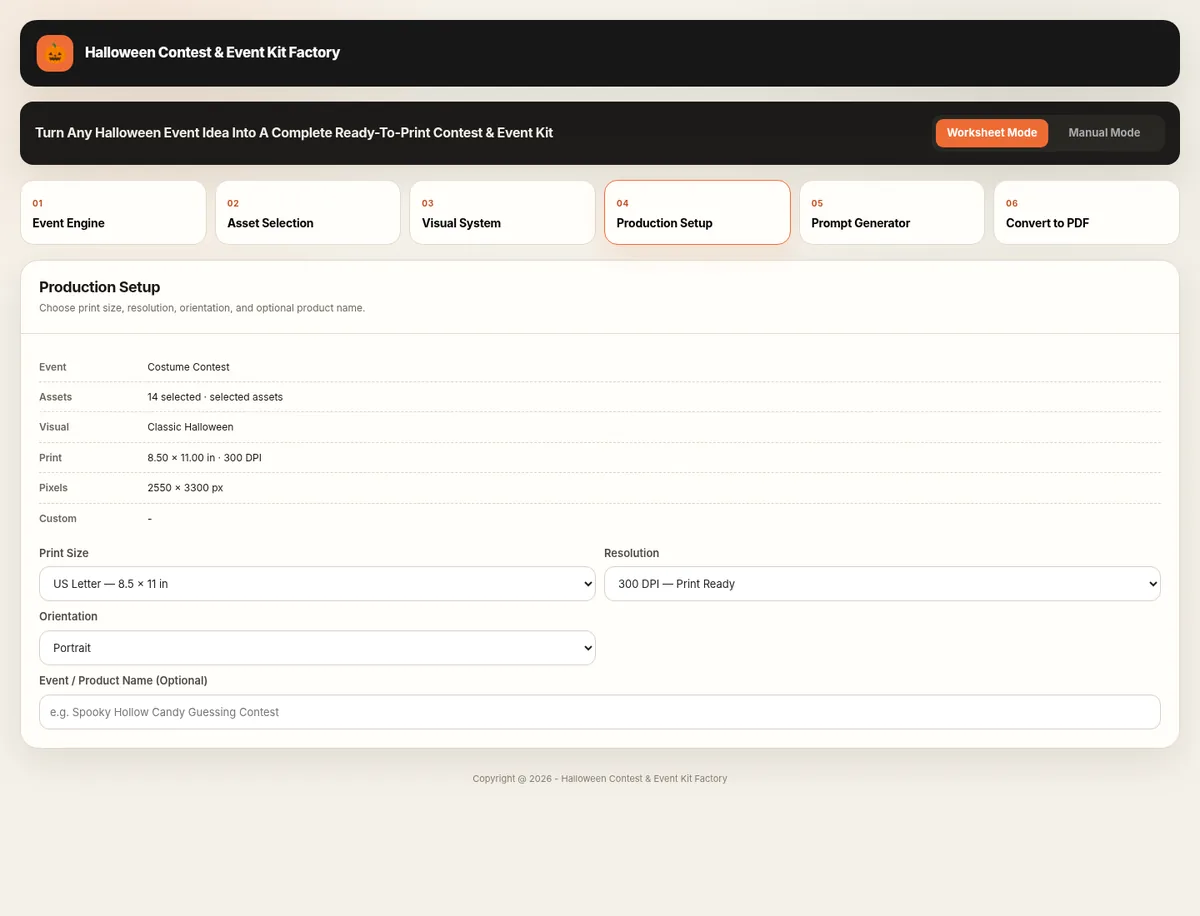
Set the final print size, resolution, orientation, and optional product name before generation. The software summarizes the production choices so the prompt is built around real printable dimensions.
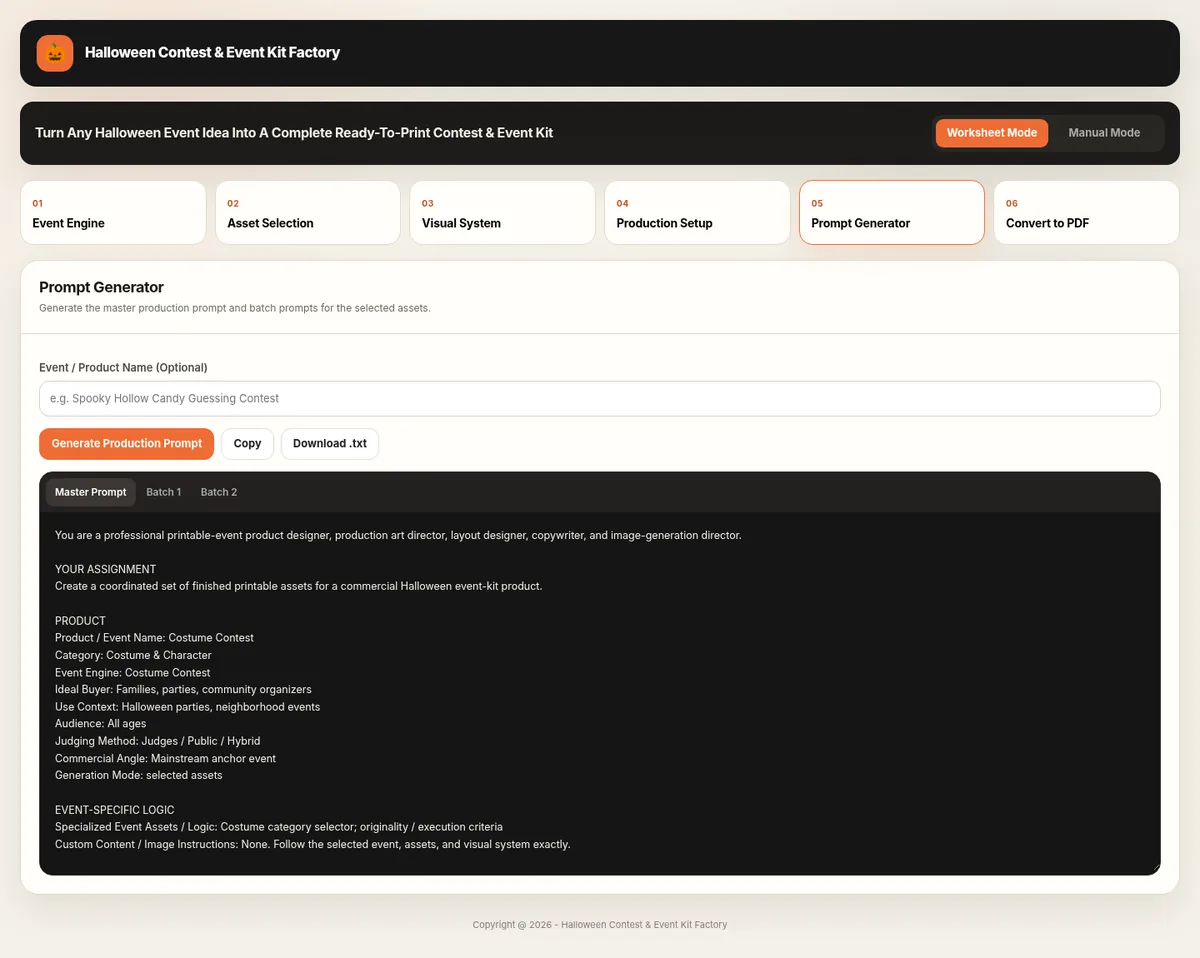
Generate a master production prompt plus manageable batches for selected assets. The finished prompt can then be copied and pasted directly into ChatGPT or other compatible AI models, so the user can use it immediately without rewriting the instructions.
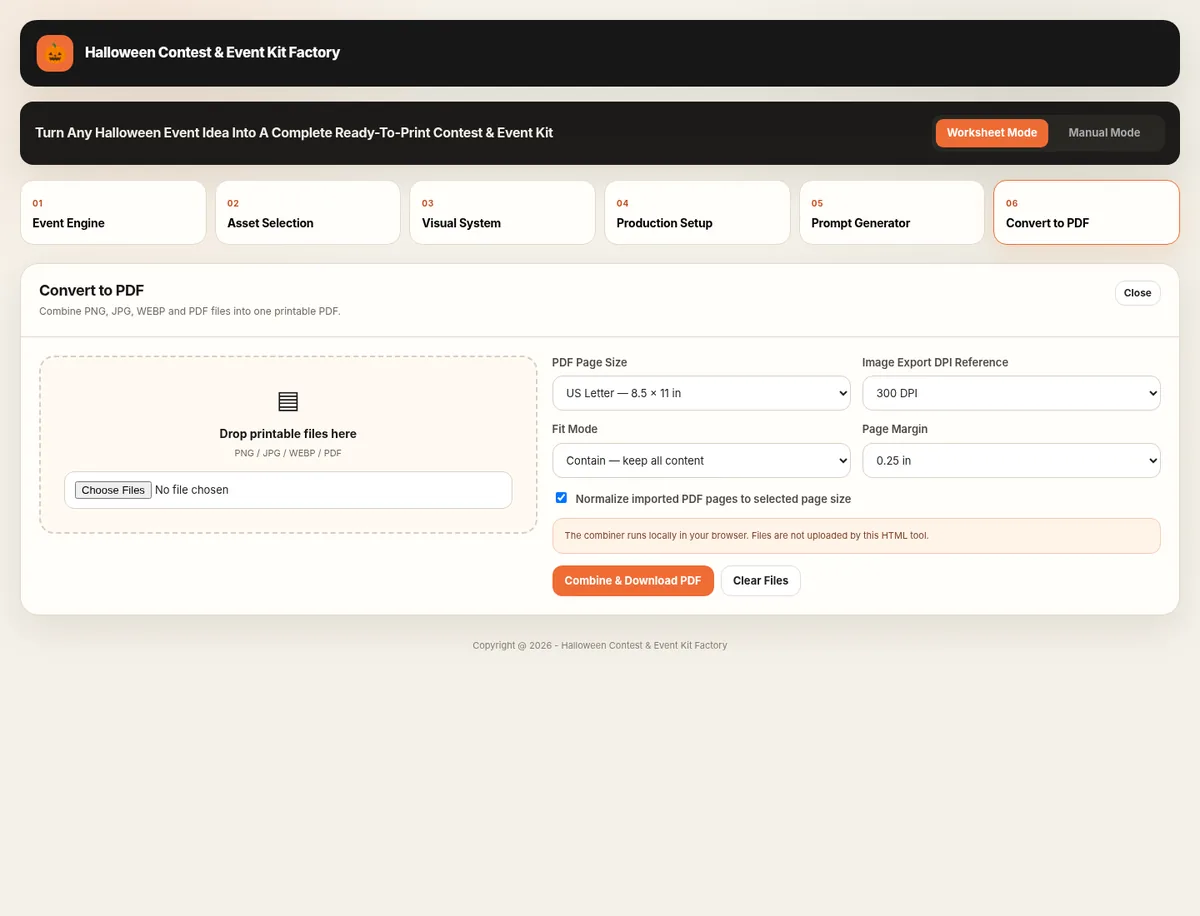
Bring the finished PNG, JPG, WEBP, or PDF pages back into the workflow, arrange them, choose page settings, and combine them into one cleaner printable PDF package.
Best when you want the factory to keep selections linked to the included Halloween product data.
Best when you want to enter your own event, custom asset list, visual direction, and specialized instructions.
Generated examples from the Halloween Fall Festival set are shown below so buyers can see the style, coordination, and printable output.
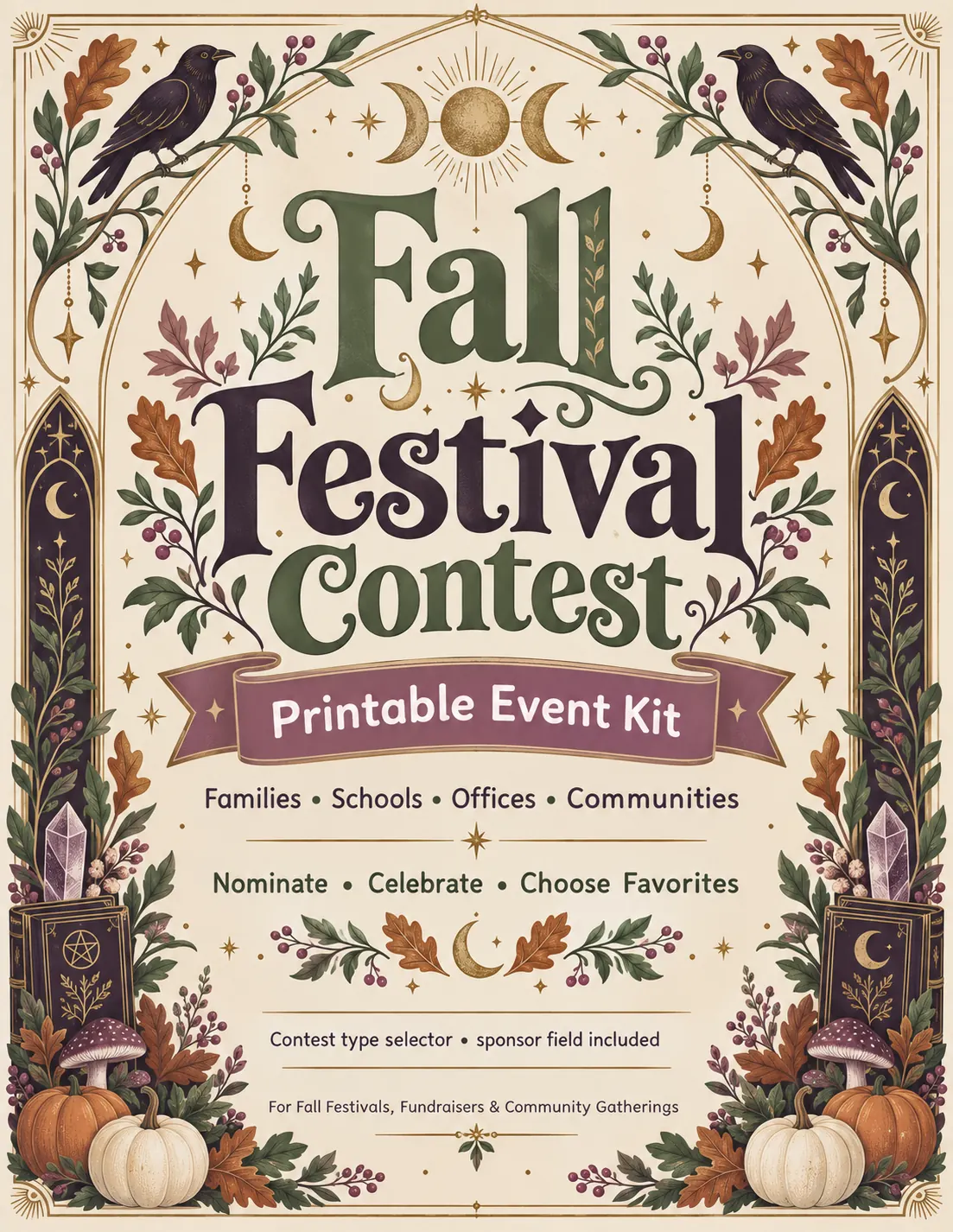
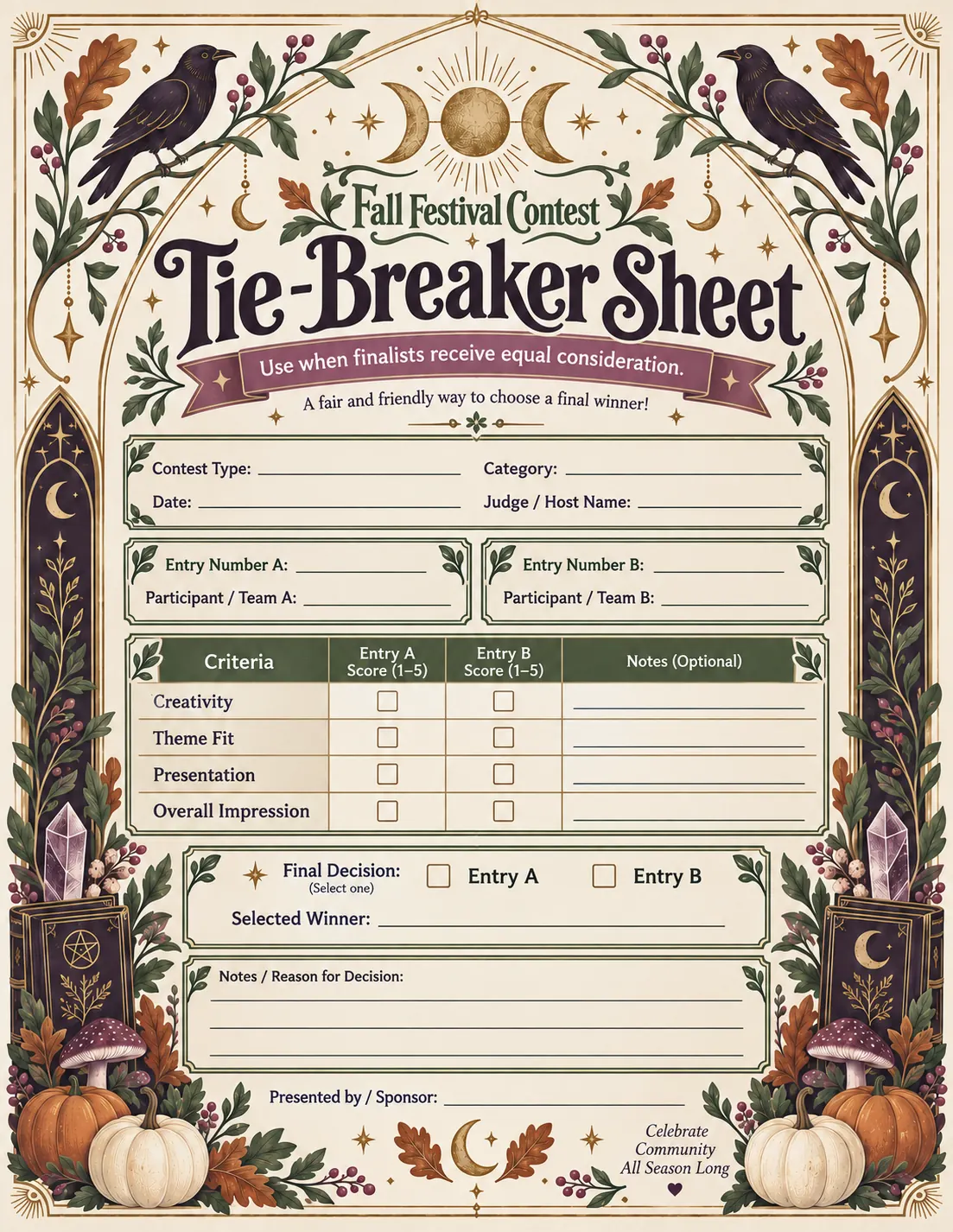
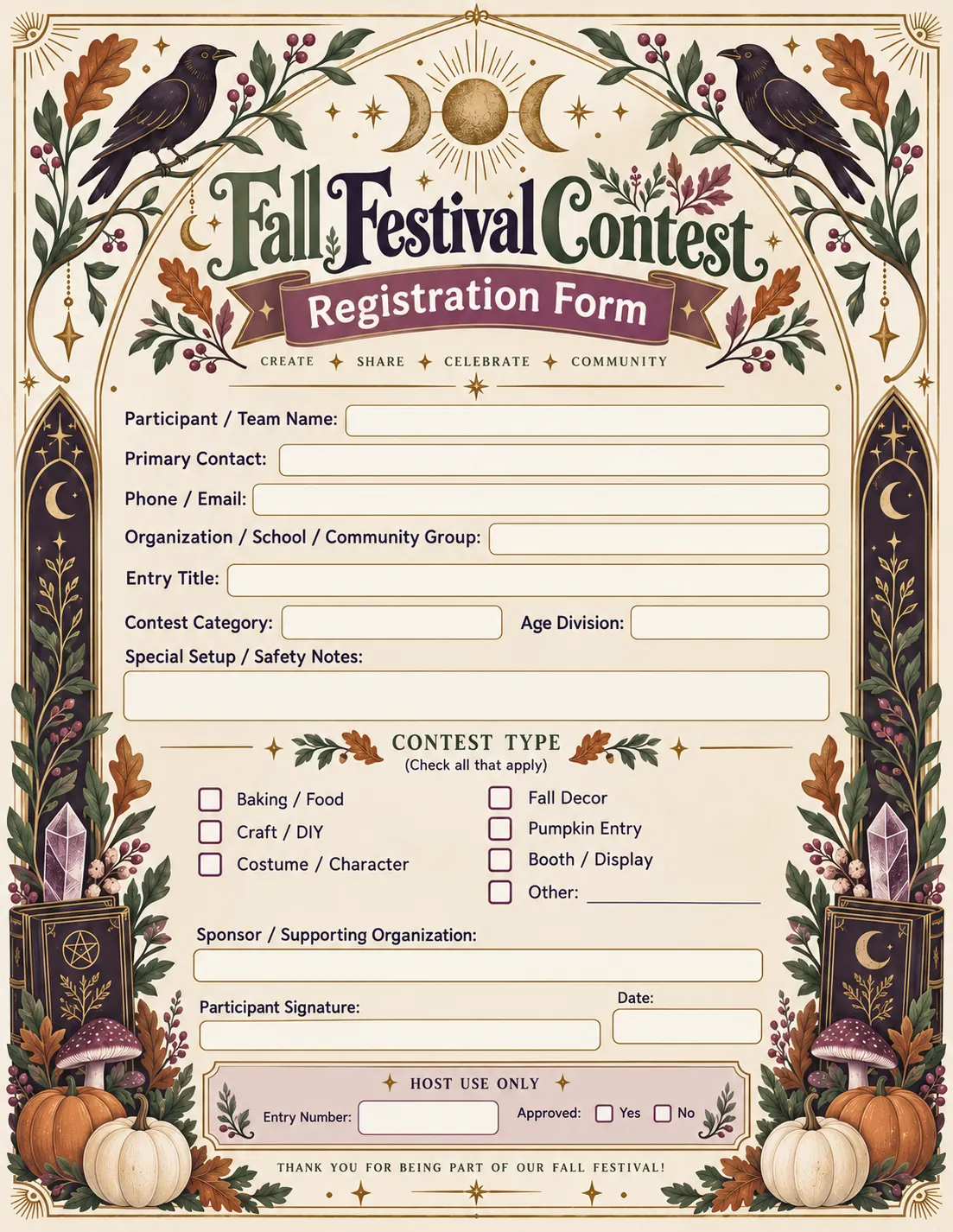
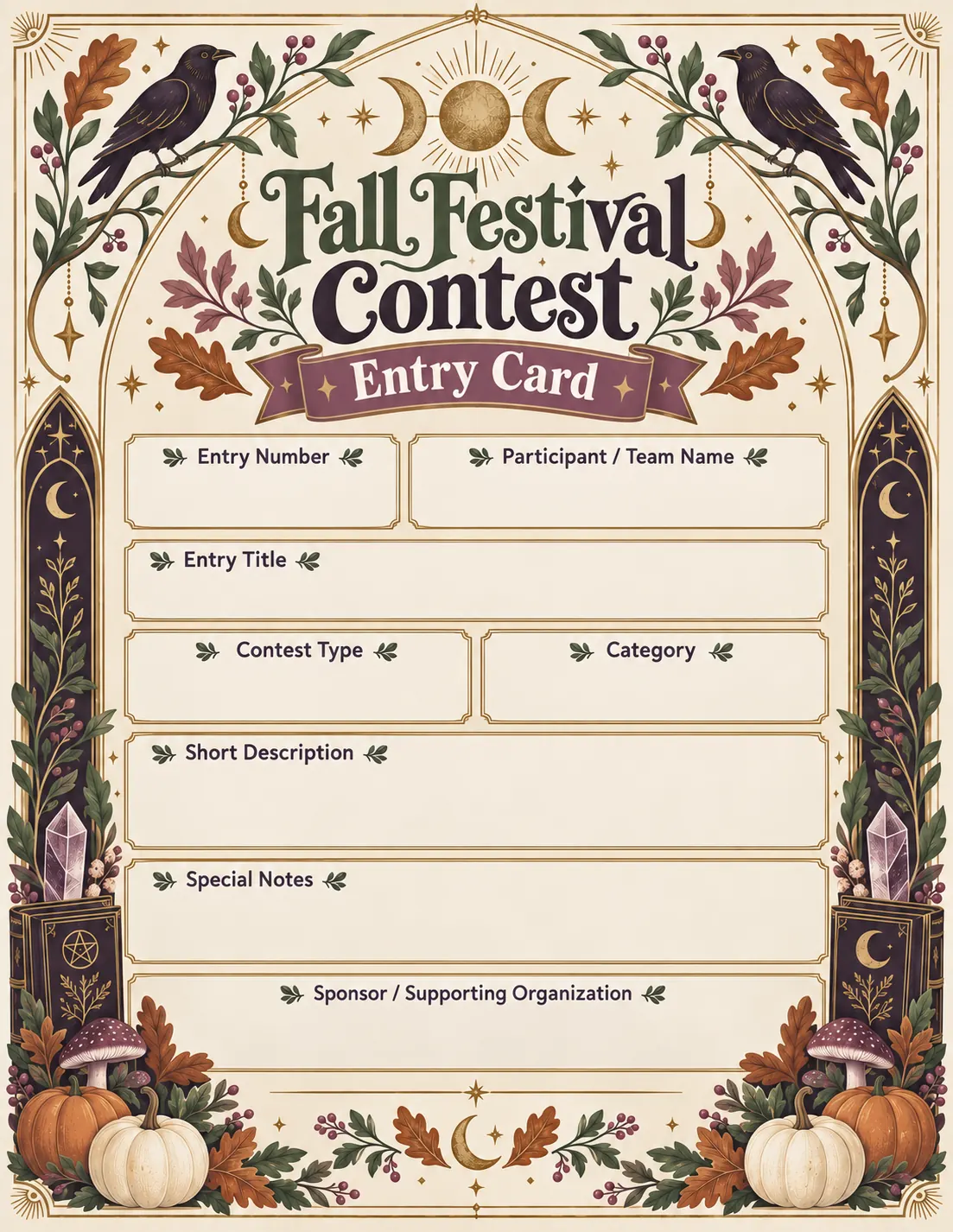
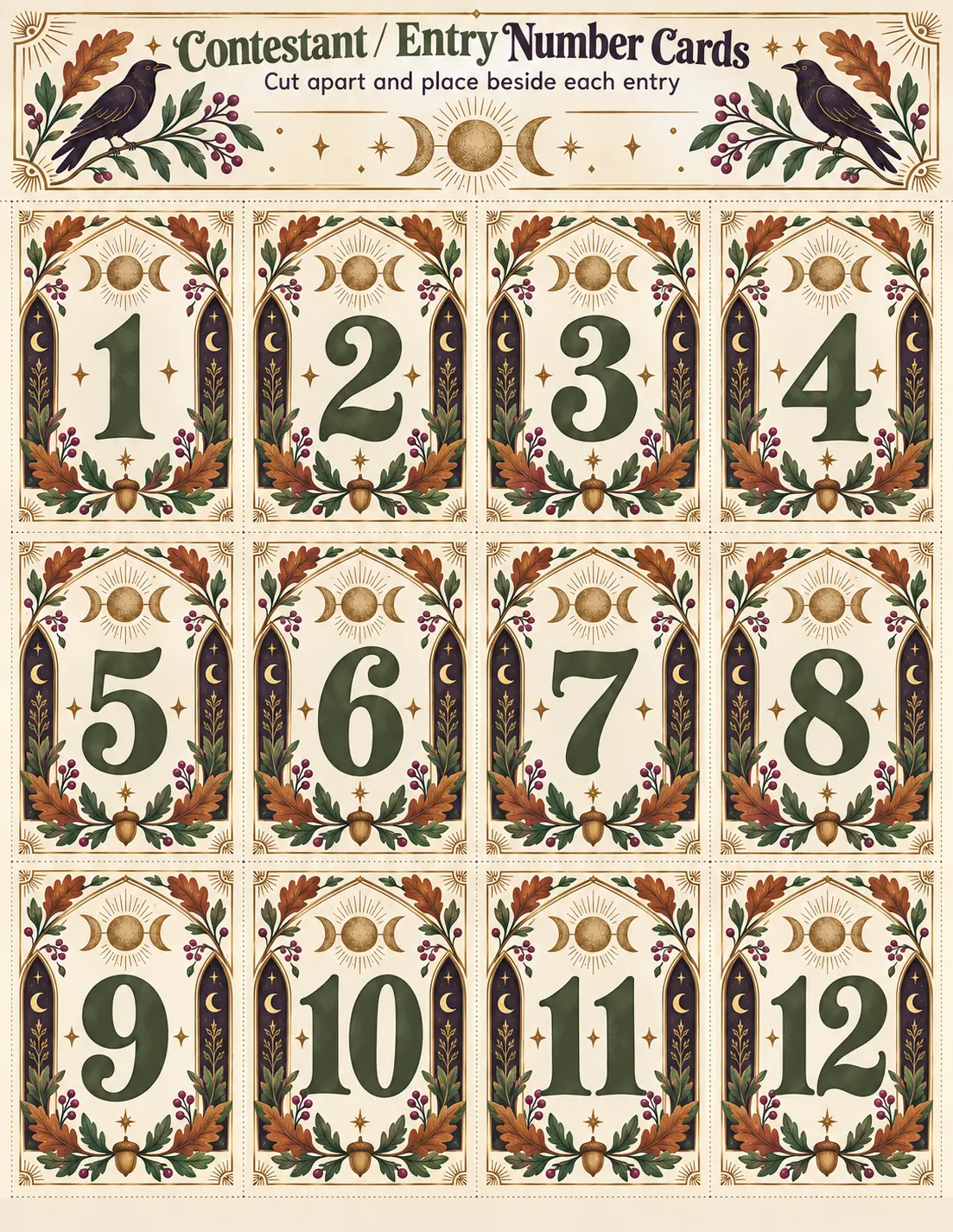
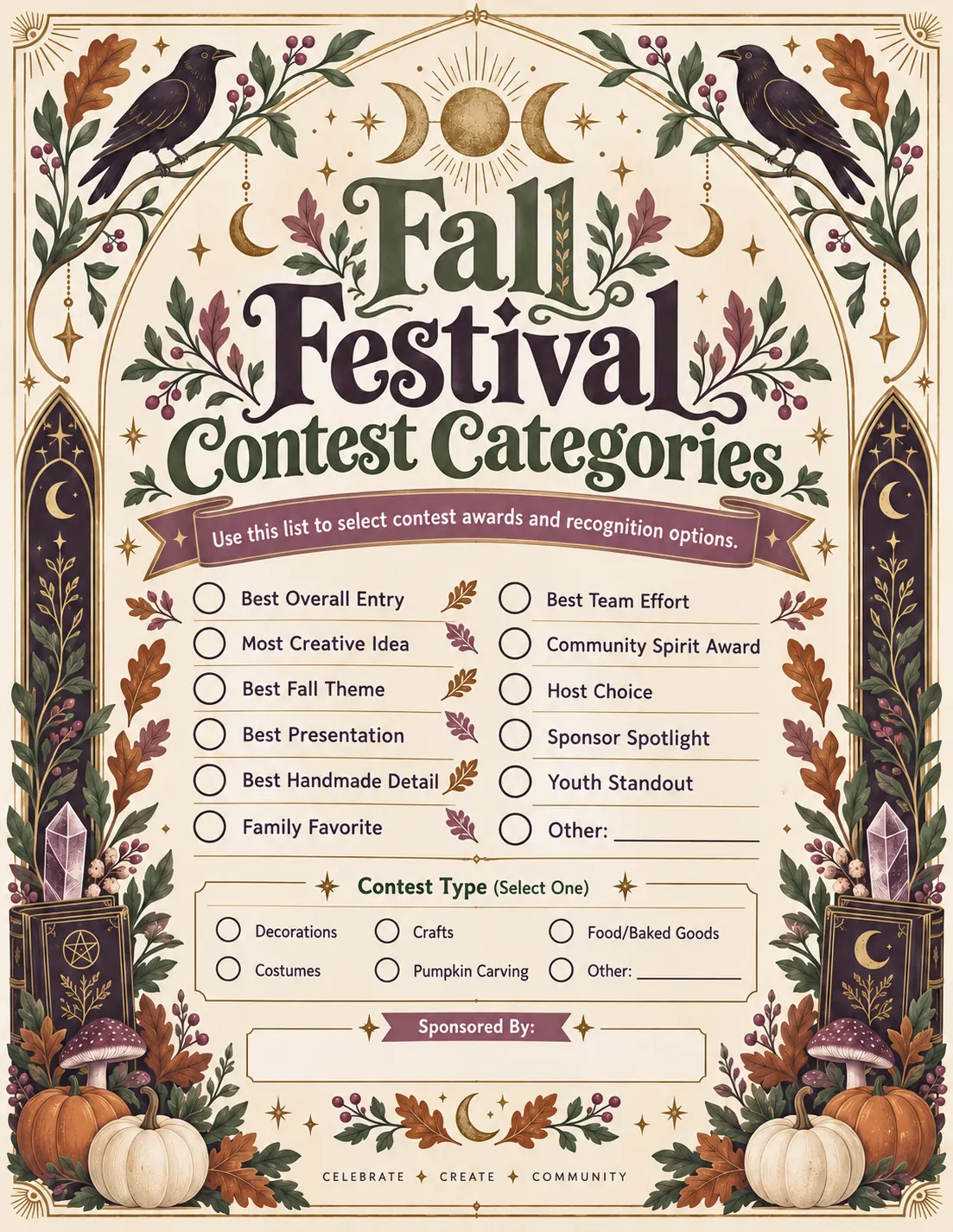
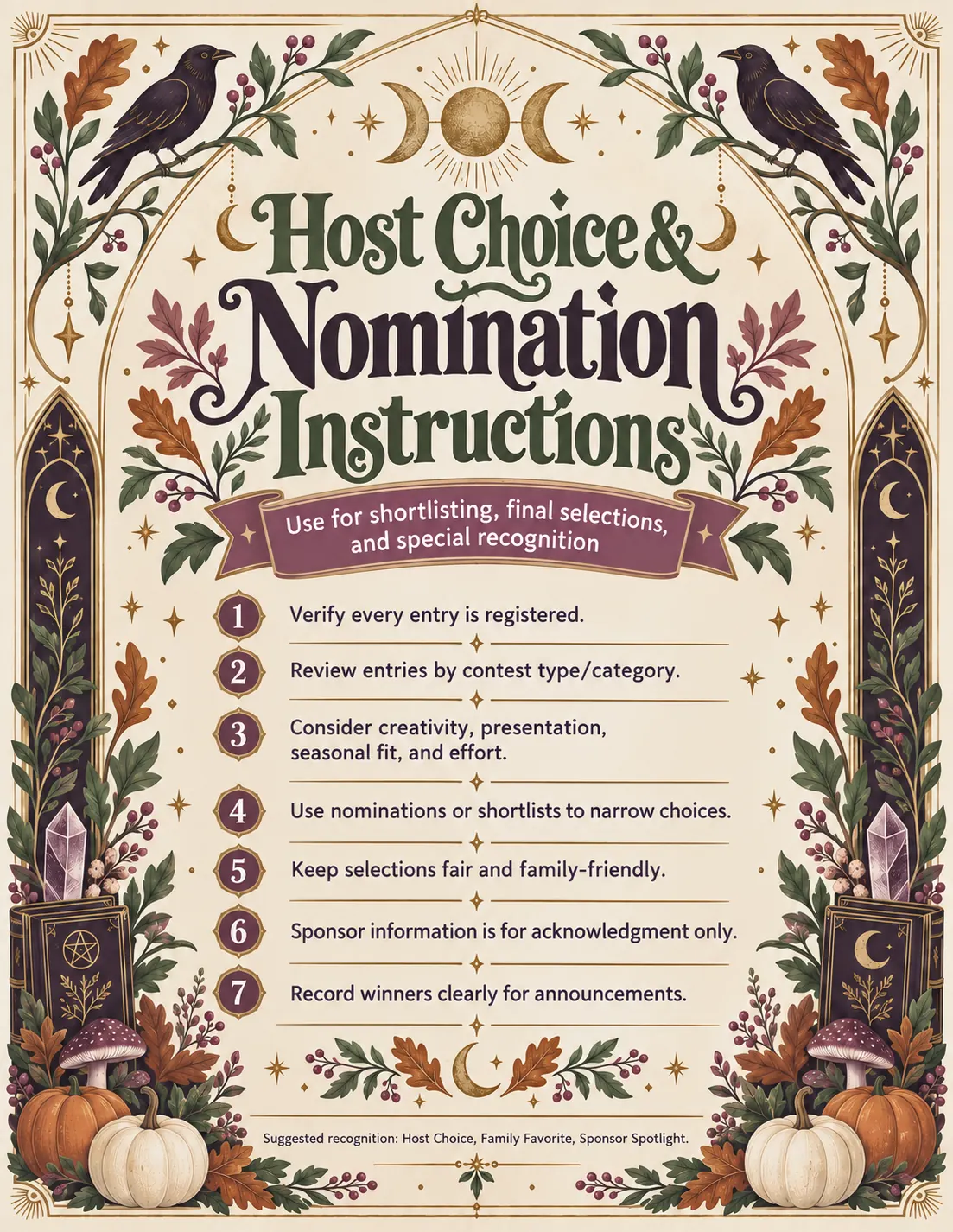
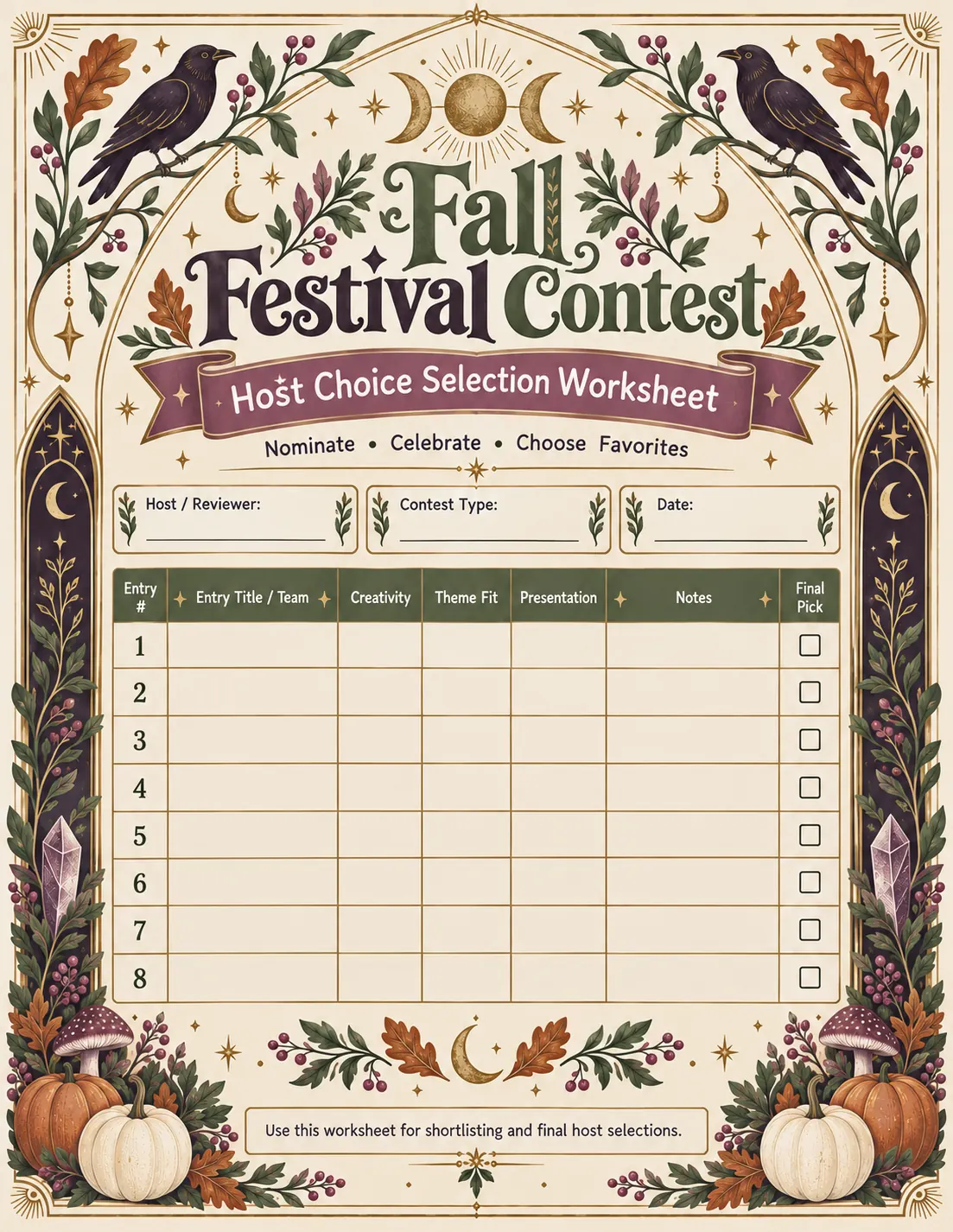
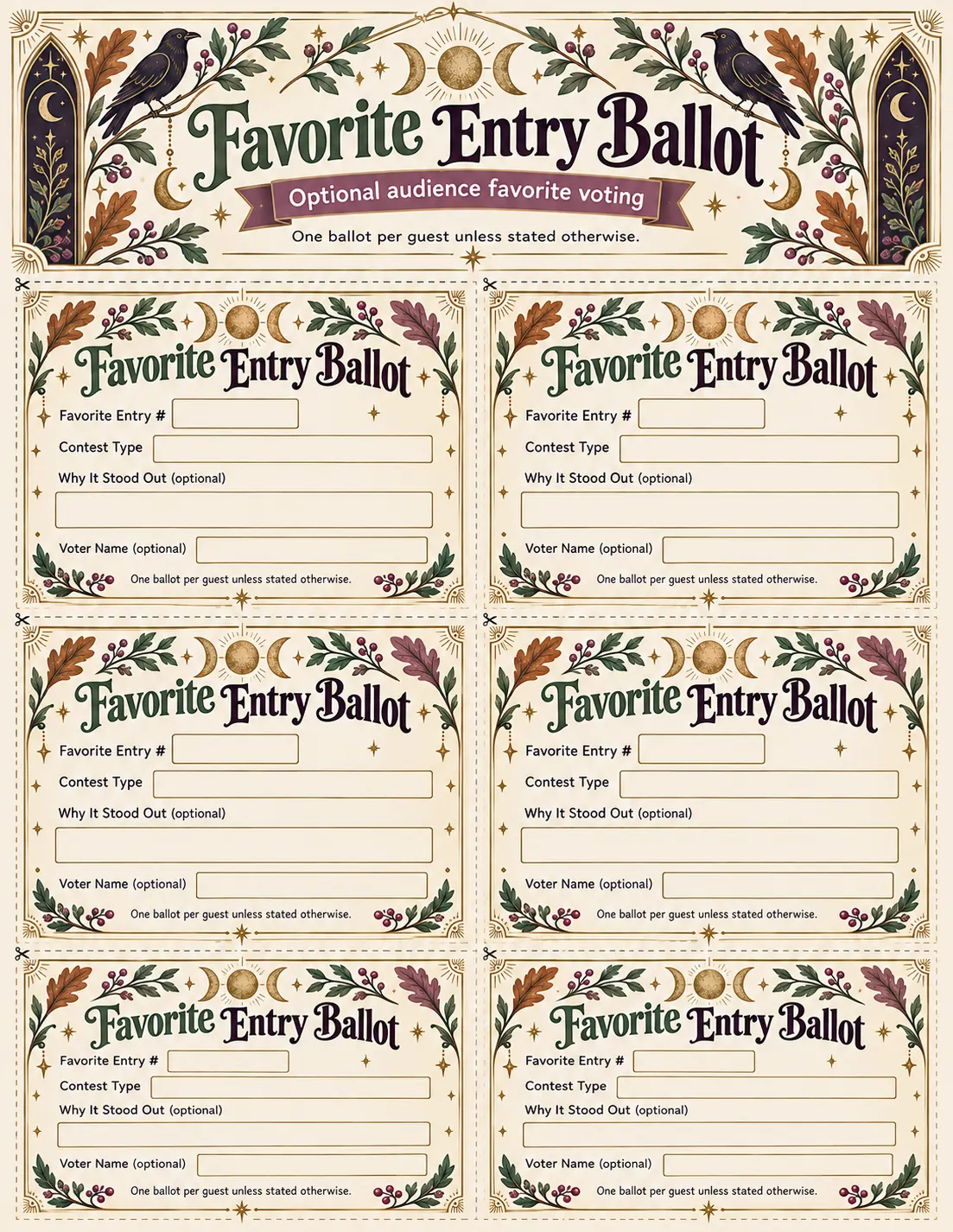
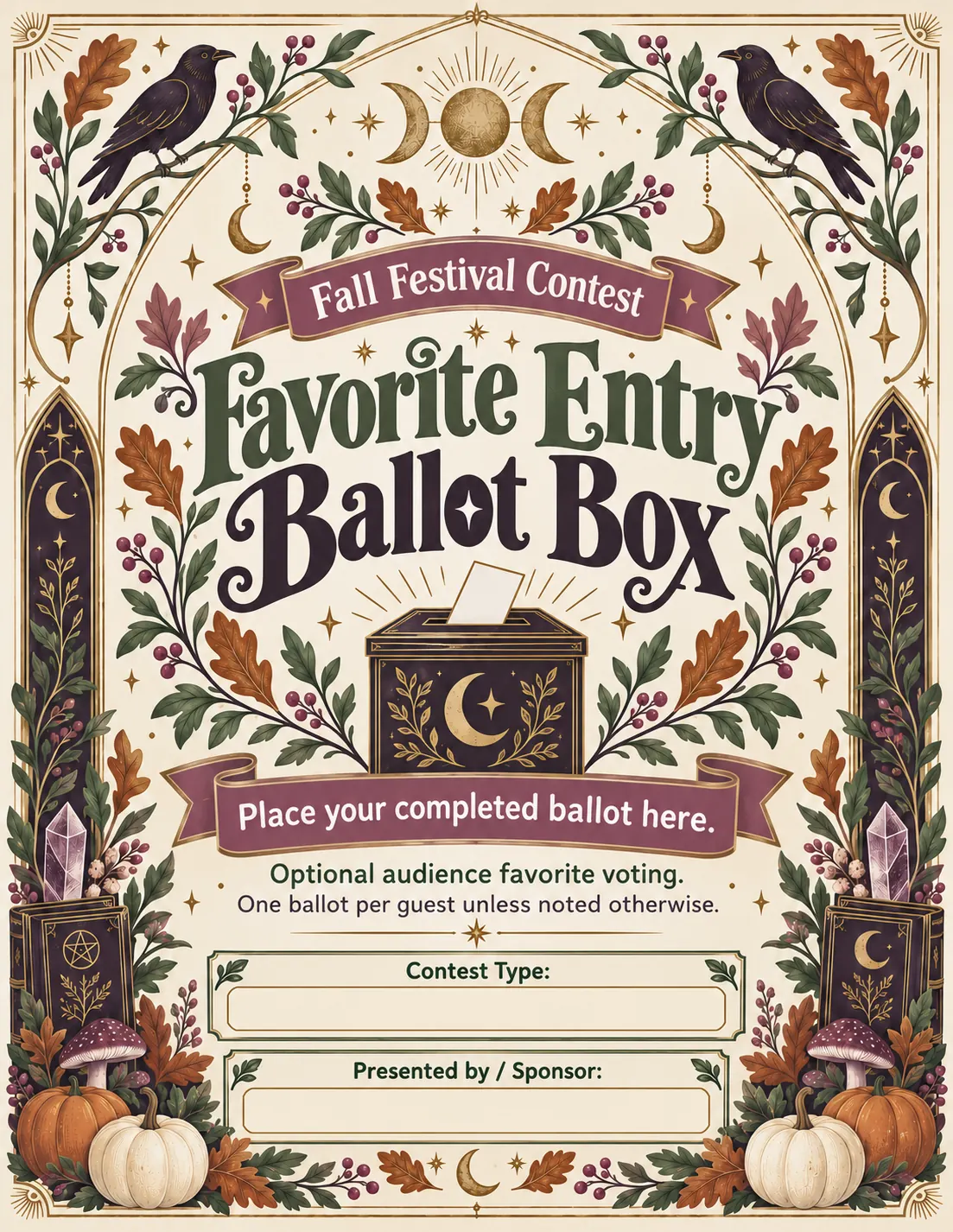
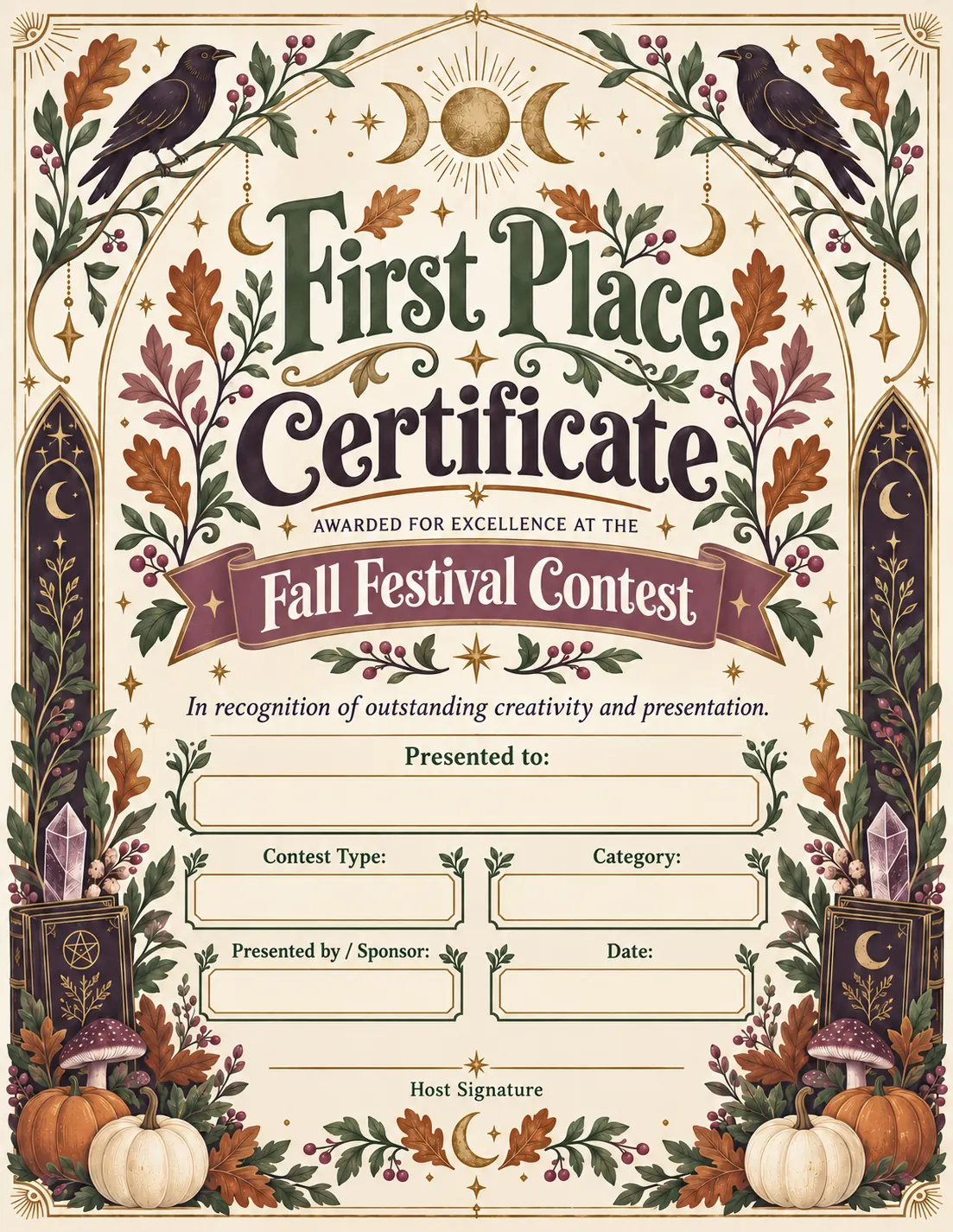
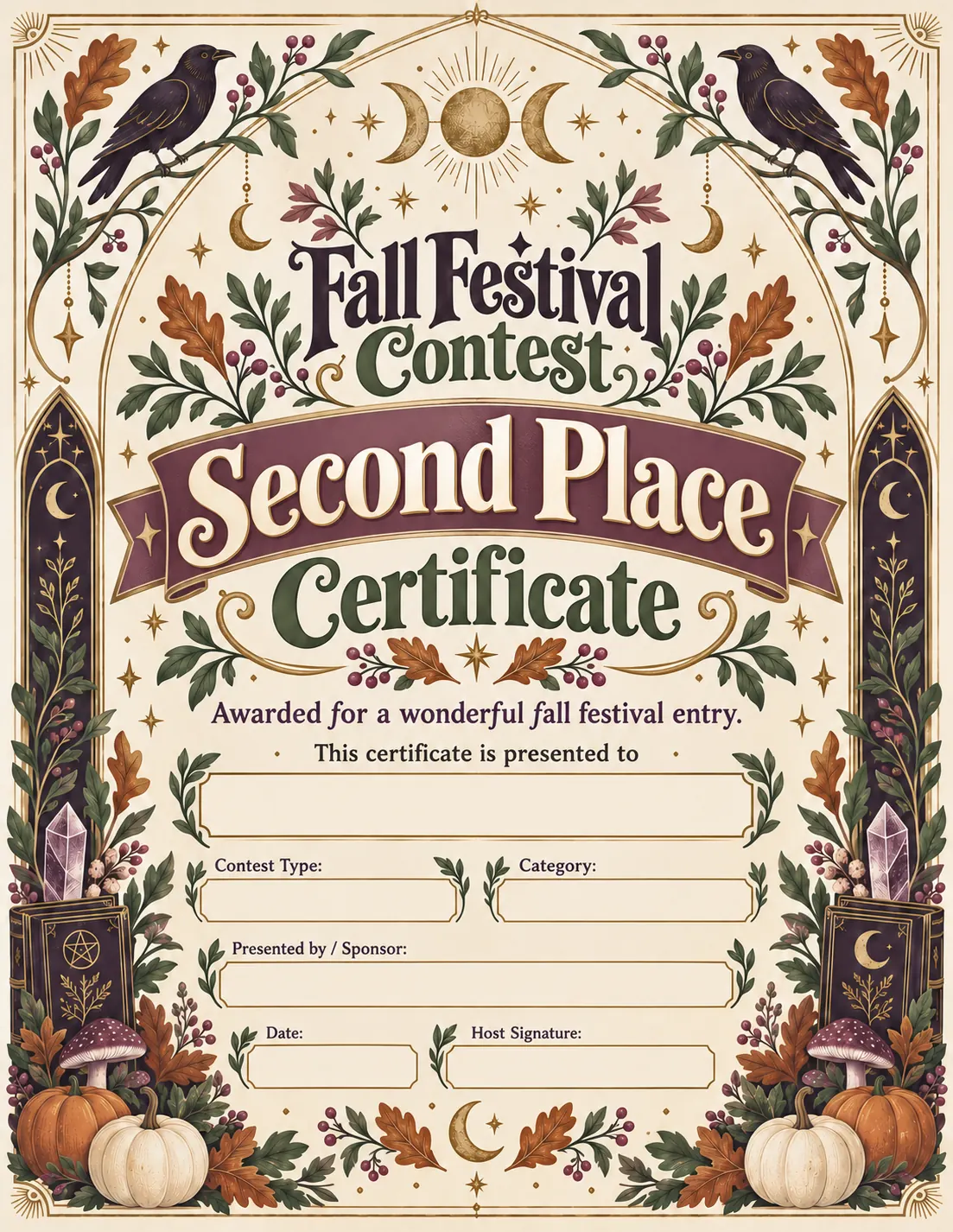
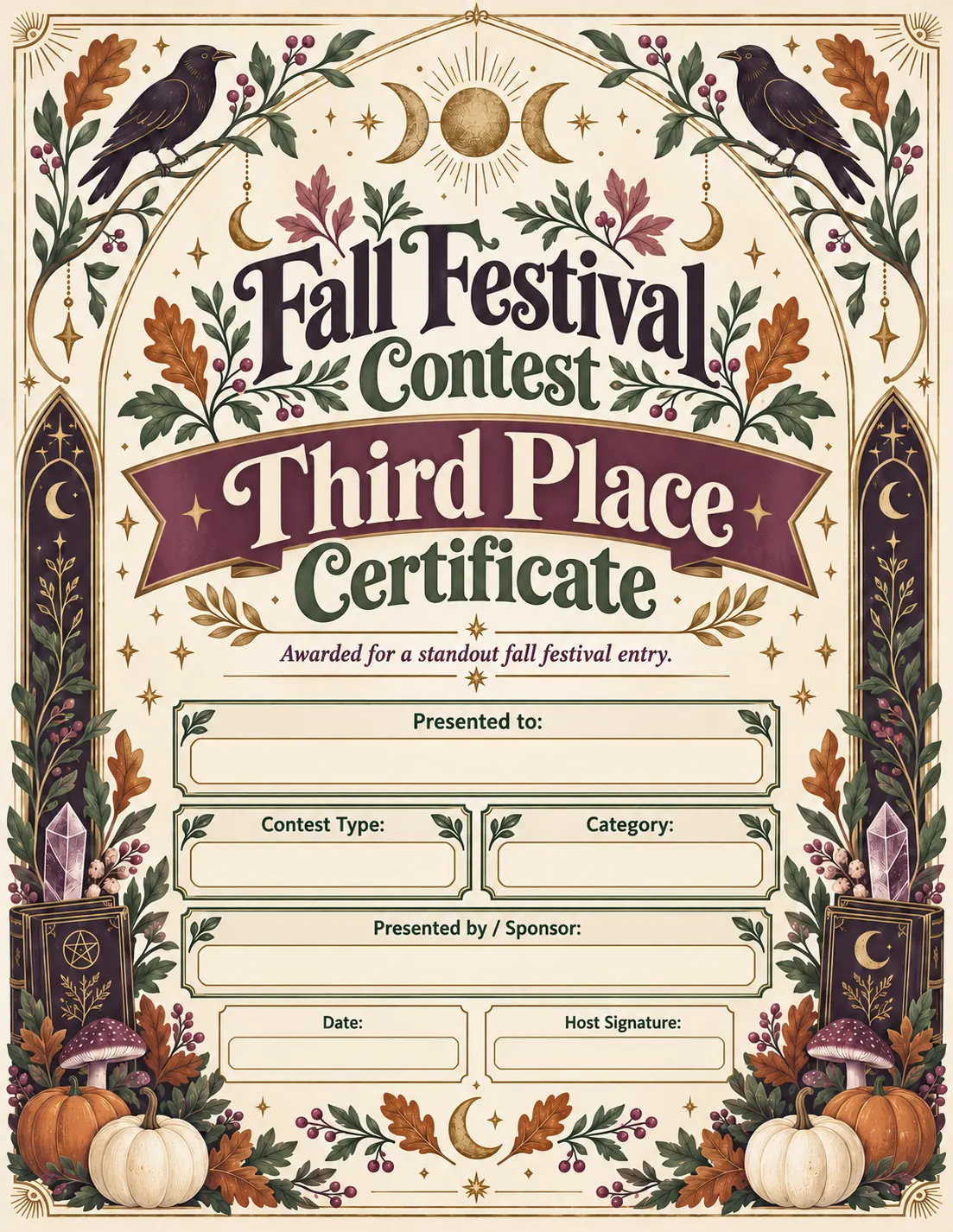
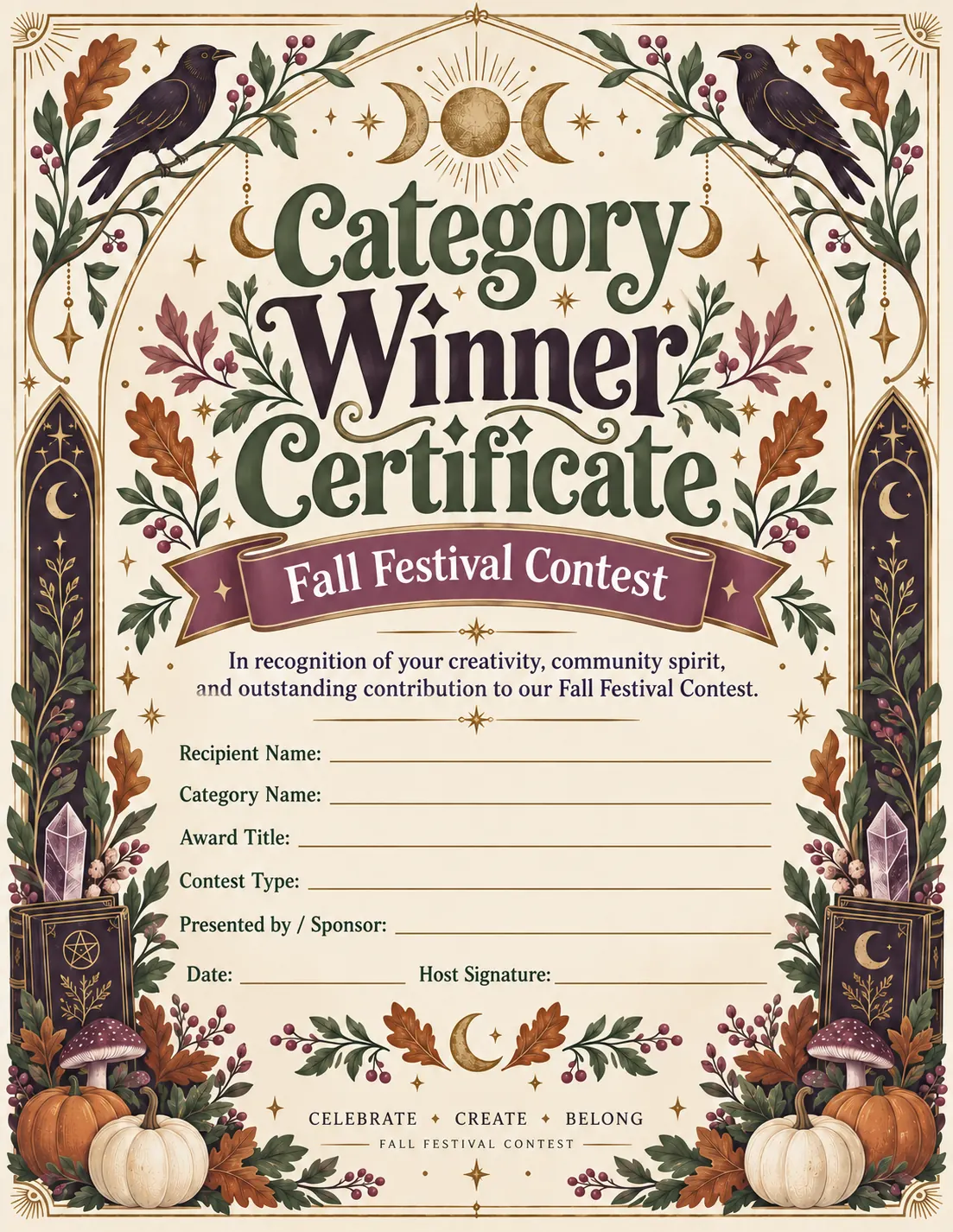
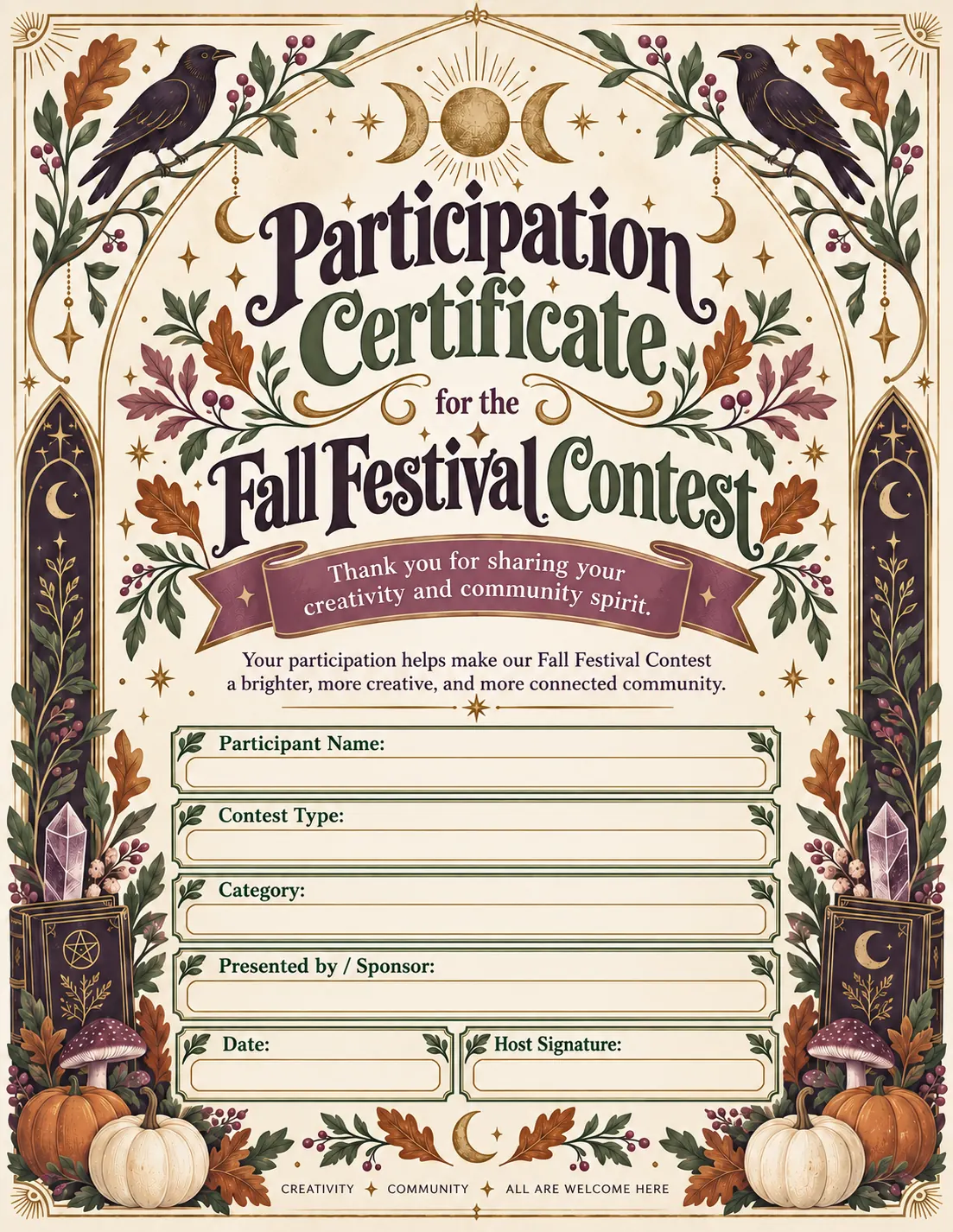
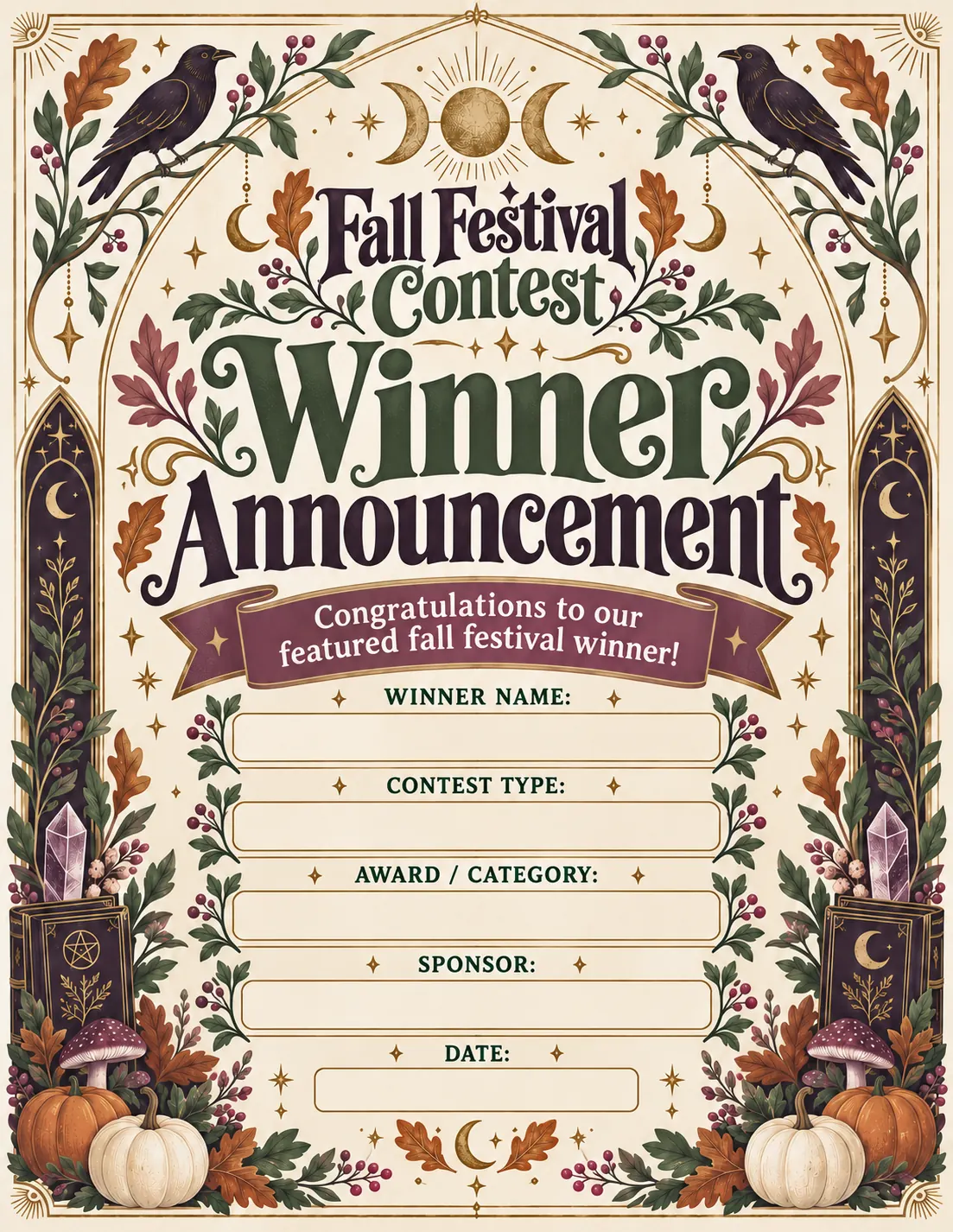
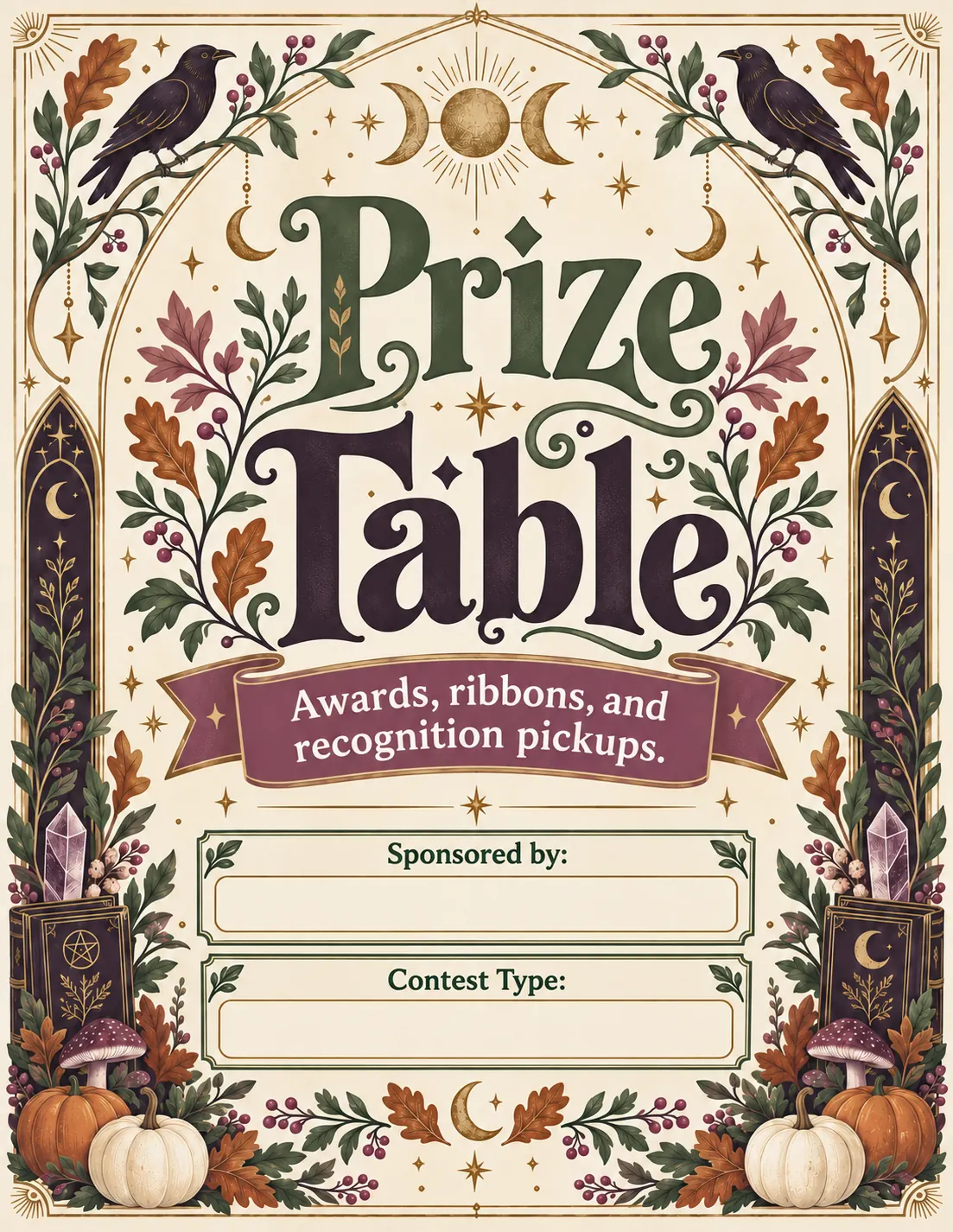
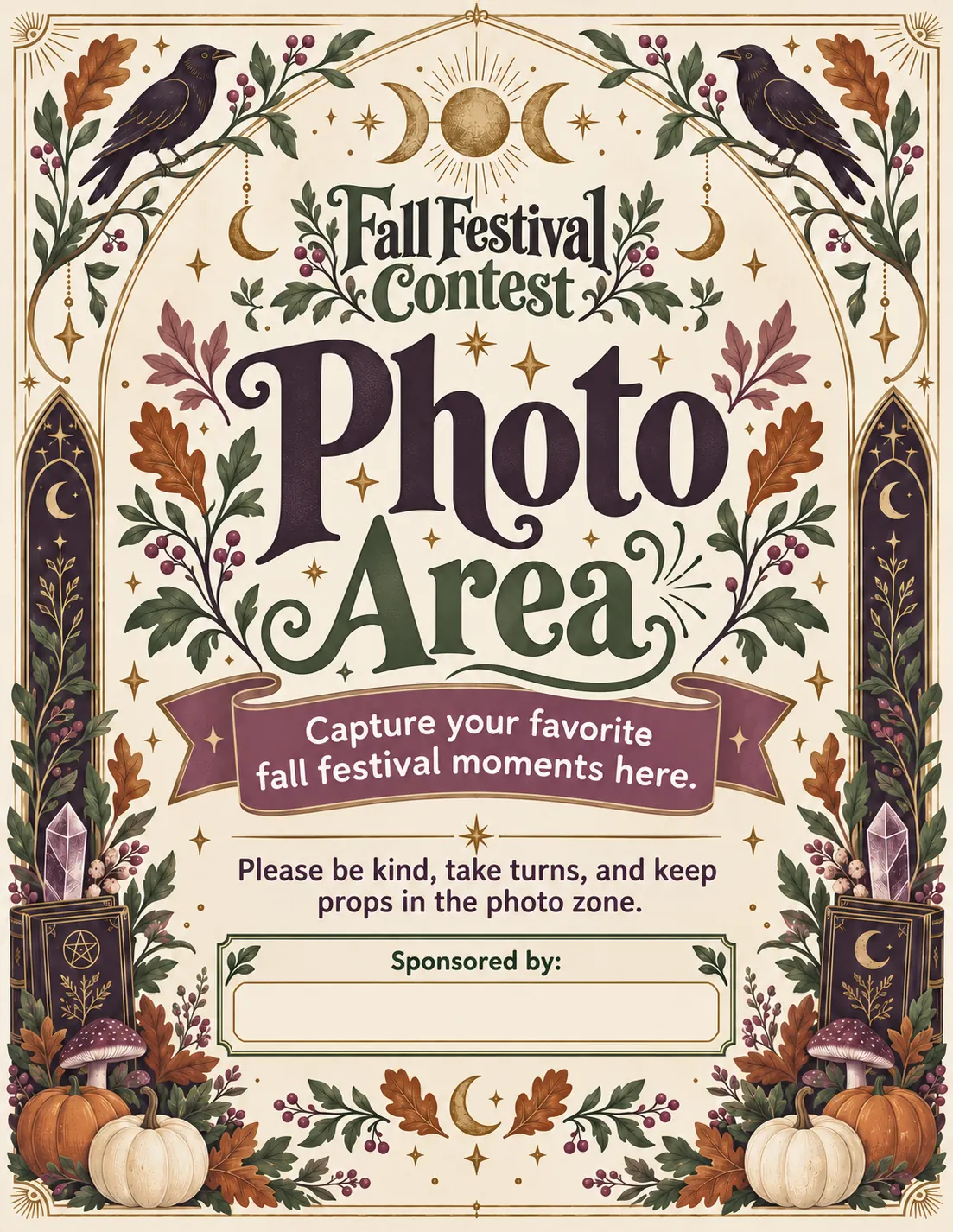
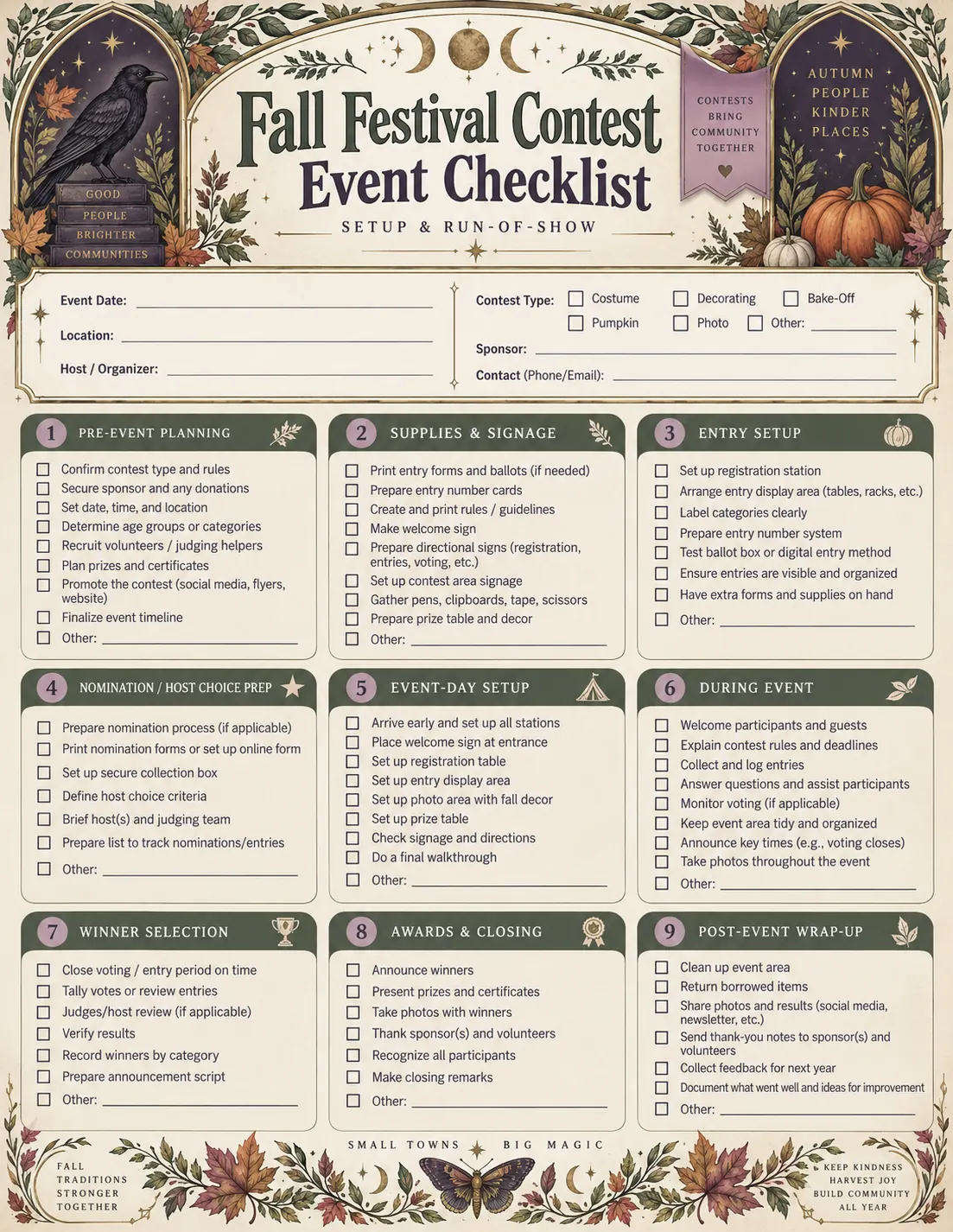
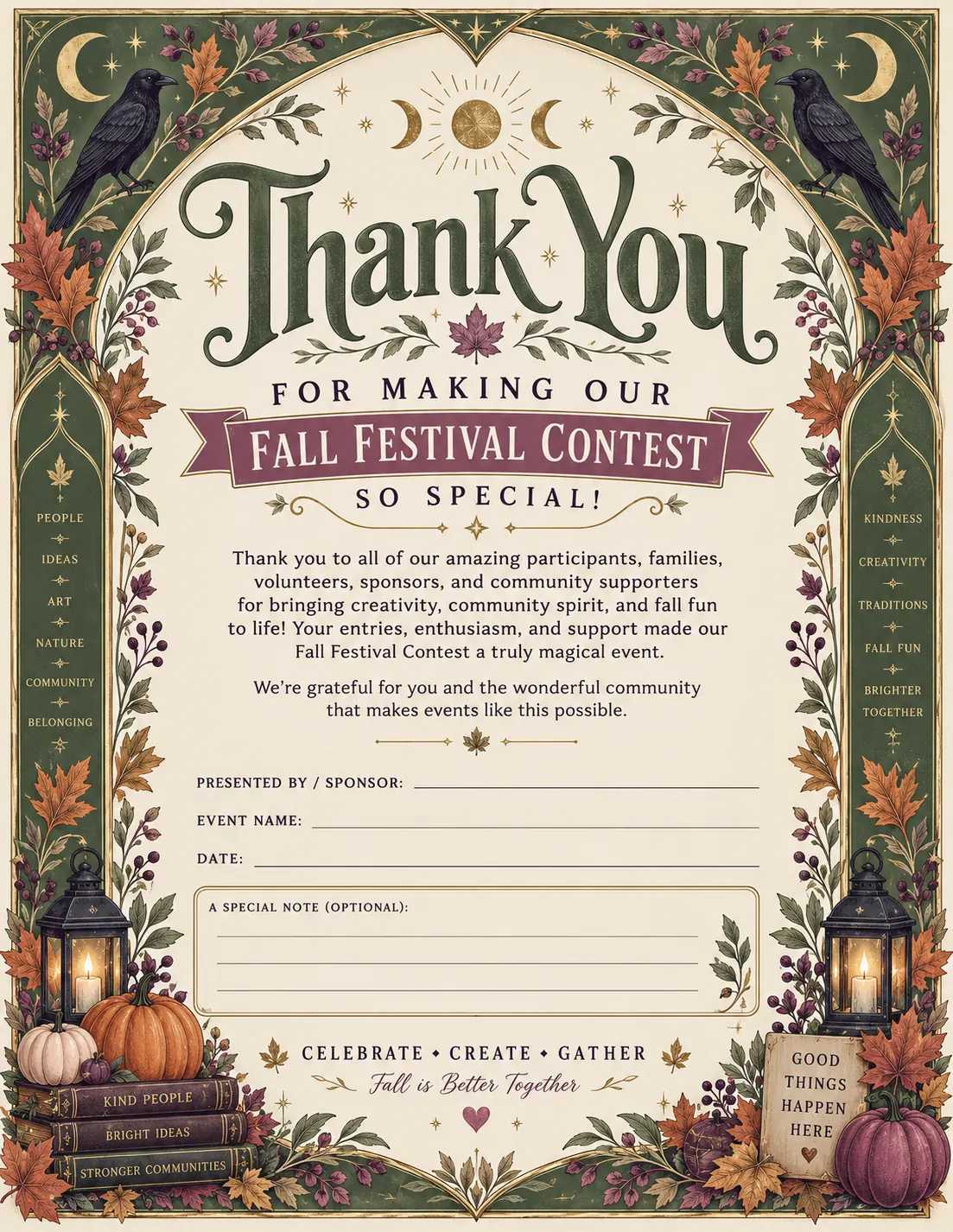
These Pet Costume Contest pages were generated as a coordinated set, showing how one event can expand into practical participant, judging, voting, and award materials while keeping the same visual identity.
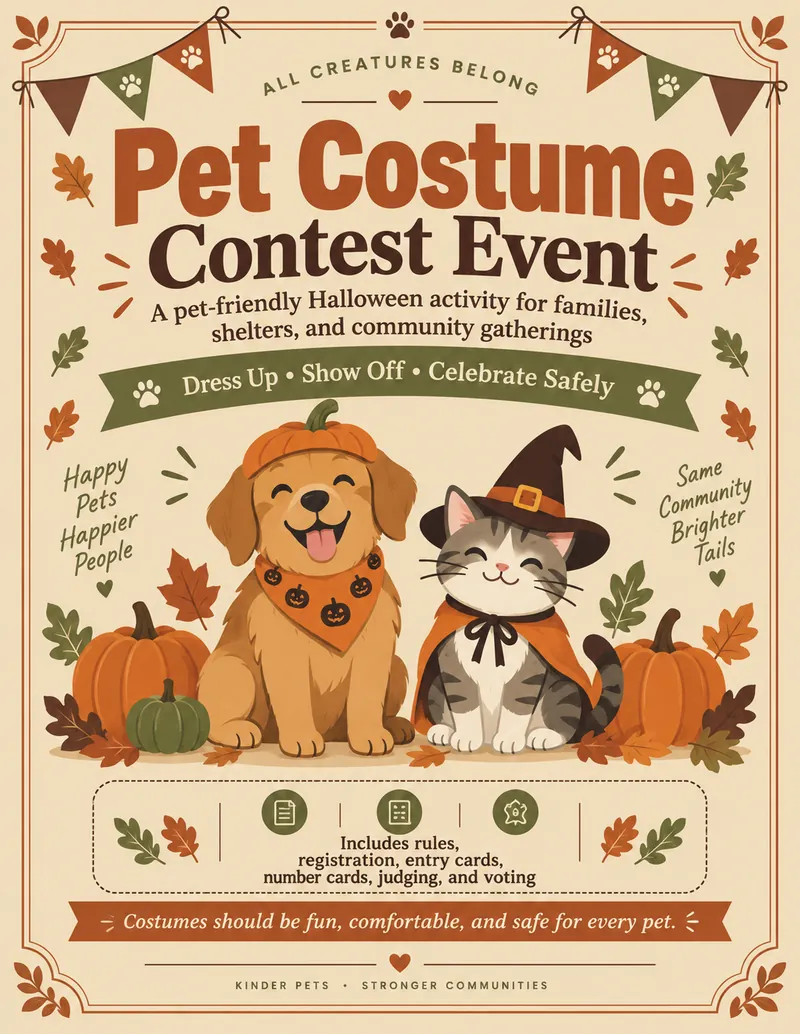
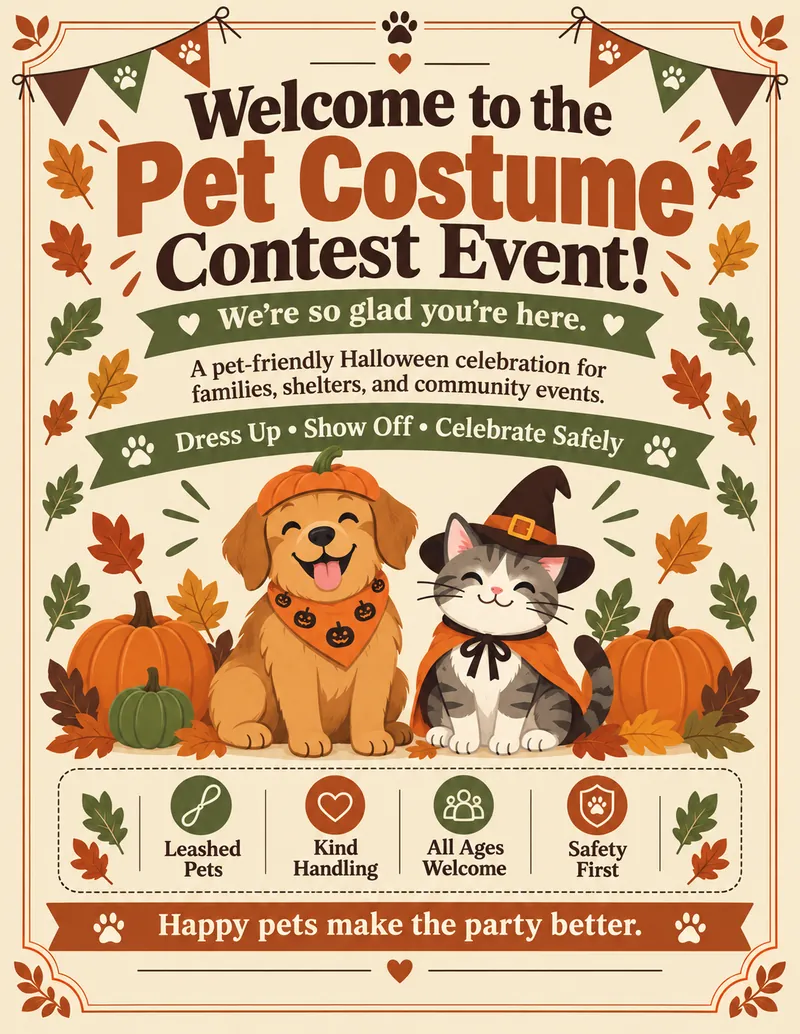
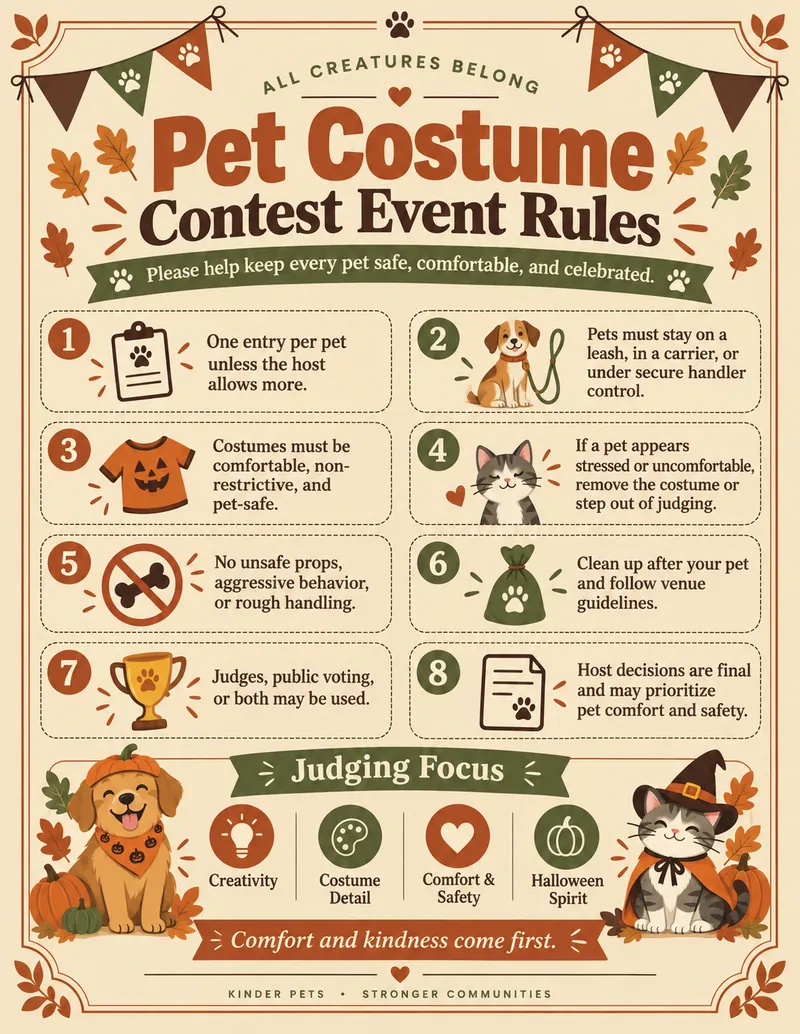
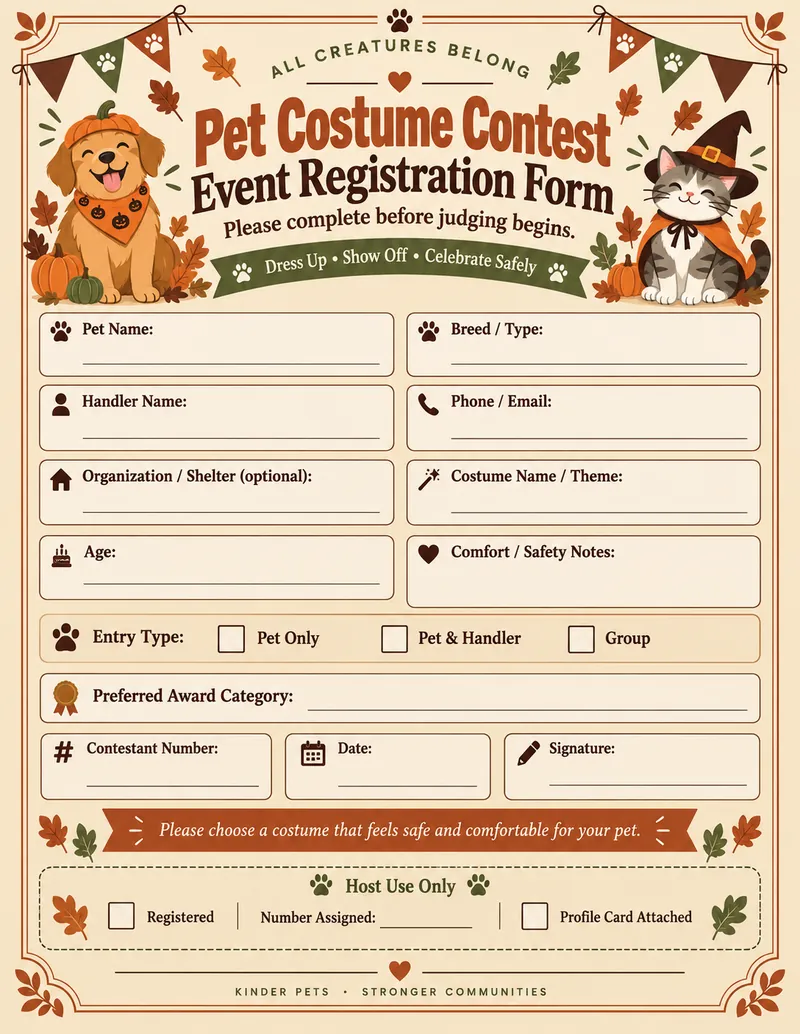
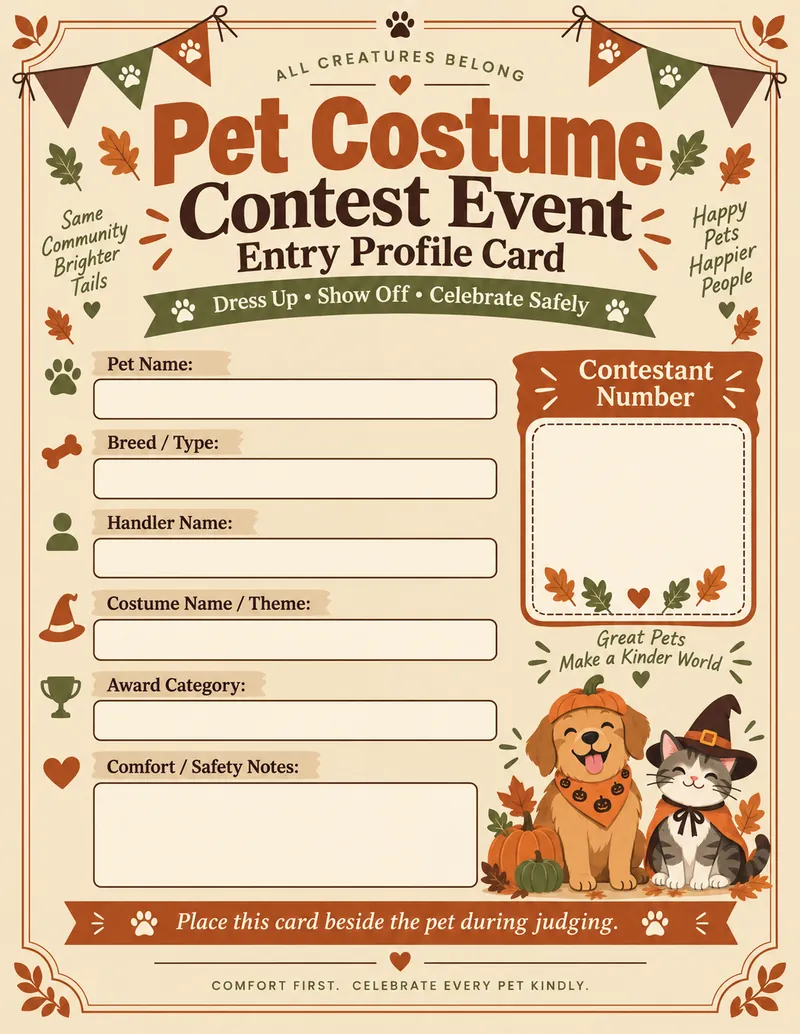
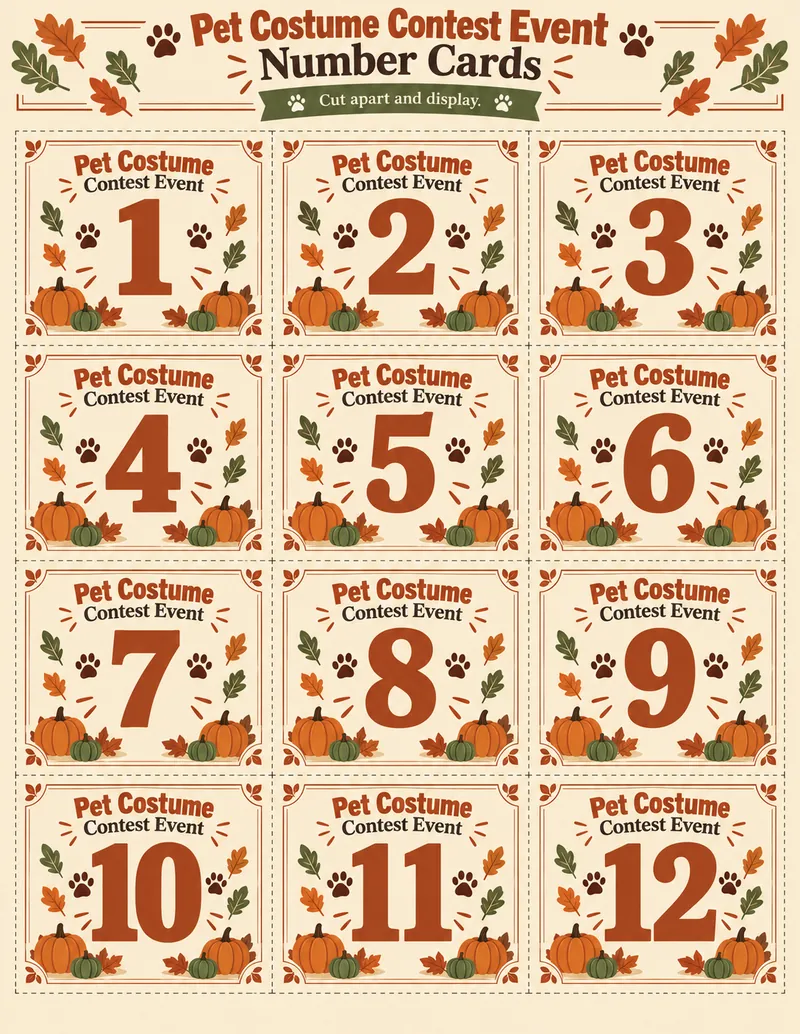
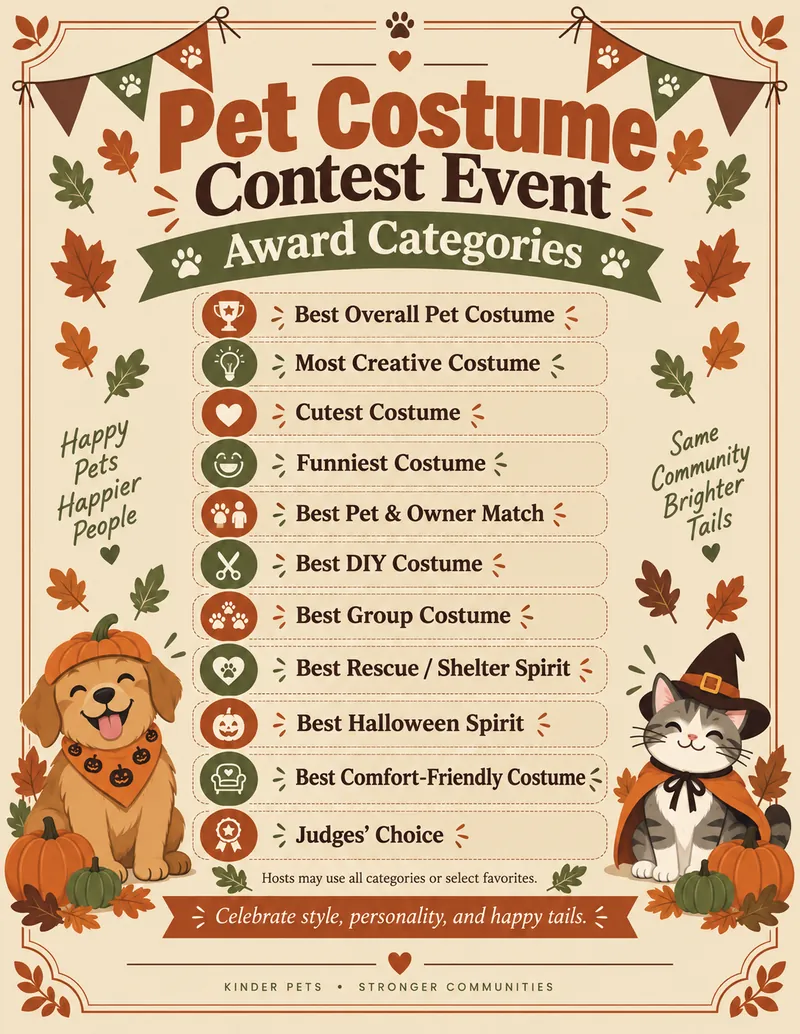
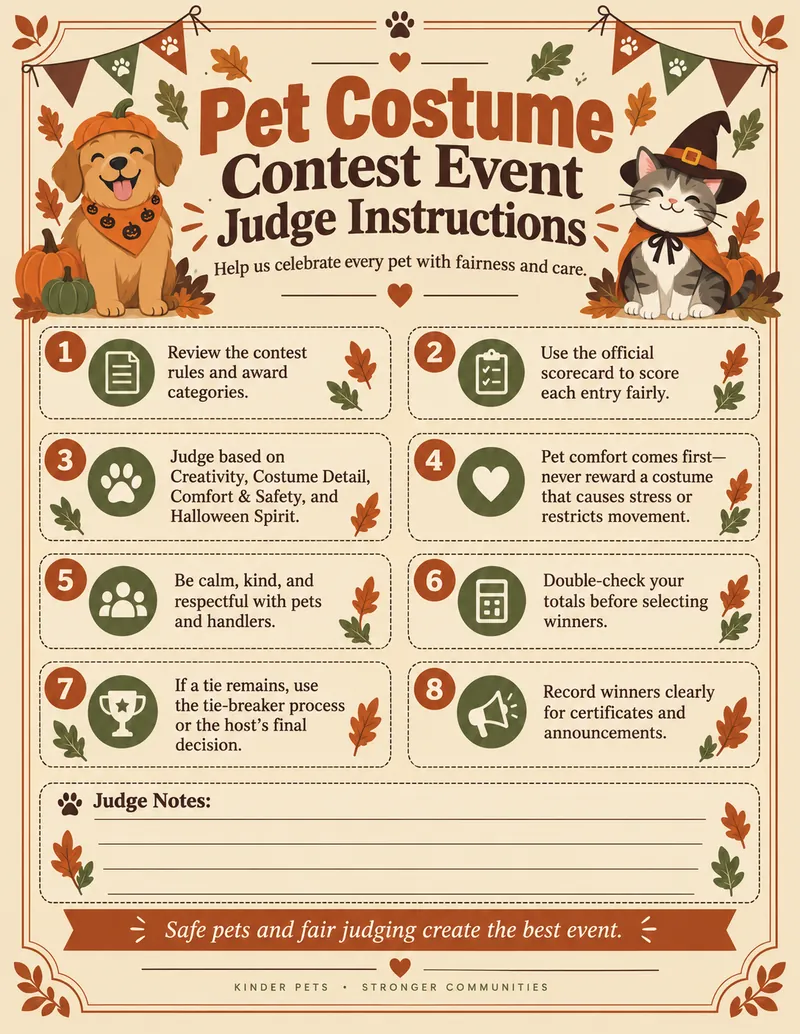
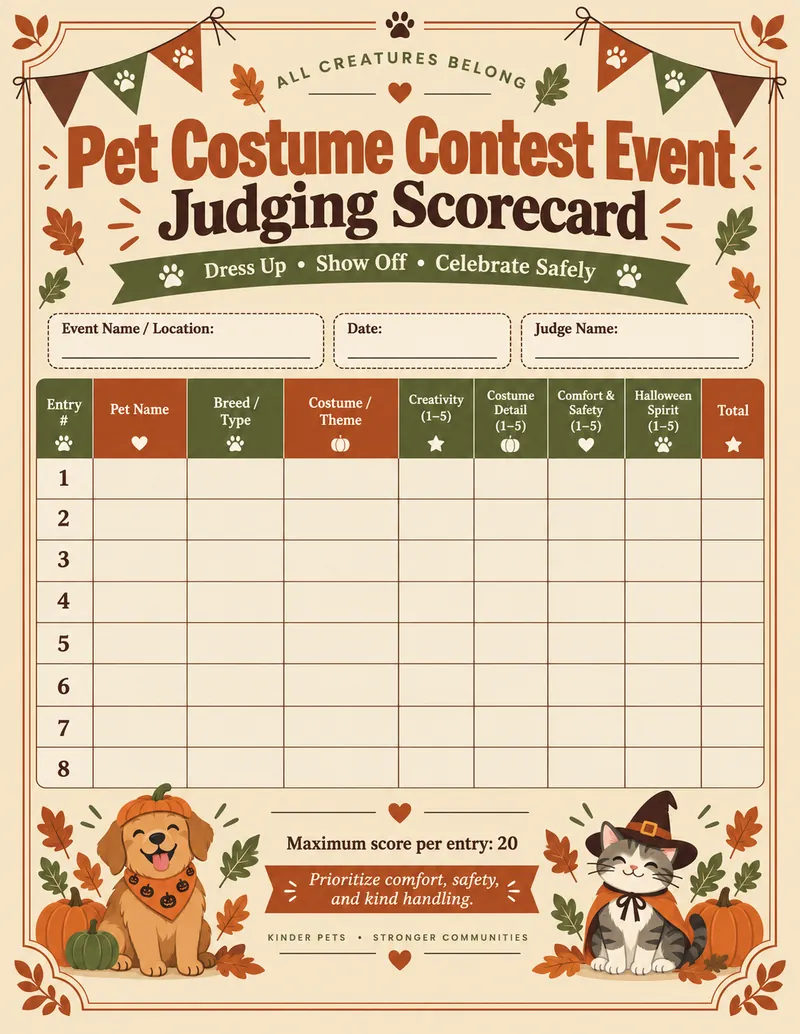
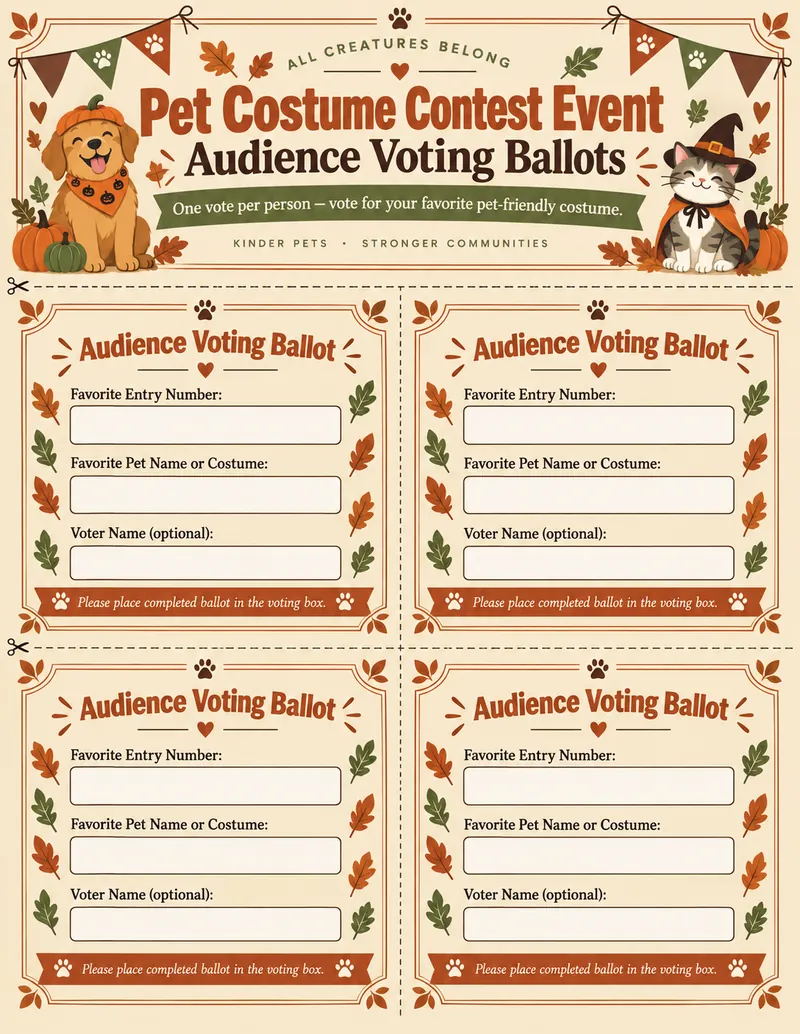
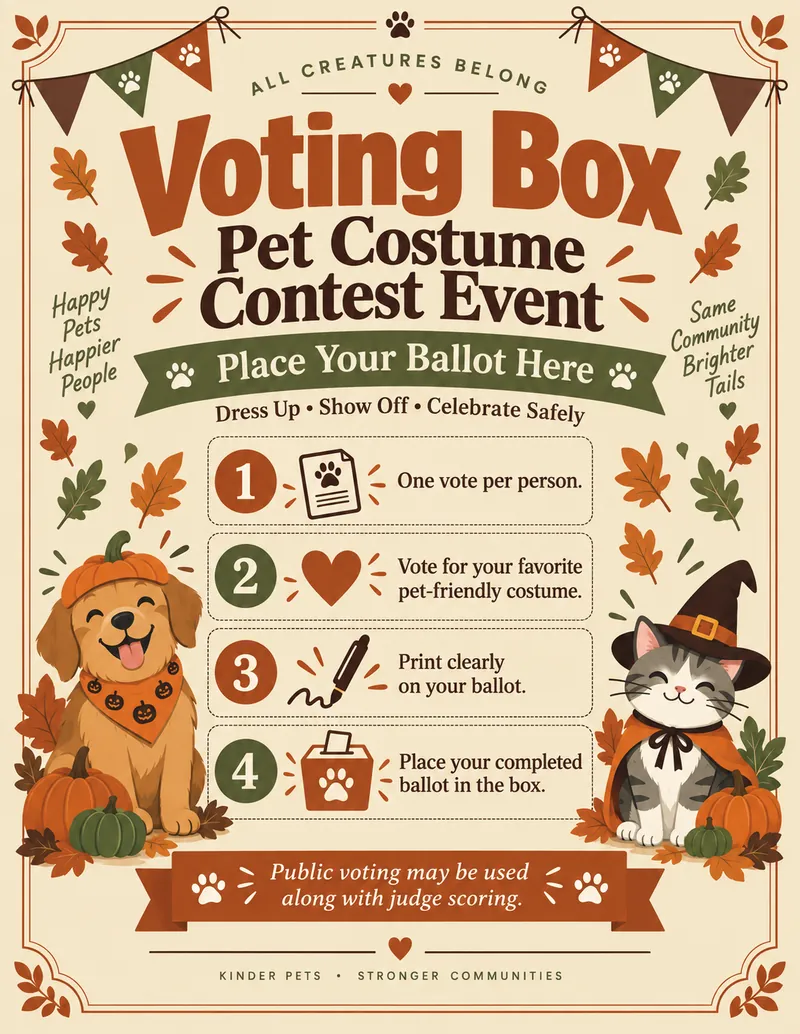
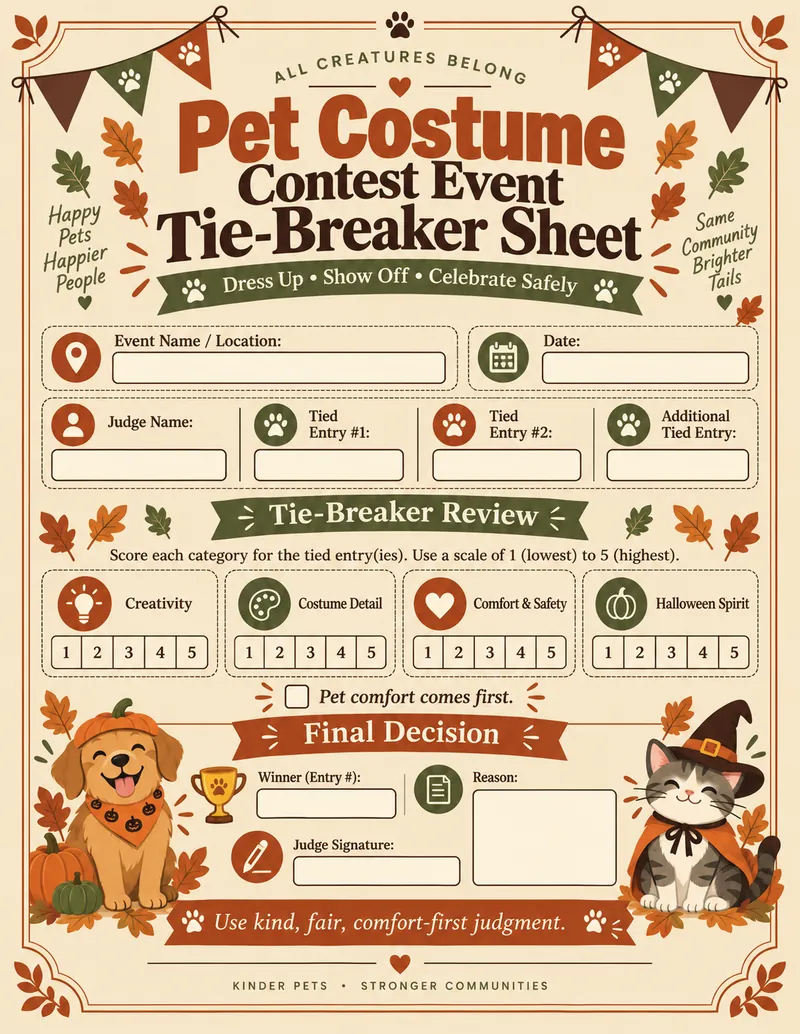
From the cover and registration materials to judging, voting, awards, event signage, thank-you page, and final checklist.
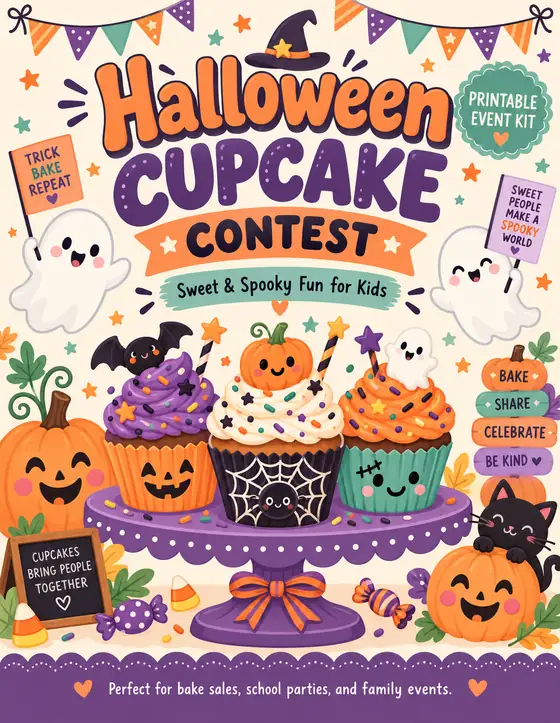
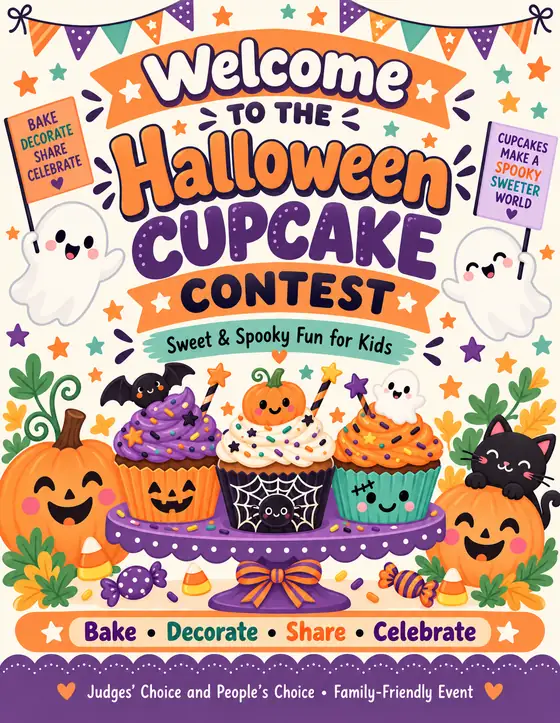
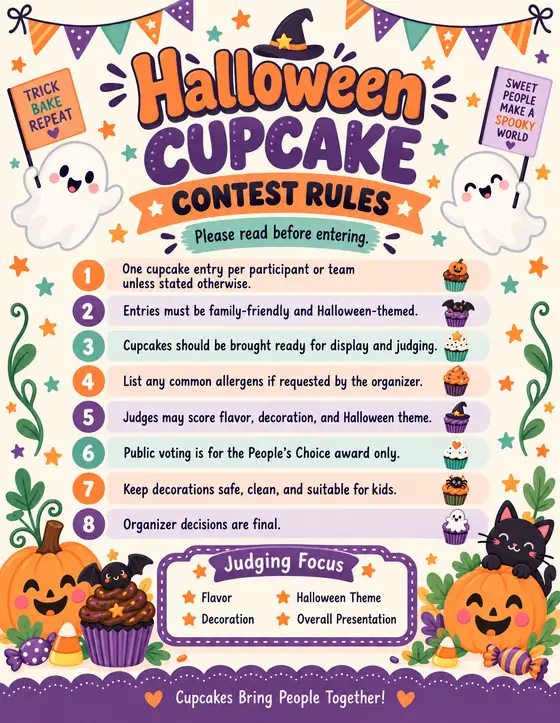
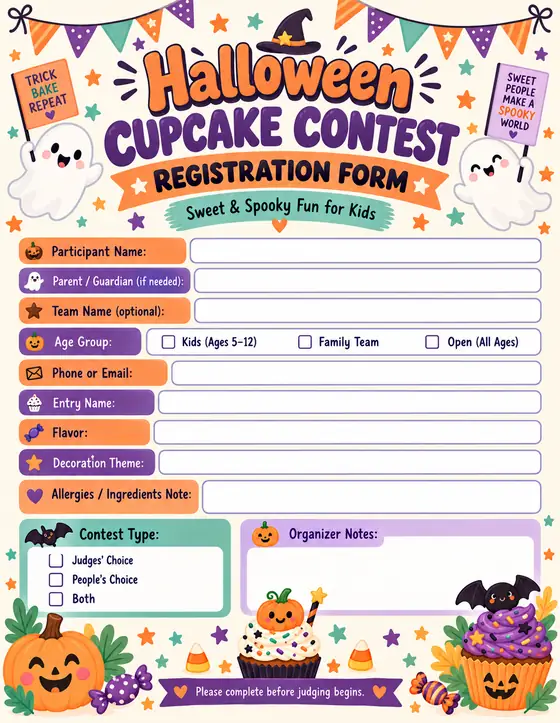
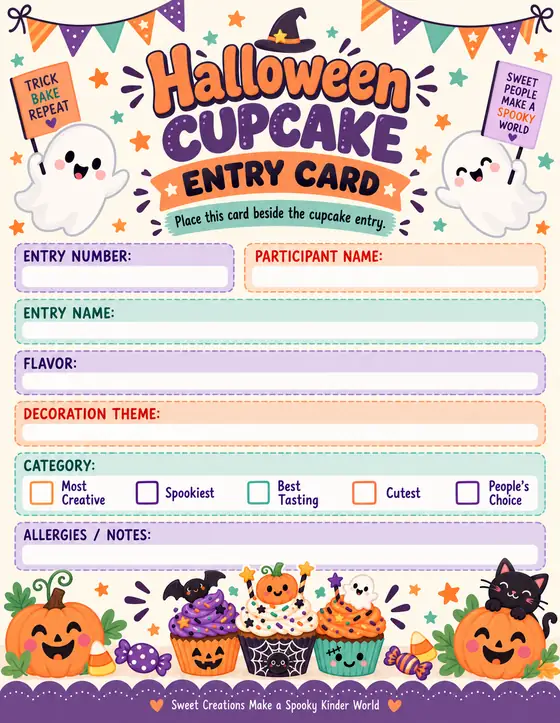
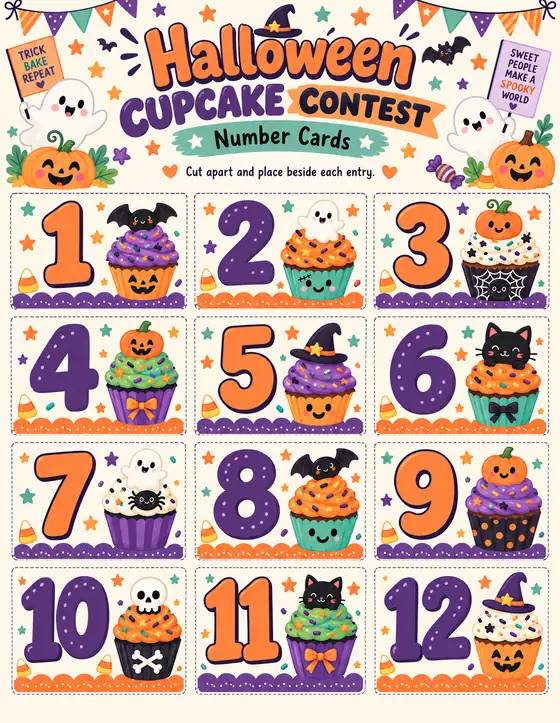
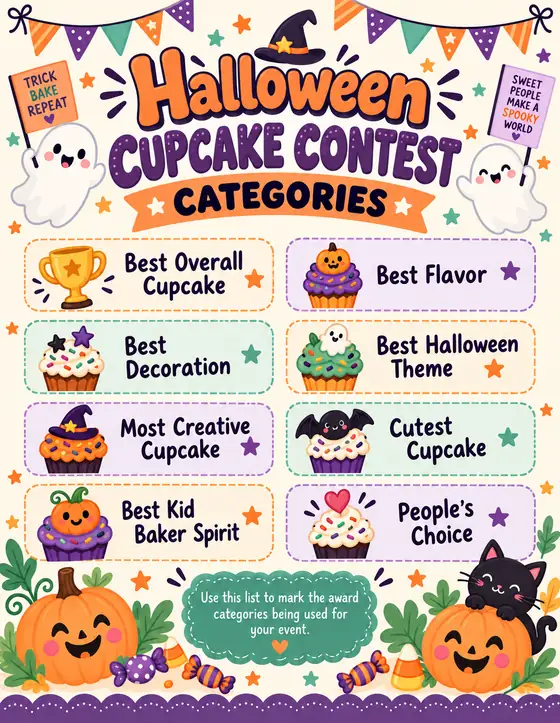
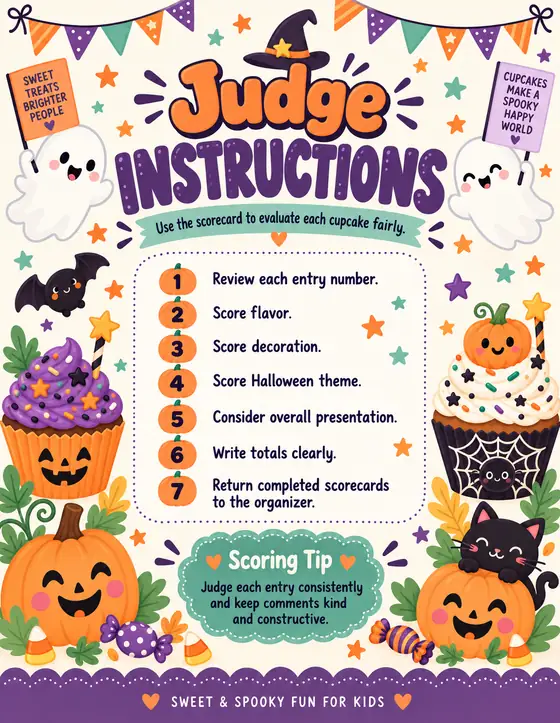
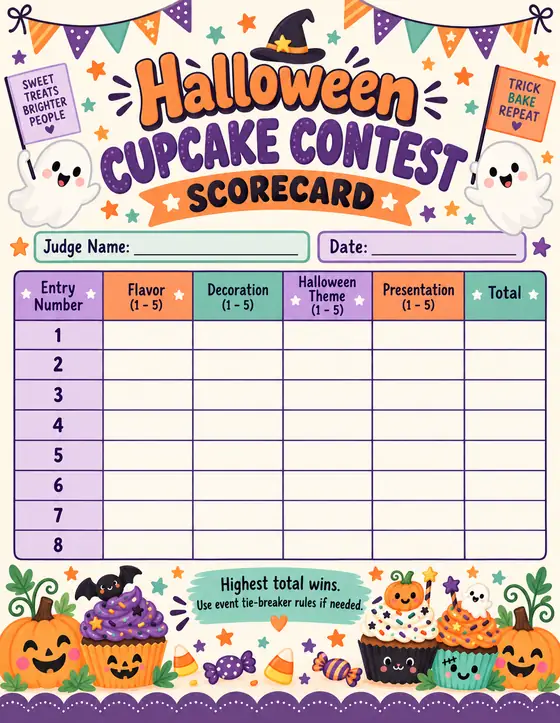
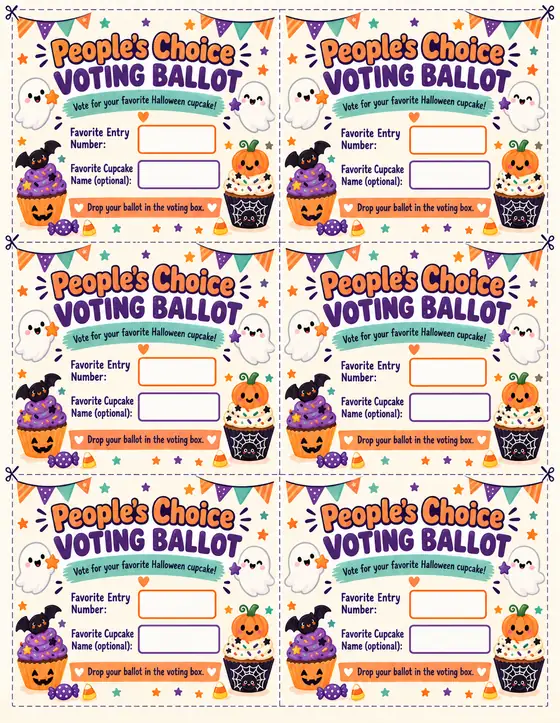
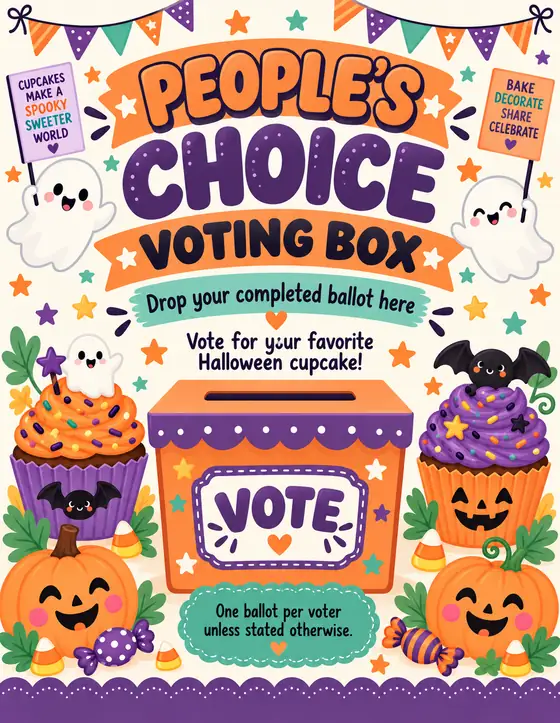
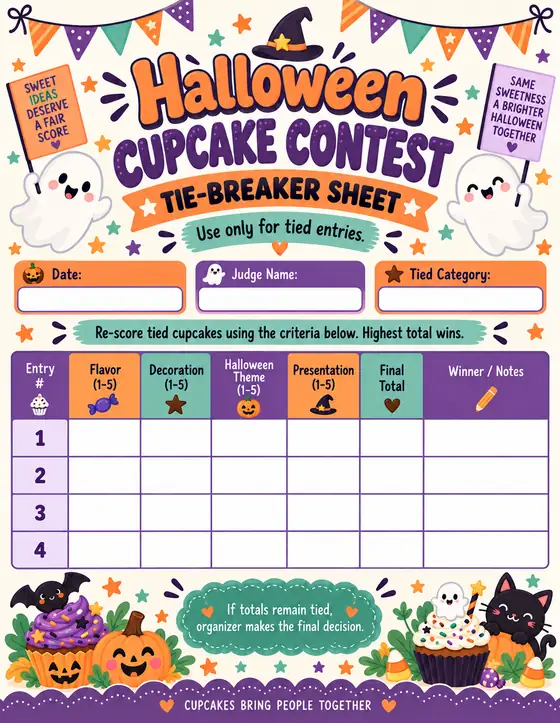
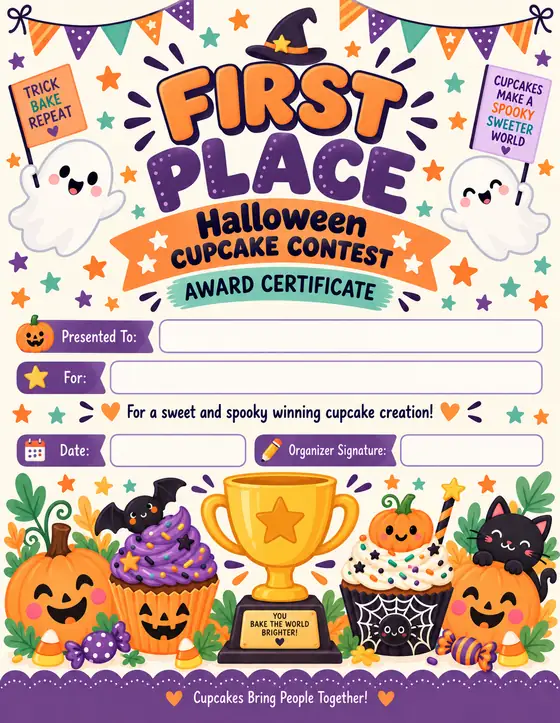
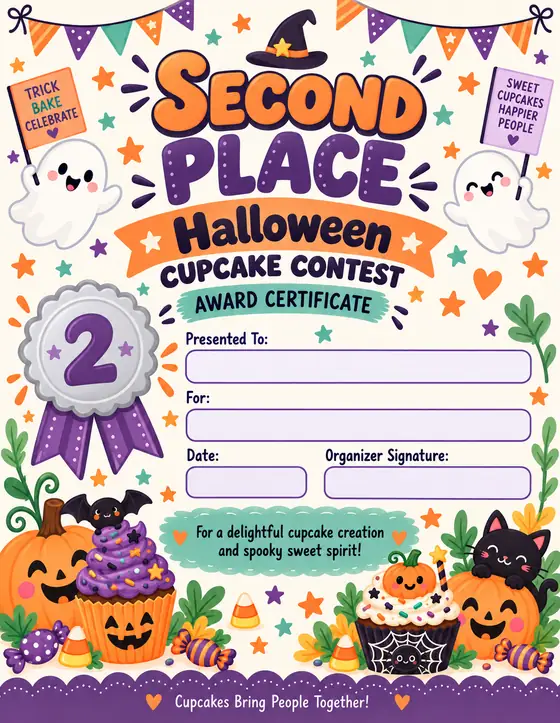
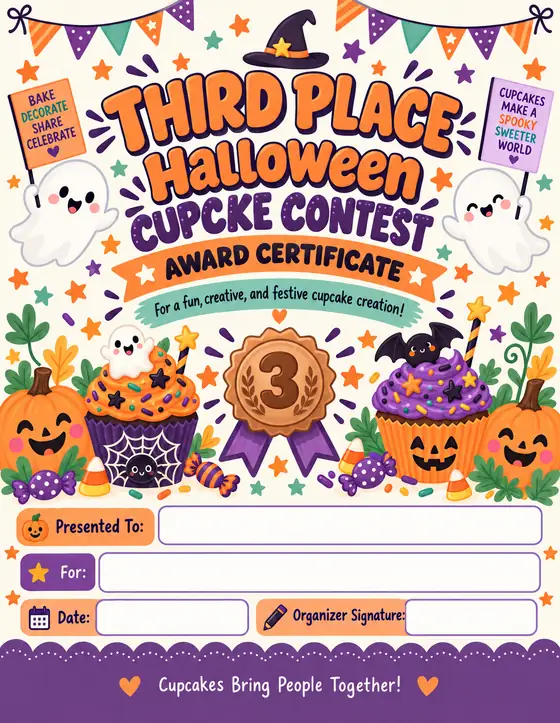
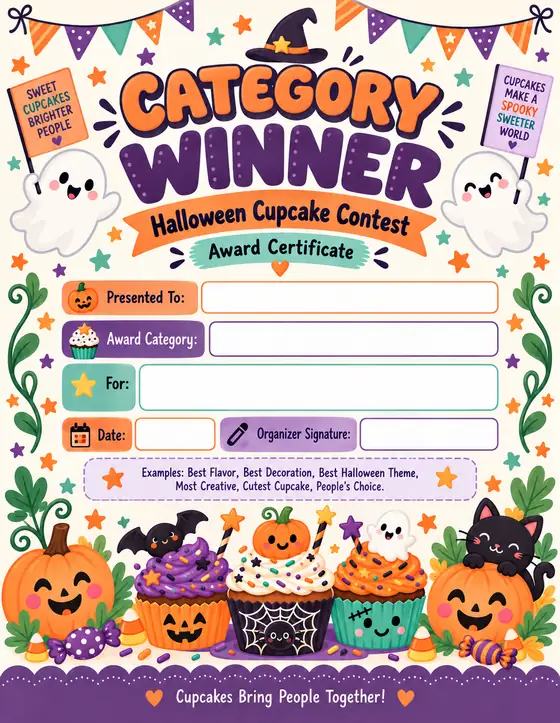
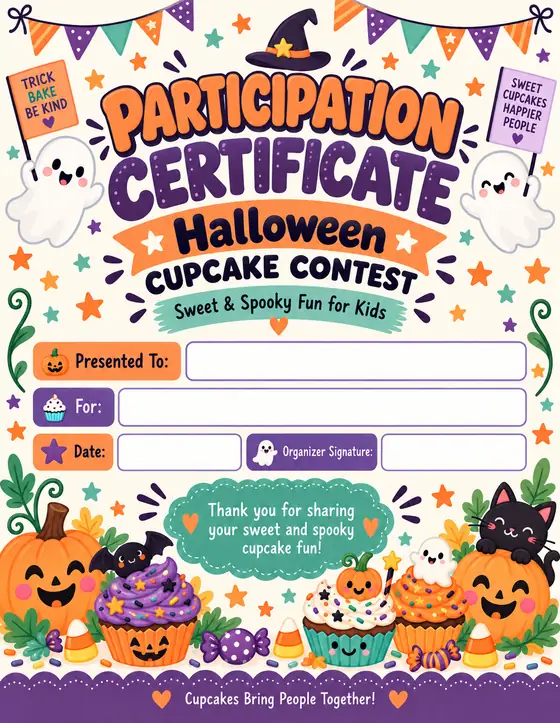
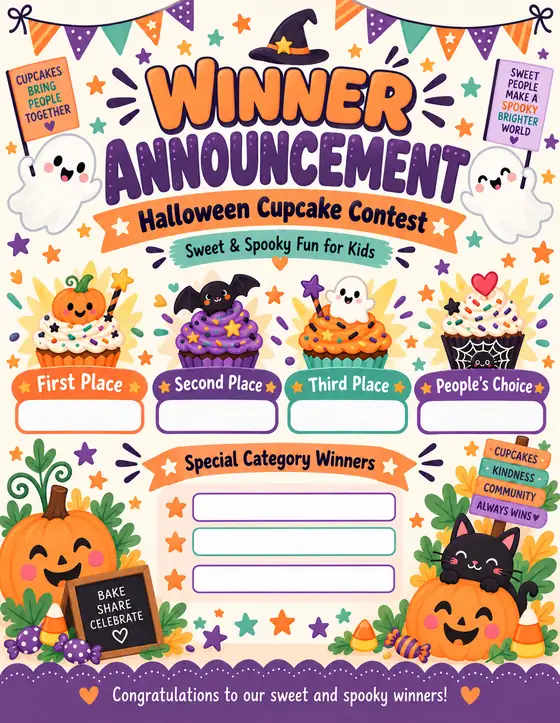
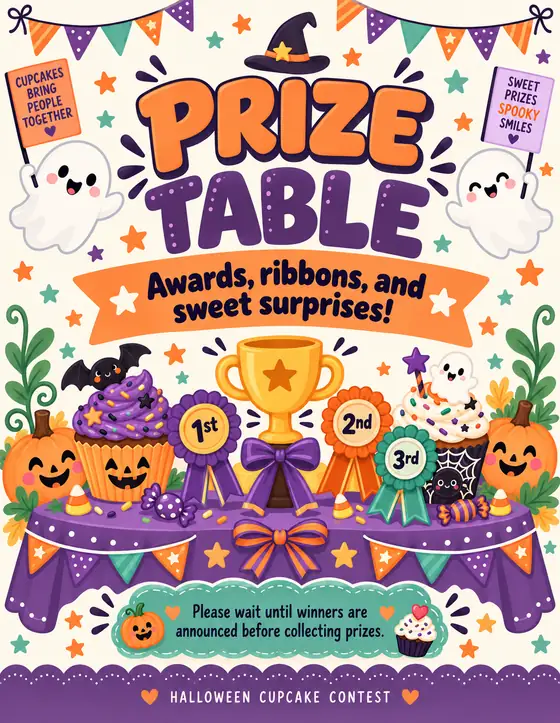
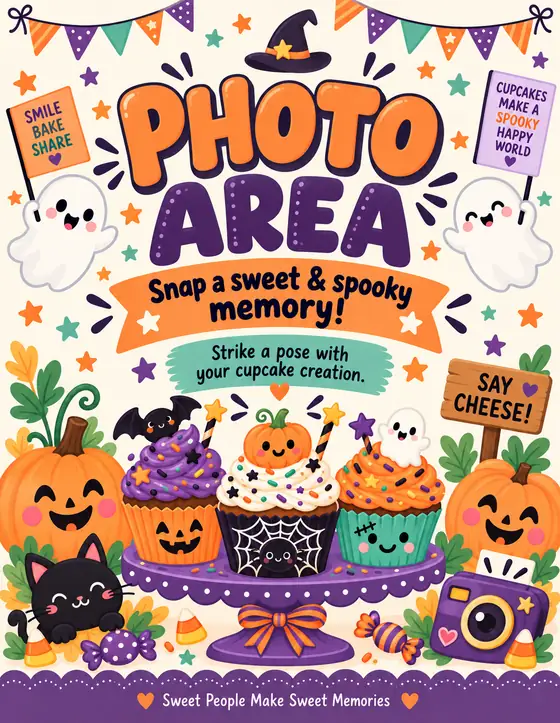
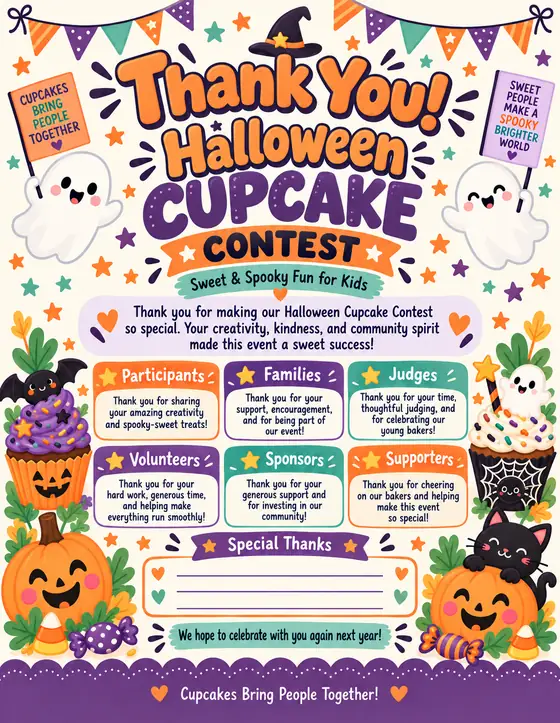
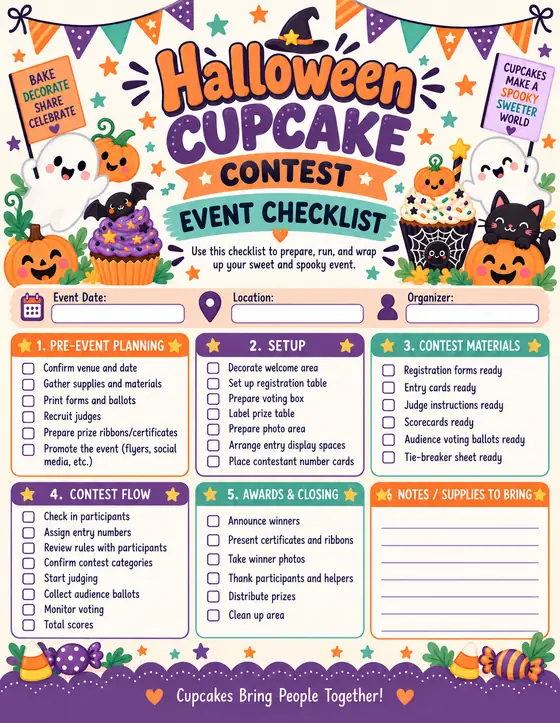
Not every Halloween printable product should look or function the same. A pet costume contest needs different content from a cupcake contest. A family pumpkin carving night needs a different tone from an office competition. A community fall festival needs a broader information system than a simple candy guessing game.
The Factory is designed around event logic, so you can begin with the type of experience you are creating rather than forcing every idea into the same template.
| Kids Costume ContestPlayful entry forms, category signage, judging sheets, certificates and winner assets. | Pet Costume ContestParticipant information, pet categories, fun award certificates and event signage. |
| Halloween Bake-OffRecipe/entry cards, judging criteria, tasting scorecards, category signs and winner certificates. | Cupcake Decorating ContestDisplay numbers, scorecards, judging sheets, rules and award materials. |
| Candy Guessing ContestGuess slips, jar number cards, instruction signs, winner announcement and prize signage. | Pumpkin Carving ContestRegistration, safety/rule signs, category labels, ballots, judging forms and awards. |
| Scarecrow Decorating ContestEntry forms, display numbers, judging criteria, voting pieces and certificates. | Fall Festival ContestA broader event system with activity signs, schedule pieces, contest materials and directional assets. |
| Office Halloween ChallengeTeam entry forms, judging sheets, category cards, leaderboard-style signage and recognition certificates. |
One of the fastest ways to ruin a product workflow is to create assets just because they are available. More files do not automatically make a better offer. The right files do.
That is why a strong production system should let the creator decide what belongs in each package. A five-piece kit can be perfect for a simple event. A twenty-piece kit can be better for an organizer who wants everything coordinated.
The Factory is built to support selective production so you can shape the kit around the event instead of forcing the event around a fixed bundle.
| Welcome Sign | People’s Choice Ballot |
| Event Flyer | Voting Slip |
| Event Invitation | Category Cards |
| Save-the-Date Card | Entry Number Cards |
| Rules Sign | Winner Certificate |
| Contest Entry Form | Participation Certificate |
| Participant Registration Form | Prize Sign |
| Judging Sheet | Schedule / Run-of-Show |
| Scorecard | Food / Buffet Signs |
| Table Signs | Directional Signs |
| Photo Booth Sign | Thank-You Sign |
| Winner Announcement | Social Promotion Graphic |
| Email / Promo Copy Brief | Product Cover / Bundle Cover |
| Mockup Direction |
This is where coordinated products are won or lost.
If you choose a “Cute Spooky” direction, the palette, typography and decorative motifs should support that personality. If you choose “Vintage Halloween,” the result should not suddenly switch to neon cartoon graphics on page six. If you choose “Witchy Botanical,” the visual language should remain elegant, botanical and atmospheric from the welcome sign through the judging sheet.
The Factory gives you a way to establish those choices first so the production prompts can stay anchored to one system.
| Primary color | Secondary color |
| Background color | Accent color |
| Visual style direction | Typography direction |
| Decorative language | Illustration / ornament personality |
| Audience-appropriate tone | Event-specific mood |
Halloween does not have a single visual identity. Some buyers want playful. Some want rustic. Some want elegant. Some want vintage. Some want colorful and family-friendly. Some want moody and botanical.
A flexible style system lets you build different product lines without abandoning the event workflow that already works.
| Cute Spooky | Vintage Halloween |
| Witchy Botanical | Rustic Fall |
| Moonlit Botanicals | Modern Halloween |
| Storybook Spooky | Classic Carnival |
| Haunted Manor | Minimal Gothic |
| Retro Party | Kids Halloween |
| Elegant Autumn | Playful Monster |
| Apothecary-Inspired |
A certificate should not feel like a flyer. A rules sheet should not be hard to read because the display font is being used everywhere. A kids contest can be playful without sacrificing clarity. A vintage event can feel nostalgic without becoming illegible.
By defining a typography direction in the production brief, you can establish roles: display type for titles, a clean supporting face for instructions, and a practical style for forms and fields.
That small decision creates a surprisingly big improvement in consistency.
Borders, corner ornaments, leaves, bats, stars, moons, pumpkins, candy, ribbons, vintage frames, botanical sprigs and tiny icons are often what make a printable feel themed.
But decorative elements can also create chaos if every page introduces a new visual vocabulary.
The Factory helps you define the decorative language for the kit so those details feel intentionally repeated rather than randomly added.
A quick audience-fit checkpoint for the kind of creator who wants a repeatable Halloween product workflow — and understands that a system still needs thoughtful execution.
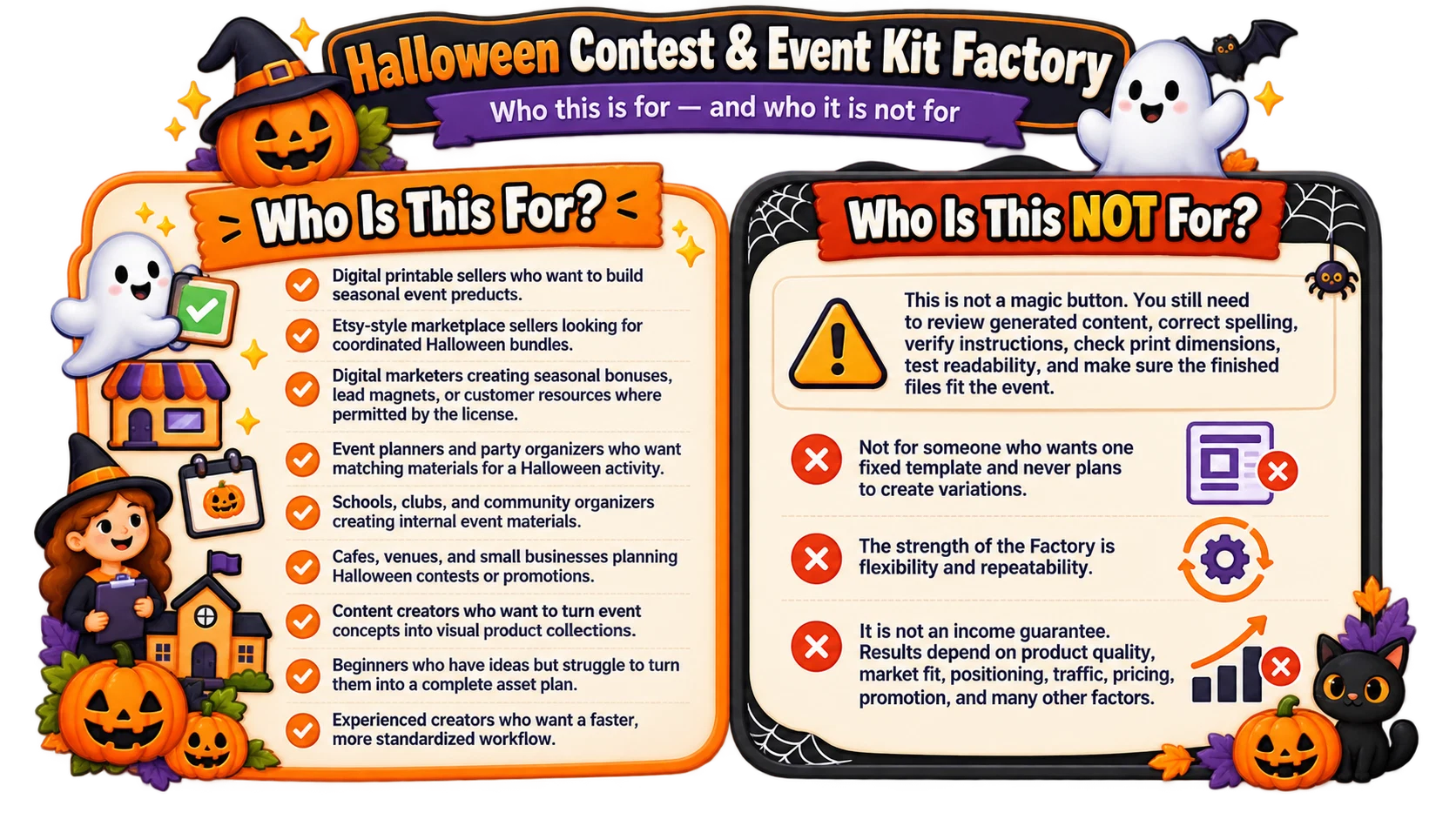
Seasonal products reward preparation. There is a natural point where buyers begin planning, a period where interest grows, and a point where the event is simply too close for a new product to gain much traction.
That means creators benefit from moving through research, product planning, asset creation, packaging and promotion without unnecessary delays.
A structured workflow cannot guarantee sales, but it can reduce the production friction that keeps good ideas stuck in draft mode.
The practical advantage is simple: once you know what to make and how it should look, you can spend your energy on execution instead of repeatedly deciding what comes next.
A well-planned event concept can often become more than one file package. The same creative direction can support the main kit, smaller themed subsets, promotional graphics, alternate audience versions, matching certificates or complementary event add-ons.
The goal is not to force every idea into more products. The goal is to recognize that a strong visual system can support an entire family of coordinated assets when the market or event calls for it.
| Essential event kit | Deluxe event kit |
| Judging and voting pack | Signage-only pack |
| Certificate pack | Kids version |
| Adult / workplace version | Matching promotional graphics |
| Alternate colorway | Related contest variation |
You do not need to hire a project manager to define the scope, a copywriter to outline every field, an art director to maintain the visual system and a designer to reinvent every page.
The Factory does not replace creative judgment, but it gives you the framework those roles would normally create: what the product is, what it includes, how it should feel, how the pieces relate and what production instructions are required.
That is what makes a guided system useful for a solo creator.
One of the biggest hidden costs in creative work is context switching. You finish a welcome sign and then stop to decide whether you need a ballot. You finish the ballot and then wonder how to word the certificate. You finish the certificate and realize you forgot the category signs.
A product plan reduces those interruptions. When the scope is established early, production becomes a sequence rather than a scavenger hunt.
Consistency is easier to protect when the rules are explicit.
If the background is warm cream, the accent is muted orange, the title treatment is bold retro display, and the decorative language uses vintage pumpkins and stars, those choices can be repeated in every asset prompt.
The goal is not to make every page identical. The goal is to make every page recognizable as part of the same product family.
Generic prompts often produce generic results because they do not contain enough product information.
A strong prompt describes the function of the asset, the intended user, the event context, the hierarchy of information, the visual system, the print orientation, the desired tone, what must remain readable and what should be avoided.
The Factory is built around that level of specificity.
If you sell printables, your job is not just to generate images. Your job is to create a useful product, present it clearly, follow marketplace rules, respect third-party intellectual property, proofread the files, define the buyer license and support the customer appropriately.
Halloween Contest & Event Kit Factory helps with the production-planning side of that workflow. It gives you a faster route from product idea to coordinated creation prompts.
What happens after that still matters: quality control, packaging, listing images, positioning, pricing, traffic and customer experience.
That is why the most useful way to think about the Factory is not “press a button and make money.” Think “replace a messy creative workflow with a repeatable production system.”
By now, you have seen how the Factory connects event planning, asset selection, visual direction, prompt creation and final packaging inside one repeatable workflow. That is a very different starting point from opening a blank page and rebuilding the process every time.
You do not have to rely on hype. Look at the workflow, the included tools and the coordinated examples above. The value is in having the important production decisions connected in one place, so each new Halloween event kit can begin with structure instead of guesswork.
If that sounds like a practical way to save time, stay consistent and turn more event ideas into complete products, the next section shows exactly what is included.
A browser-based planning, prompt-generation, and PDF-packaging workflow for creating coordinated Halloween contest and event-kit printables.
25 Halloween & fall Event Engines
22 practical printable asset types
10 coordinated Halloween visual systems
Worksheet Mode + Manual Mode
Production setup for size, orientation, and DPI
Master prompt + organized asset batching
Built-in Convert to PDF workflow
The price below is retained from your previous sales-page file.
Technical performance protection for 14 days from your purchase date.
Your purchase is protected by our 14-Day Product Performance Guarantee.
If the product does not function as described, or if a technical issue prevents you from using it normally, please contact us within 14 days of your purchase. Our first priority is to help you resolve the issue. We will provide reasonable troubleshooting and technical assistance to get the product working properly.
If the product is genuinely not functioning as described and we are unable to resolve the issue, you will be eligible for a refund. Please note that refunds are not available for change of mind, personal preference, buyer’s remorse, or deciding after purchase that another product may be a better fit for your needs.
No. It is a browser-based workflow and prompt generator that helps you plan and generate structured production prompts for Halloween event-kit assets, then combine finished files into PDF.
Yes. The application supports a single selected asset, a selected group of assets, or a complete-kit workflow.
Worksheet Mode keeps your selections tied to the included event and visual data. Manual Mode lets you enter your own event, asset list, visual direction, and custom instructions.
You can control the style, primary color, secondary color, background, accent, typography direction, decorative language, and best-use direction.
The attached app includes US Letter, A4, A5, 8×10, 5×7, 4×6, 8×8, and custom sizing, plus orientation and 150/300/600 DPI options.
Yes. The final workflow stage combines PNG, JPG, WEBP, and PDF files into one printable PDF.
Yes. Always check spelling, readability, alignment, safe margins, practical form fields, visual consistency, and print quality before selling, printing, or distributing the final files.