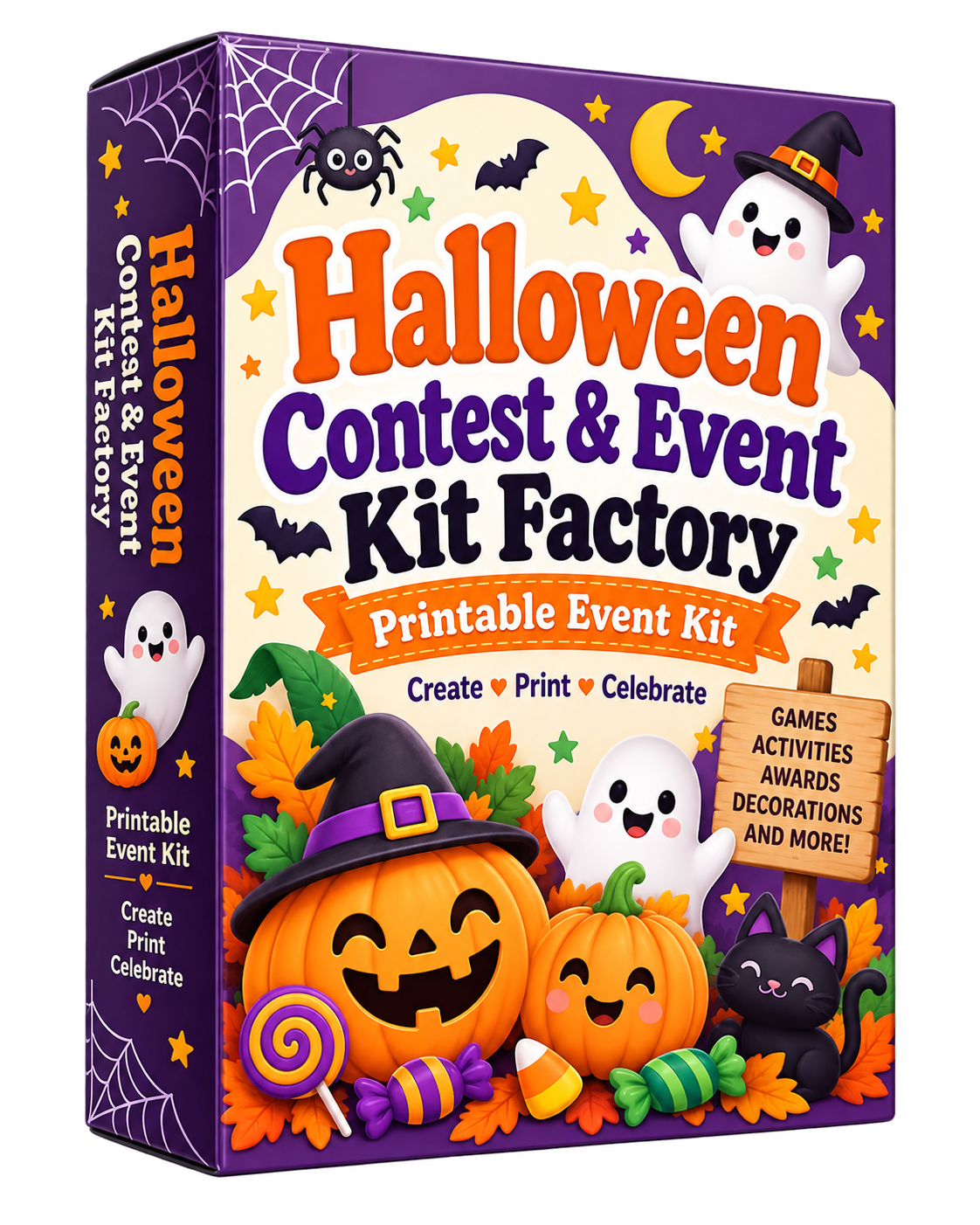
FRONT END · $17
Halloween Contest & Event Kit Factory
$17
50% = $8.50
- 25 Halloween & fall Event Engines
- 22 printable asset types
- 10 coordinated visual systems
- Worksheet + Manual Mode
- Master prompt + batching
- Convert to PDF workflow
Three browser-based software products. One clean $17 → $27 → $47 ladder. 50% commission on every tier.
Define the event once, choose the full asset set, lock the visual system, and let the Factory automatically structure
the production prompts for all 22 pieces. Instead of designing 22 disconnected printables, you can move through
one coordinated production workflow and create a consistent event-kit product from cover to checklist.
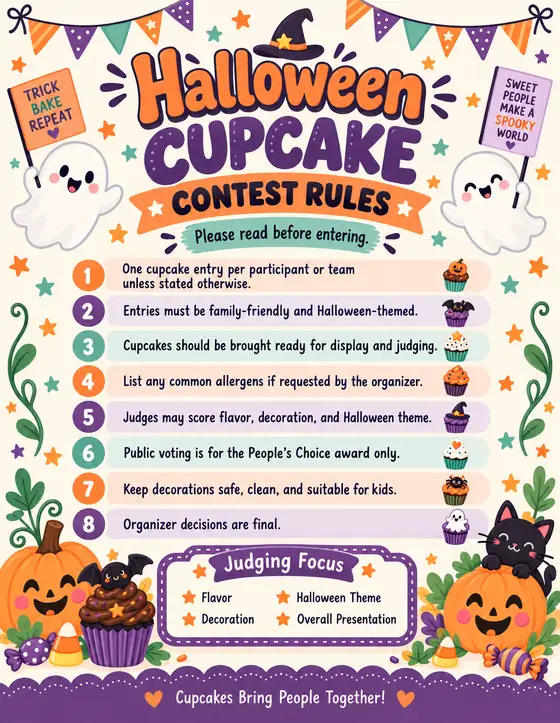
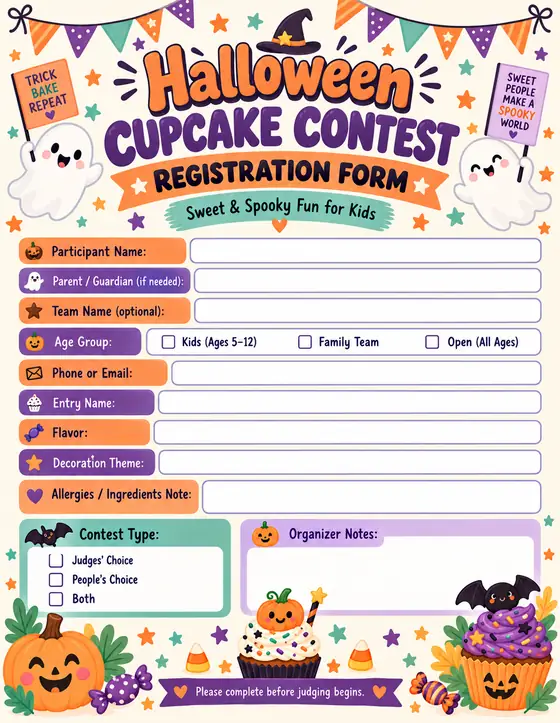
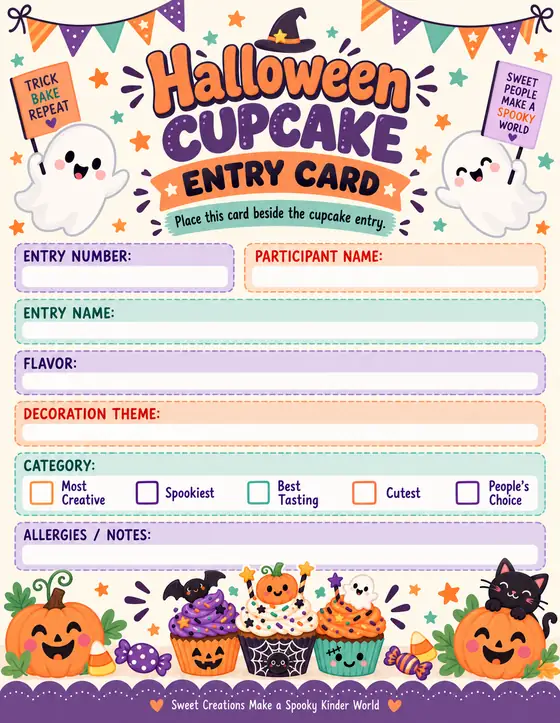
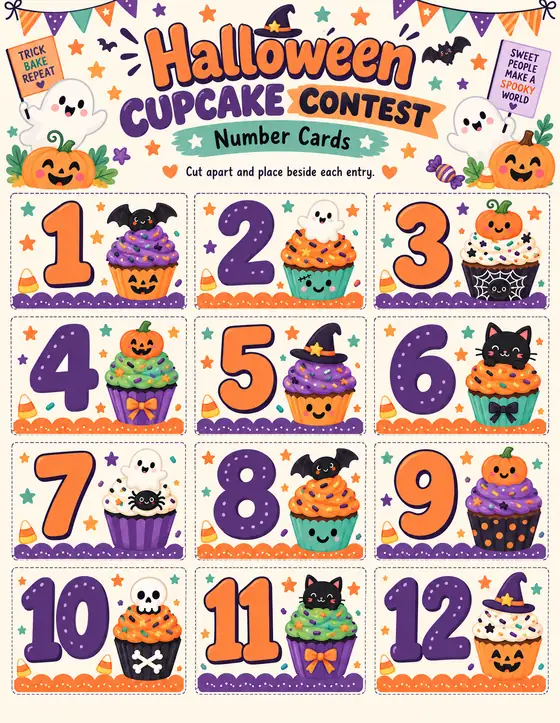
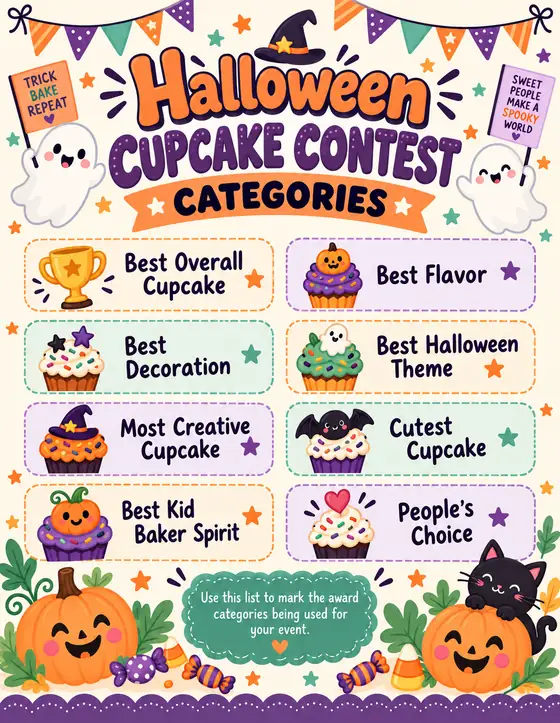
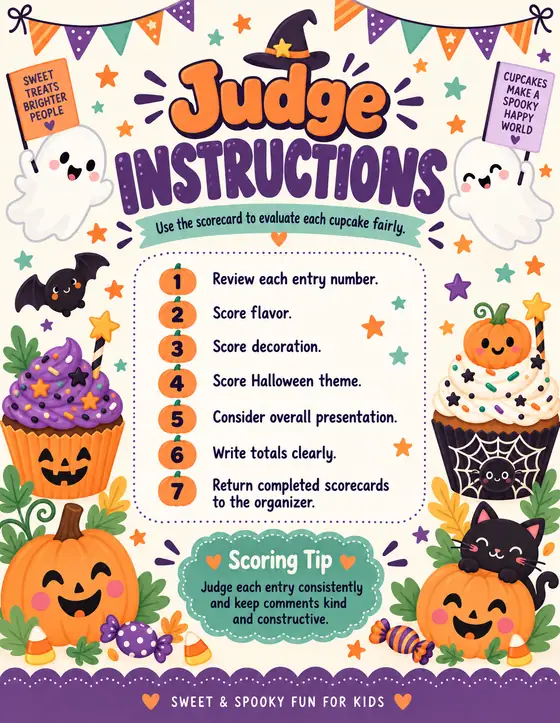
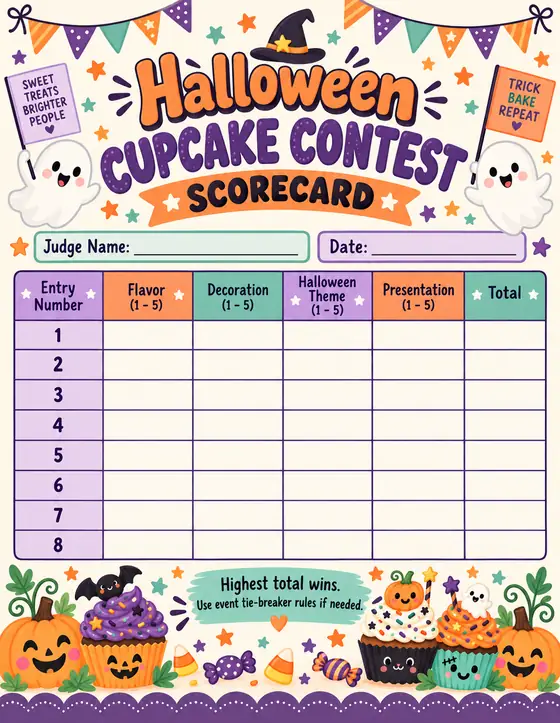
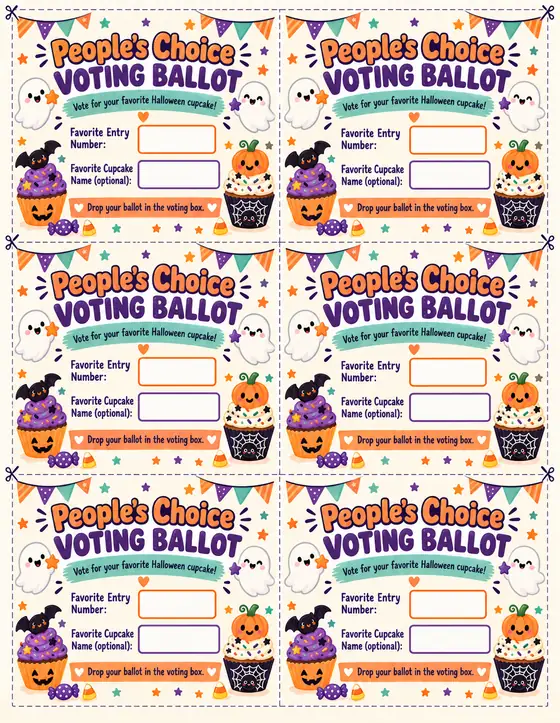
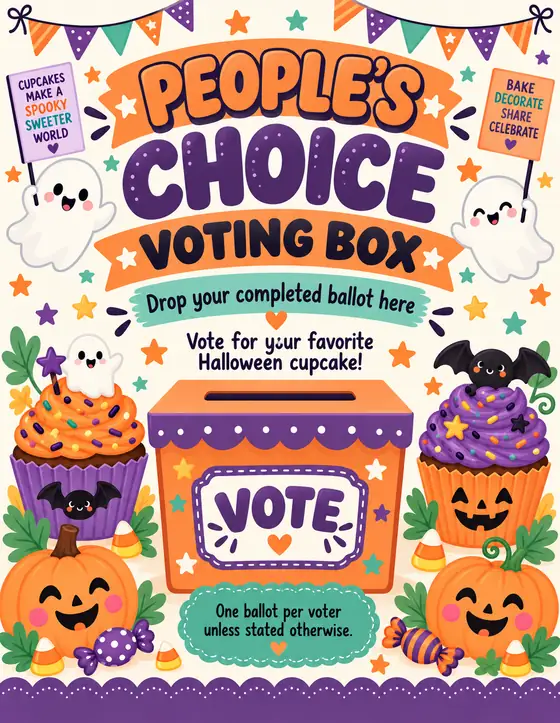
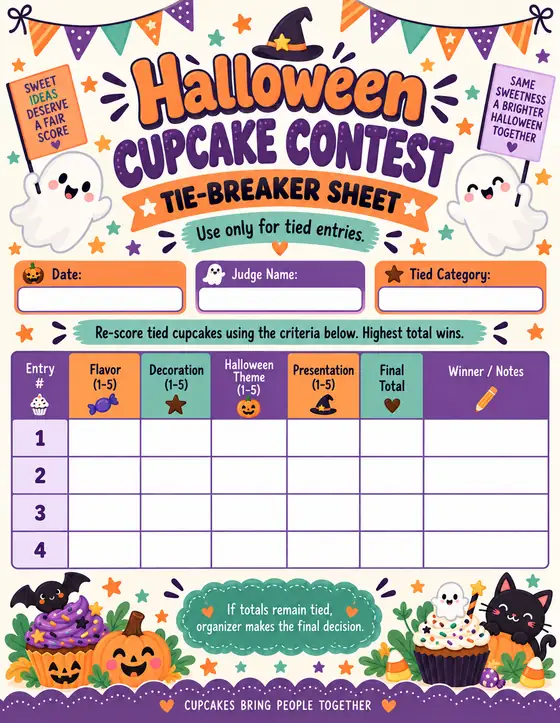
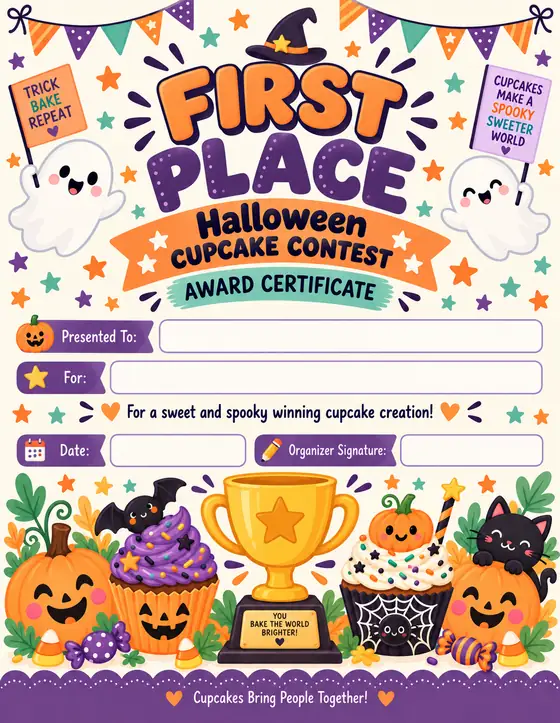
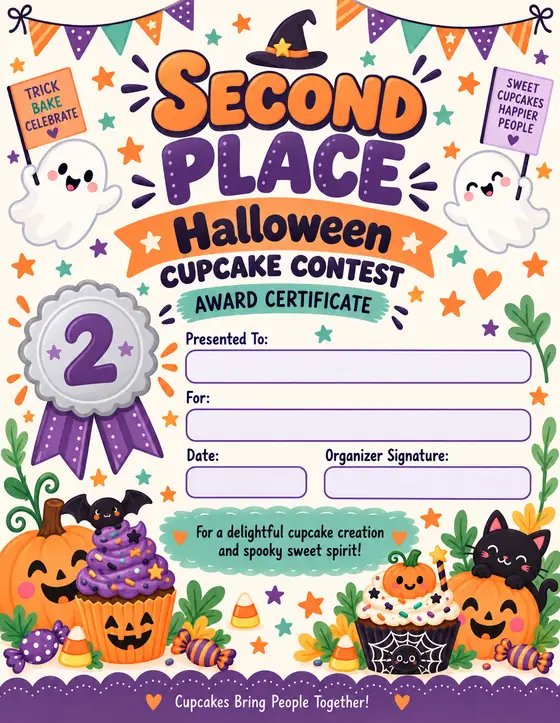
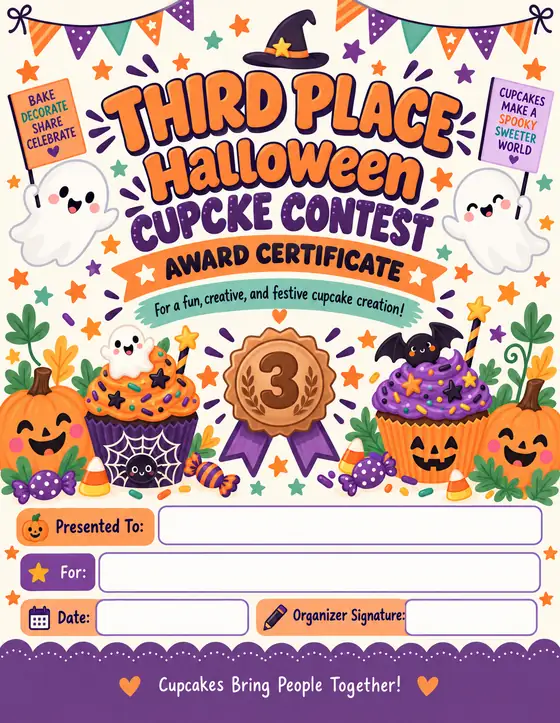
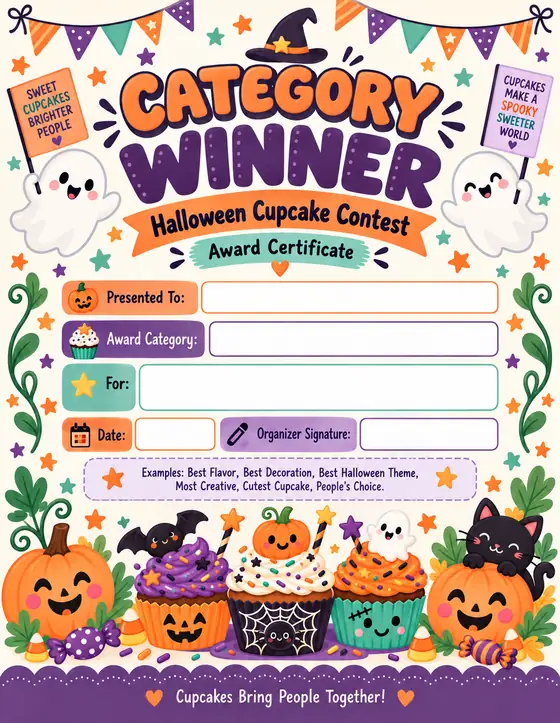
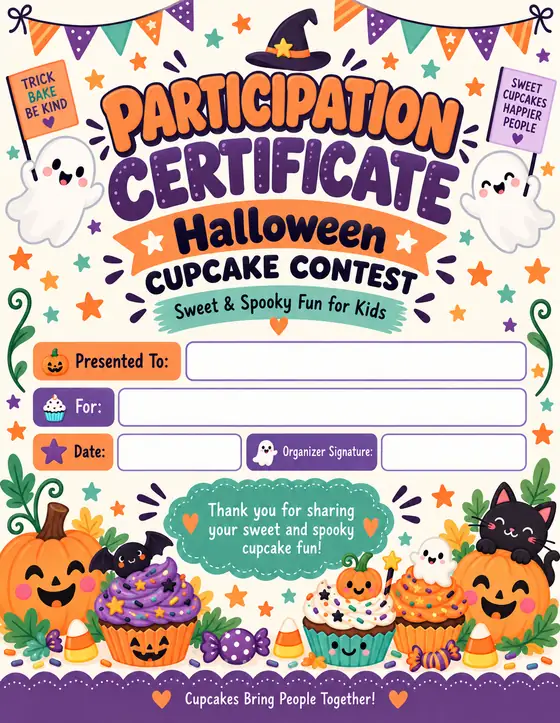
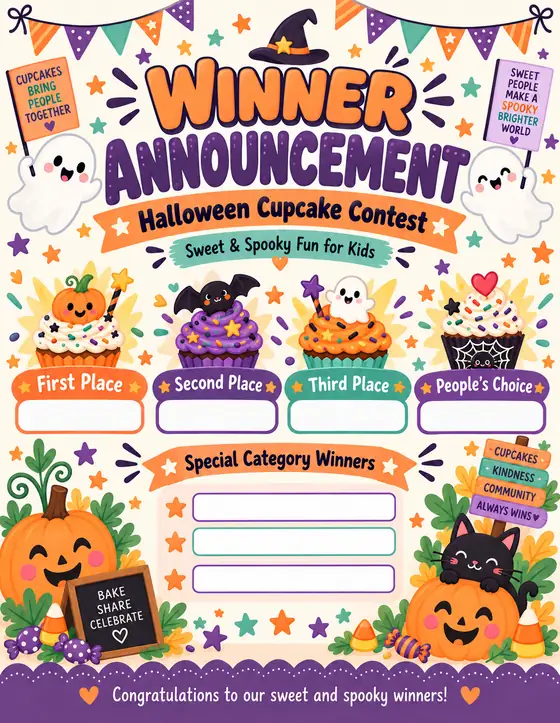
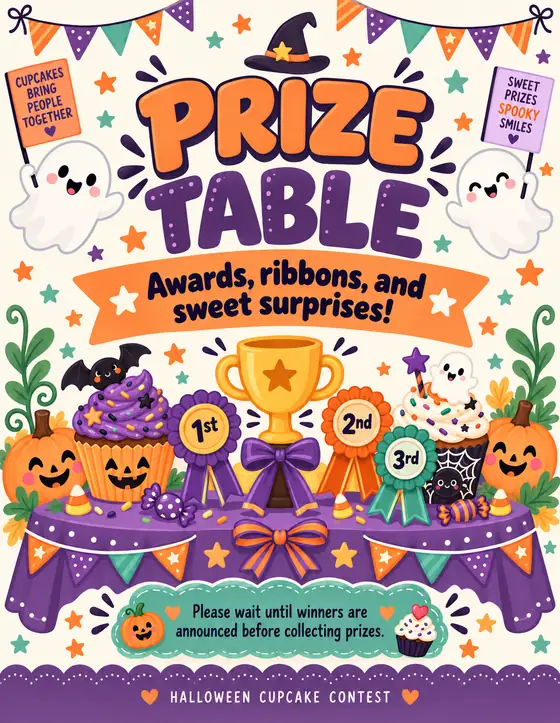
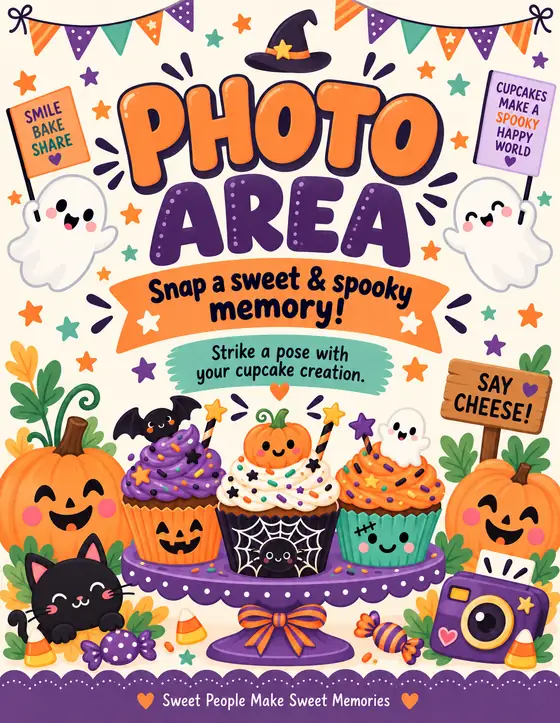
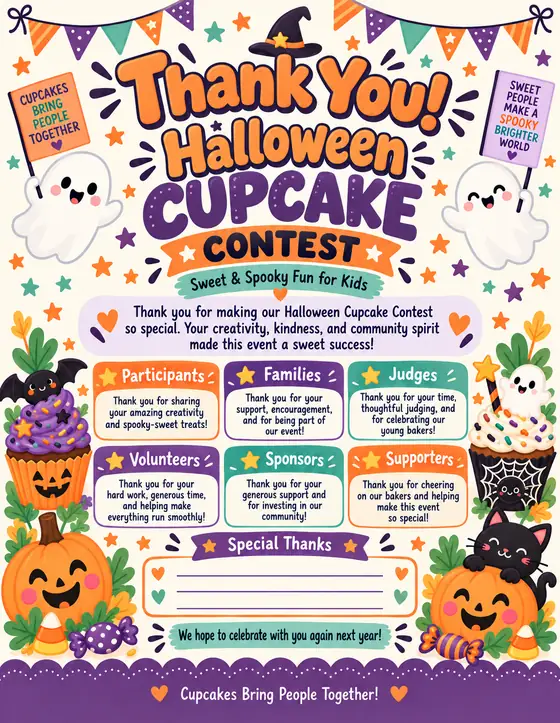
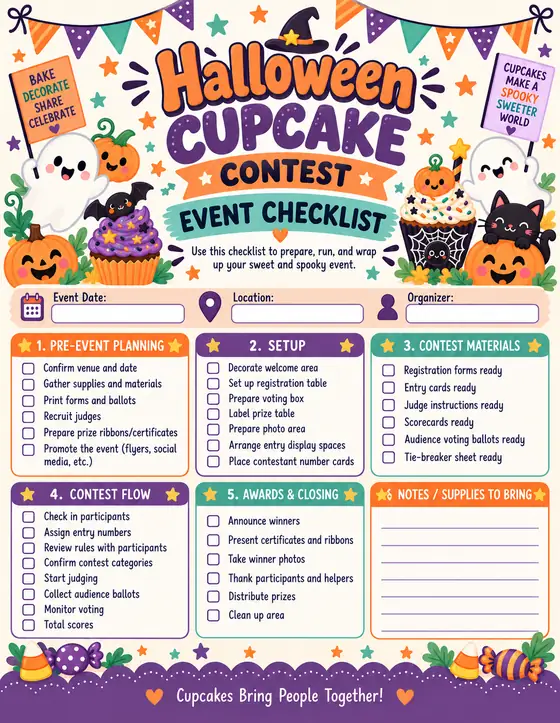
The ladder starts with a focused Halloween production workflow, expands the buyer’s range inside PRO, then turns the same product-building logic into a year-round event system.
| Product | What The Buyer Gets | Price | Commission | Your Cut |
|---|---|---|---|---|
|
FRONT END Halloween Contest & Event Kit Factory |
25 Halloween & fall event engines, 22 printable asset types, 10 coordinated visual systems, Worksheet + Manual Mode, prompt batching, production setup and built-in PDF finishing. | $17 | 50% | $8.50 |
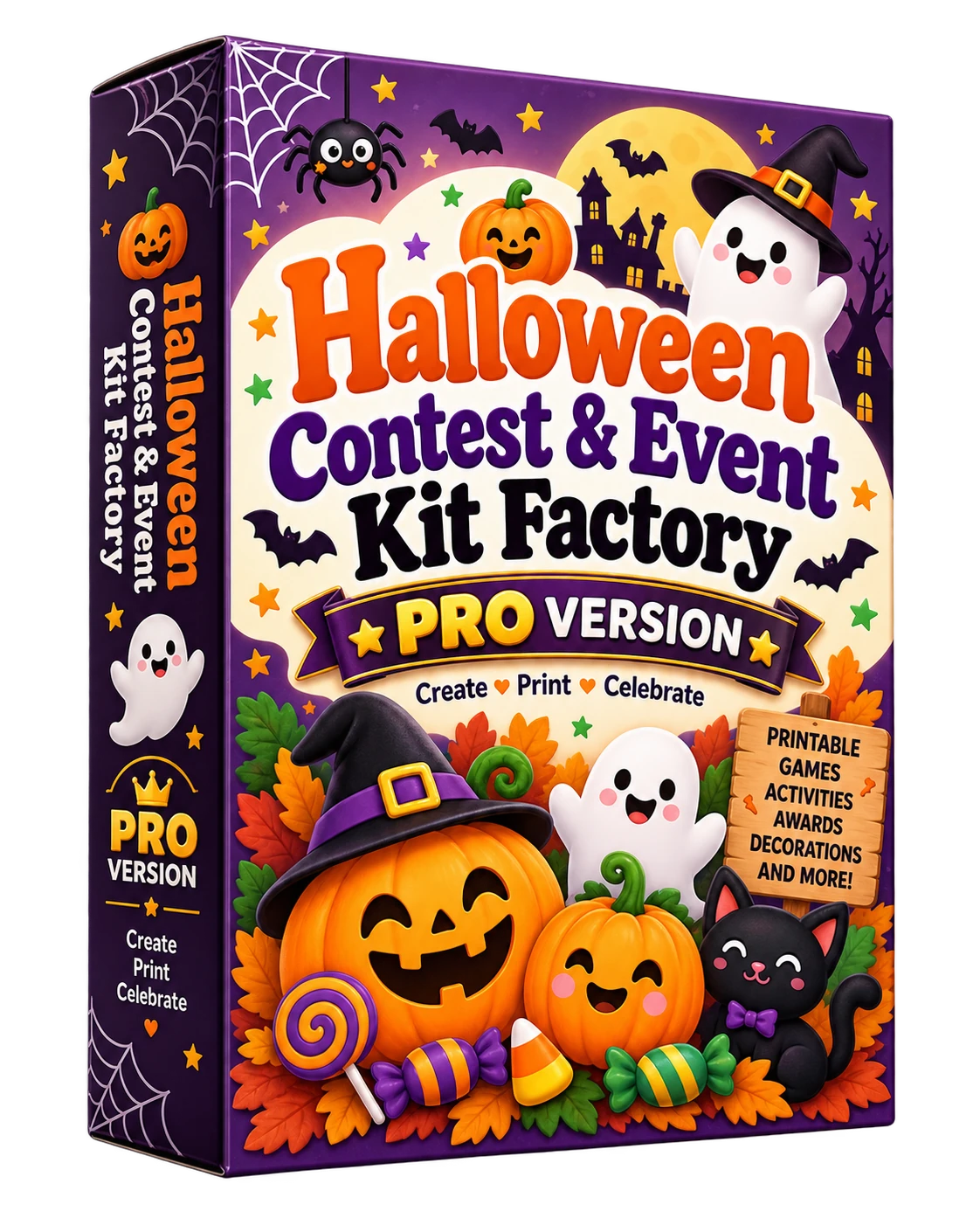
OTO 1 Halloween Contest & Event Kit Factory PRO Version |
75 event engines, 50 printable assets, 75 visual styles, exact color control, 25 typography directions, 25 decorative languages, 30 mockup formats and a 7-stage guided workflow. | $27 | 50% | $13.50 |
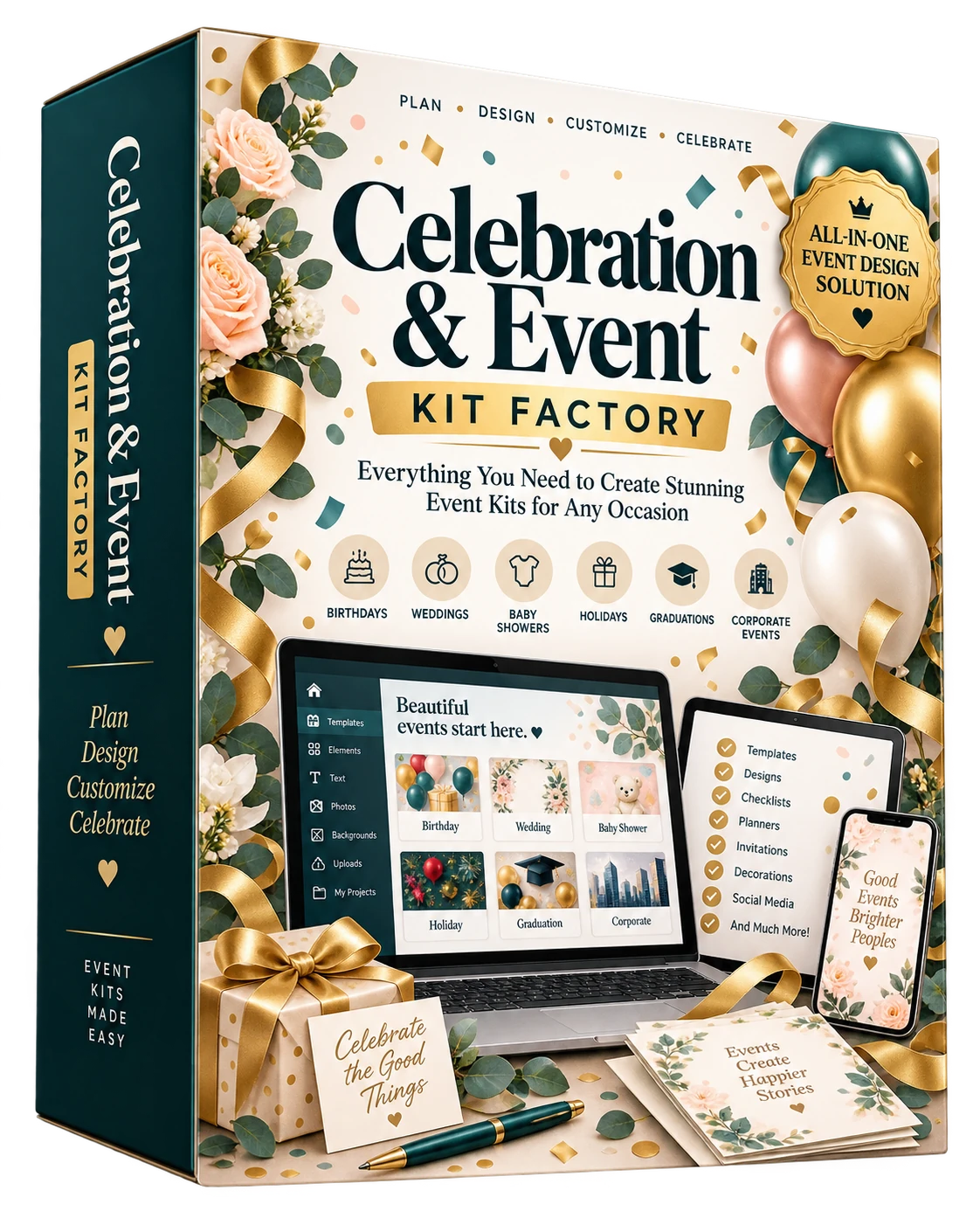
OTO 2 Celebration & Event Kit Factory |
132 year-round event scenarios, 23 audience choices, 35 printable assets, 30 visual styles, 30 typography directions, 30 decorative languages, 30 mockup formats and PDF assembly. | $47 | 50% | $23.50 |
| Full-funnel buyer total | $91 | 50% each tier | $45.50 | |
The upsells are not unrelated add-ons. The buyer starts with one Halloween system, wants more range, then gets a path to reuse the same workflow across the rest of the year.
The $17 entry offer has a clear seasonal use case: build coordinated Halloween contests and event kits instead of isolated printables.
OTO 1 keeps the same workflow but dramatically expands event engines, assets, visual directions, mockups and control — an easy “more range” upgrade to understand.
OTO 2 removes the Halloween ceiling and extends the system across holidays, milestones, schools, community events, businesses and social gatherings.
The funnel is centered on working browser tools: event planning, asset selection, visual direction, prompt generation, mockup planning and PDF assembly.
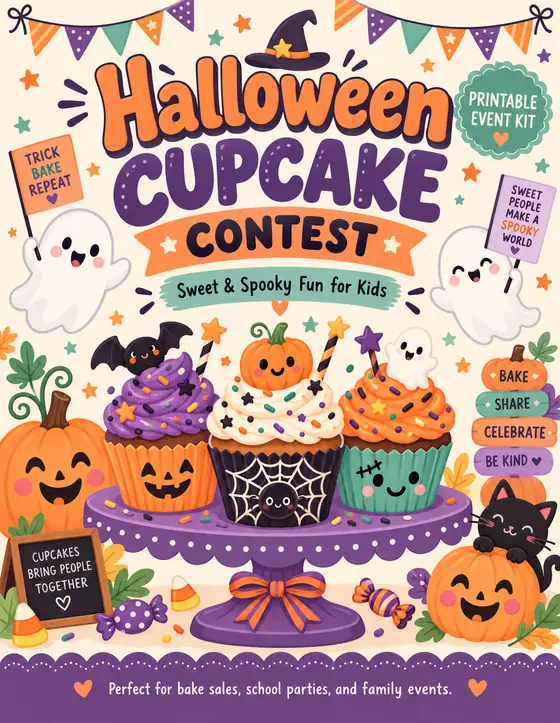
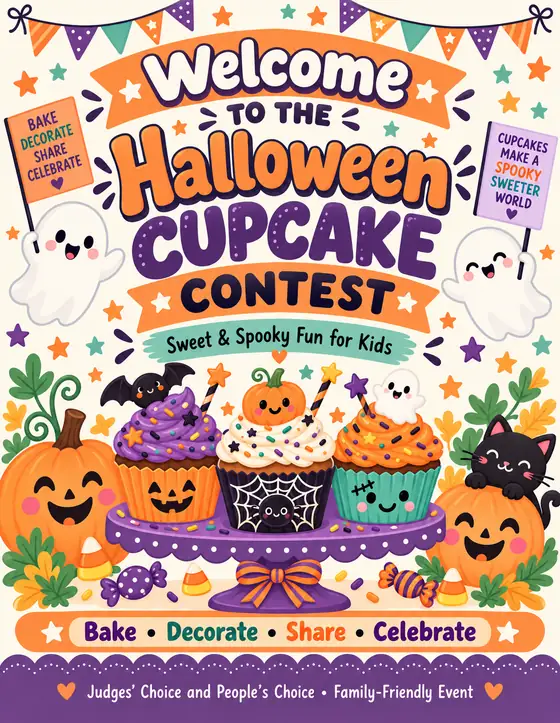
The sales pages contain actual software screens, generated examples and product mockups affiliates can reference when explaining the workflow.
Every tier pays 50%, so one full-funnel customer represents $45.50 in affiliate commission at the supplied launch prices.
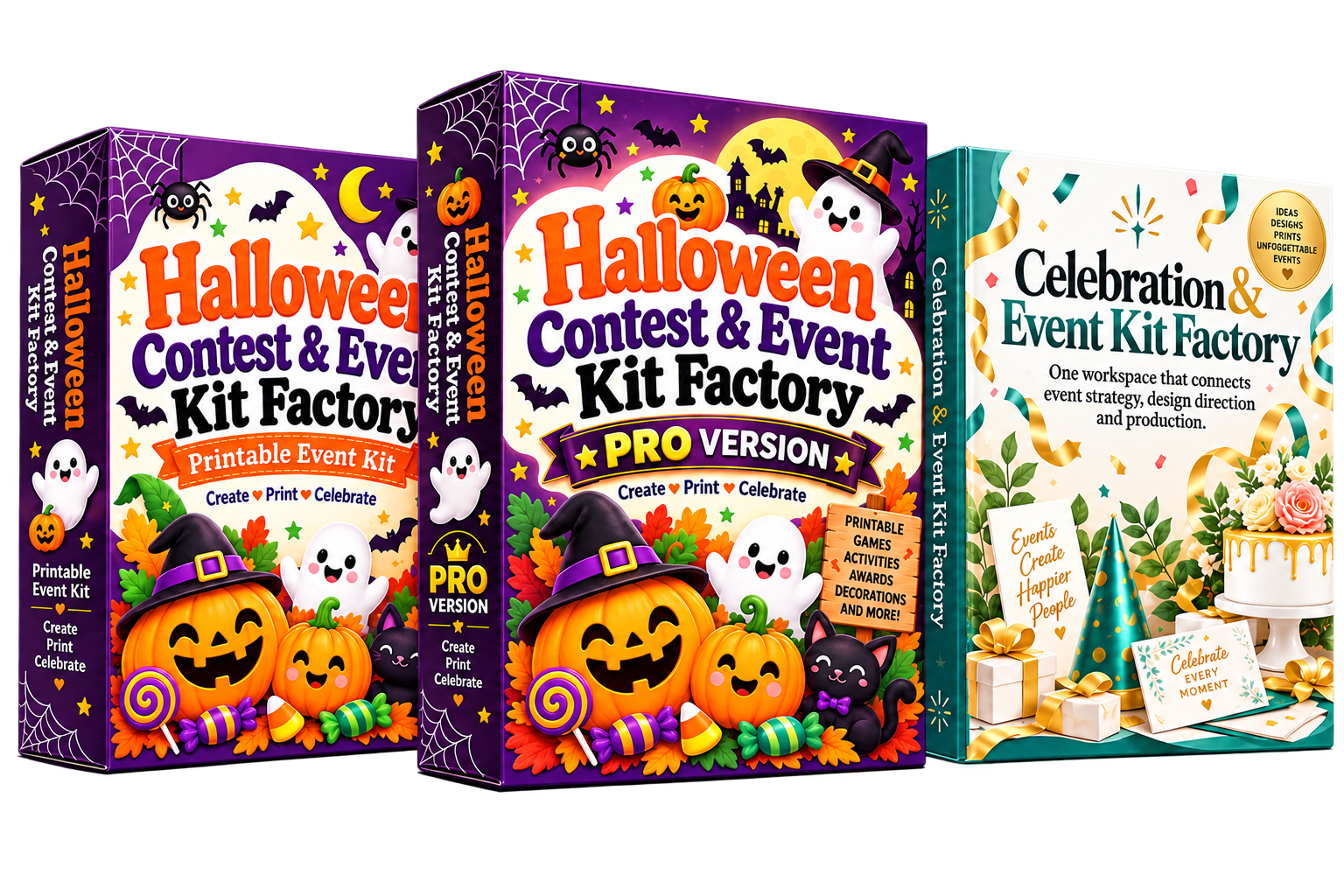
These visuals are pulled directly from the supplied sales pages so affiliates can show the products instead of relying on abstract claims.
Halloween Contest & Event Kit Factory product mockup.
Halloween Contest & Event Kit Factory PRO Version product mockup.
Celebration & Event Kit Factory product mockup.
The JV contest runs from launch day, October 1, through October 5, 2026. Three cash prizes are available, each with a minimum qualifying sales threshold.
Starts with the launch on October 1, 2026 at 11:00 AM EST and runs through October 5, 2026.
Leaderboard positions are based on qualifying tracked sales during the contest period. Minimum sales thresholds must be reached for the corresponding prize position. Refunded, reversed or fraudulent transactions should not count toward final qualifying totals.
Use these ready-to-customize materials in your emails, social posts, blog content and video promotions. Replace [YOUR AFFILIATE LINK] with your tracking link and edit any wording to match your own audience and voice.
Evergreen promotional emails that can be mailed individually.
Use when introducing the core problem the Factory solves.
Subject: Building one Halloween printable is easy. Building the whole kit is not.

Creating a Halloween sign or certificate by itself is simple.

The real challenge begins when you need the invitation, rules, entry form, scorecard, ballot, winner certificate, food signs and promotional pieces to feel like they belong to the same event.

Halloween Contest & Event Kit Factory gives you a structured workflow for doing exactly that.

Choose the event, select the assets, define the visual direction and generate coordinated production prompts that carry the same decisions across the complete kit.

Instead of rebuilding the creative brief every time, you start each piece from one connected system.

Take a look here:
→ [YOUR AFFILIATE LINK]
Use for audiences interested in digital products, printables or AI-assisted creation.
Subject: A useful Halloween product idea for printable creators

If you create digital products, seasonal printables or AI-assisted designs, here is an interesting angle for Halloween:

Instead of selling one isolated printable, build a coordinated event kit around a specific contest or celebration.

Halloween Contest & Event Kit Factory is designed to help with that process.

The front end includes 25 Halloween & fall event engines, 22 printable asset types and 10 coordinated visual systems, plus a guided workflow for turning your selections into production-ready prompts and final PDF products.

That means one idea can become a much more complete product experience instead of another random seasonal page.

See the full workflow here:
→ [YOUR AFFILIATE LINK]
Use when emphasizing repeatability and consistency.
Subject: Stop rebuilding your Halloween workflow from a blank page

A lot of time gets lost before the design work even begins.

Which assets belong in the kit?
What should the visual style be?
How do you keep every page consistent?
What instructions should you give the AI for each piece?
How should everything be packaged at the end?

Halloween Contest & Event Kit Factory connects those decisions inside one repeatable browser-based workflow.

You plan the event once, choose what the kit needs, lock the design direction, generate the coordinated prompt set and move the finished assets toward a packaged PDF product.

If you want structure before you start creating, you can see it here:
→ [YOUR AFFILIATE LINK]
Five quick promotional posts for Facebook, LinkedIn, X, Instagram captions, communities and similar channels.
🎃 Now live: Halloween Contest & Event Kit Factory.

Turn one Halloween event idea into a coordinated printable kit with a guided workflow for event planning, asset selection, visual direction, prompt creation and PDF finishing.

Front-end launch price: $17.

See it here → [YOUR AFFILIATE LINK]
One Halloween printable is easy.

Making the invitation, rules, ballot, scorecard, certificate and signs look like ONE coordinated product? That is where the workload starts.

Halloween Contest & Event Kit Factory helps connect those decisions inside one repeatable workflow.

→ [YOUR AFFILIATE LINK]
Printable creators: instead of another one-off Halloween page, what if one event idea could become a complete coordinated product line?

Halloween Contest & Event Kit Factory includes 25 event engines + 22 printable asset types + 10 visual systems to help structure the process.

Details → [YOUR AFFILIATE LINK]
Instead of repeatedly telling AI “make me a Halloween sign,” give every asset the same event context, audience, palette, typography and visual direction.

That is the idea behind Halloween Contest & Event Kit Factory: structure first, then production.

→ [YOUR AFFILIATE LINK]
🎃 Build Halloween event kits without rebuilding your process from scratch.

Plan → Select Assets → Set Visual Direction → Generate Coordinated Prompts → Package The Product.

Halloween Contest & Event Kit Factory is live for $17.

→ [YOUR AFFILIATE LINK]
Publish as blog posts, bonus-page content, newsletter articles or review-site supporting content. Add your own examples, screenshots and affiliate link.
Why Complete Halloween Event Kits Are Harder To Create Than They Look

Creating one Halloween printable can be simple. You choose a theme, write the copy, add a few seasonal graphics and export the page. But creating a complete event kit is a very different project.

A real Halloween contest or event may need a welcome sign, invitation, rules sheet, entry form, judging scorecard, voting ballot, first-place certificate, participation certificate, food labels, promotional pieces and a final event checklist. Each page has its own purpose, yet every piece still needs to feel as if it belongs to the same event.

That creates a hidden production problem. You are not just designing multiple pages. You are repeatedly making decisions about audience, copy hierarchy, colors, typography, illustration style, decorative elements, page purpose and formatting. If AI is part of your workflow, you also need prompts that carry those decisions consistently from one asset to the next.

This is where Halloween Contest & Event Kit Factory takes a different approach.

Instead of beginning every asset from a blank page, the browser-based system starts with the event itself. You choose the Halloween or fall event engine, select the printable pieces you want to create and define the visual direction. The Factory then helps structure those choices into coordinated production prompts.

The front end includes 25 Halloween and fall event engines, 22 printable asset types and 10 coordinated visual systems. The goal is not to make one random Halloween design. The goal is to create a repeatable production framework for a complete themed collection.

That matters because consistency is part of the perceived value of a bundle. When a buyer sees an invitation, ballot, certificate and event sign using the same palette, typography personality and decorative language, the pieces feel like one product rather than unrelated files collected into a folder.

The workflow also helps reduce decision fatigue. Instead of asking “what should I make next?” after every page, the asset menu provides a clearer production path. Instead of rewriting the creative direction for every AI prompt, the same event context and design system can be carried forward.

For creators, teachers, party hosts, community organizers, freelancers and digital-product sellers, that structure can make seasonal production more manageable.

If you want to see how Halloween Contest & Event Kit Factory organizes the process from event idea to coordinated printable collection, you can view the full details here:

→ [YOUR AFFILIATE LINK]
A Better Way To Use AI For Coordinated Halloween Printables

AI can make it surprisingly easy to generate an individual Halloween design. Type a short prompt, describe the theme and you may have a usable starting point within minutes.

The challenge appears when you want more than one asset.

Imagine creating a Halloween cupcake contest kit. The welcome sign may look playful and vintage, while the judging scorecard comes back dark and cinematic. The winner certificate might use a completely different color palette, and the invitation may introduce another illustration style altogether.

Each output can look fine by itself, but the collection does not feel coordinated.

The problem is usually not the AI. The problem is that the creative brief changes from prompt to prompt.

Halloween Contest & Event Kit Factory is designed around the opposite approach: establish the product system first, then use AI inside that structure.

The user chooses the event context, audience, required assets and visual direction before generating the production prompts. Important design decisions such as palette, typography direction, decorative language and style can then be carried across the selected pieces.

That changes the role of AI. Instead of asking AI to invent the product strategy every time, AI becomes the production engine working from a clearer specification.

For example, the same event kit might include an invitation, contest rules, entry form, judging sheet, ballot, certificates and venue signs. Each one needs different content and hierarchy, but they should still share the same identity. A coordinated prompt system gives each asset its own job without throwing away the decisions made for the rest of the kit.

This is especially useful for creators building multiple seasonal products. Once the workflow is repeatable, the creator can move from one event concept to another without rebuilding the whole planning method from scratch.

Halloween Contest & Event Kit Factory also includes Worksheet and Manual modes, prompt batching, production setup and PDF finishing tools, so the workflow extends beyond the first prompt.

It is important to understand what the software is doing: it is not simply an AI image generator. It is the structure that helps organize the event, assets and creative instructions so compatible AI tools can be used more consistently during production.

If that approach fits the way you create, you can explore Halloween Contest & Event Kit Factory here:

→ [YOUR AFFILIATE LINK]
From One Halloween Printable To A Complete Event Product

Seasonal printable creators often begin with individual items: a party invitation, a game sheet, a certificate or a sign. Those products can be useful, but an event creates a larger opportunity because the organizer usually needs several related pieces at the same time.

Think about a pumpkin carving contest. Before the event begins, the organizer may need an invitation or flyer. At the venue, there may be a welcome sign, entry form, contestant numbers, rules, judging criteria and scorecards. At the end, there may be ballots, winner announcements, award certificates and participation certificates.

That means one event idea can naturally support a coordinated collection.

The difficulty is production. Every extra piece introduces another design decision, another content requirement and another chance for the visual identity to drift.

Halloween Contest & Event Kit Factory was created to make that larger product approach easier to organize.

The front end starts with 25 Halloween and fall event engines, including contest and event concepts that can be developed into complete printable kits. From there, users can choose from 22 practical asset types and 10 coordinated visual systems.

Rather than treating each page as an unrelated project, the Factory connects event planning, asset selection, visual direction and prompt creation in one workflow. That allows the creator to think in terms of the complete event experience.

For a digital-product seller, this can provide more ways to position a seasonal offer. Instead of publishing only a single ballot, for example, the creator can develop a broader contest kit. Instead of one certificate, the product can include the supporting materials needed before, during and after the event.

The same concept also works beyond marketplace sellers. Teachers can create classroom event materials. Community organizers can prepare local Halloween activities. Party hosts can coordinate themed contests. Freelancers can use the workflow when creating event materials for clients.

The value is not simply “more pages.” It is the ability to start from a planned product structure where the pieces have defined roles and a shared visual direction.

If you want to see the complete Halloween Contest & Event Kit Factory workflow and the assets included in the front end, visit:

→ [YOUR AFFILIATE LINK]
Three adaptable scripts for short-form video, a one-minute promo and a longer review/demo introduction.
[HOOK]
Creating one Halloween printable is easy. Making 10 or 20 pieces look like ONE coordinated event kit? That is the hard part.

[B-ROLL: Show several coordinated Halloween printables]
Halloween Contest & Event Kit Factory helps you choose the event, select the assets, lock the visual direction and generate coordinated production prompts from one guided workflow.

[B-ROLL: Show the software interface]
The front end includes 25 Halloween and fall event engines, 22 printable asset types and 10 visual systems.

[CTA]
It is currently available for $17. Check it out through the link below.
[YOUR AFFILIATE LINK]
[OPENING]
If you have ever tried to make a complete Halloween event kit, you know the difficult part is not creating one page. It is keeping every page consistent.

[SHOW EXAMPLES]
The invitation, contest rules, scorecard, ballot, winner certificate and signs all need different content, but they still need to look like they belong together.

[SHOW SOFTWARE]
Halloween Contest & Event Kit Factory gives you a structured browser-based workflow for planning the event, choosing the assets, setting the visual direction and building coordinated production prompts.

You get 25 Halloween and fall event engines, 22 printable asset types, 10 coordinated visual systems, Worksheet plus Manual Mode, prompt batching and PDF finishing.

[POSITIONING]
So instead of starting every asset from a blank page, you can begin with the structure of the complete product.

[CTA]
The launch price is $17. Use my link to see everything included:
[YOUR AFFILIATE LINK]
[INTRO]
In this video I want to show you Halloween Contest & Event Kit Factory, a browser-based production system created for people who want to build coordinated Halloween contest and event printables.

[PROBLEM]
The main idea is simple. If you are creating only one Halloween sign, you can probably do that manually. But a complete event may need an invitation, rules, entry form, scorecard, ballot, certificates, food signs and promotional pieces. As the kit grows, keeping the content and visual direction consistent becomes much harder.

[SHOW INTERFACE]
This software organizes that workflow. You start with the event, choose the assets that belong in the kit, define the visual direction and then build coordinated production prompts based on those selections.

[SHOW FEATURES]
The front end includes 25 Halloween and fall event engines, 22 printable asset types and 10 coordinated visual systems. It also includes Worksheet and Manual modes, prompt batching, production setup and a PDF finishing workflow.

[AI EXPLANATION]
One thing to understand is that the Factory is not just asking AI for random Halloween designs. The goal is to give each prompt the same event context and design decisions so the individual pieces are easier to keep coordinated.

[SHOW OUTPUT]
Here you can see examples of how multiple assets can be created around one event instead of treating each printable as a separate project.

[WHO IT IS FOR]
I can see this being useful for printable creators, digital-product sellers, teachers, party organizers, community groups, freelancers and anyone using AI tools to produce seasonal event materials.

[CTA]
Halloween Contest & Event Kit Factory is launching at $17. If you want to see the sales page, examples and full feature list, use my link below:
[YOUR AFFILIATE LINK]

[OPTIONAL DISCLOSURE]
Disclosure: This may be an affiliate link, which means I may earn a commission if you purchase through it at no additional cost to you.
Replace [YOUR AFFILIATE LINK] with your tracking link and adjust the voice to fit your list.
Quick heads up — tomorrow I’m sharing a new browser-based production system built specifically for Halloween contest and event-kit creators.

Instead of starting every flyer, ballot, certificate, sign, scorecard, and event page from scratch, Halloween Contest & Event Kit Factory helps you plan the event, choose the assets, lock the visual direction, generate coordinated production prompts, and package the final files into PDF.

It goes live October 1 at 11:00 AM EST.

I’ll send you the link as soon as it opens.
It’s live.

Halloween Contest & Event Kit Factory is a browser-based workflow designed to help creators turn one event idea into a coordinated printable product — without rebuilding the planning process asset by asset.

Inside the front-end you get 25 Halloween & fall event engines, 22 practical printable asset types, 10 coordinated visual systems, Worksheet + Manual Mode, prompt batching, production setup, and a built-in PDF finishing workflow.

Launch price: $17.

→ [YOUR AFFILIATE LINK]
Generating one Halloween image is easy.

The hard part is making the invitation, rules, ballot, certificate, signs, scorecards, and other pieces feel like they belong to the same event.

That’s the gap Halloween Contest & Event Kit Factory is designed to close.

You define the event once, select what belongs in the kit, set the visual system, and generate a structured production prompt that carries those decisions forward.

See how the workflow works here:

→ [YOUR AFFILIATE LINK]
If you only make one printable, a basic prompt may be enough.

But once you start building several event kits, the repeated planning becomes the bottleneck.

That is why this funnel has a natural upgrade path:
• Front End — build coordinated Halloween kits
• PRO — expand into 75 event engines, 50 printable assets, 75 visual styles, exact color control, and dedicated mockup planning
• Celebration & Event Kit Factory — take the same production logic beyond Halloween into 132 year-round celebration and event scenarios

Start with the $17 front end here:

→ [YOUR AFFILIATE LINK]
Quick reminder — Halloween Contest & Event Kit Factory is live now at the $17 launch price.

It gives creators a structured way to move from event idea → asset selection → visual direction → production prompt → finished PDF, all without rebuilding the workflow from scratch for every product.

If Halloween printable products, classroom events, contests, parties, local events, or digital-product creation are relevant to your audience, take a look here:

→ [YOUR AFFILIATE LINK]
Add your final WarriorPlus affiliate-request URL to the button below before publishing this page.
For review access, launch questions, custom promo needs, or affiliate support, contact:
tenasdigitalhub@gmail.comInclude your affiliate name / WarriorPlus username and the product you want to review.
October 1, 2026 at 11:00 AM EST.
Front End: Halloween Contest & Event Kit Factory ($17) → OTO 1: Halloween Contest & Event Kit Factory PRO Version ($27) → OTO 2: Celebration & Event Kit Factory ($47).
50% on all three products. At the supplied prices, a full-funnel buyer can generate $45.50 in affiliate commission.
October 1 through October 5, 2026. Winner 1: $150 with minimum 150 sales. Winner 2: $100 with minimum 100 sales. Winner 3: $50 with minimum 50 sales.
Email tenasdigitalhub@gmail.com with your affiliate details and the product you want to review.